
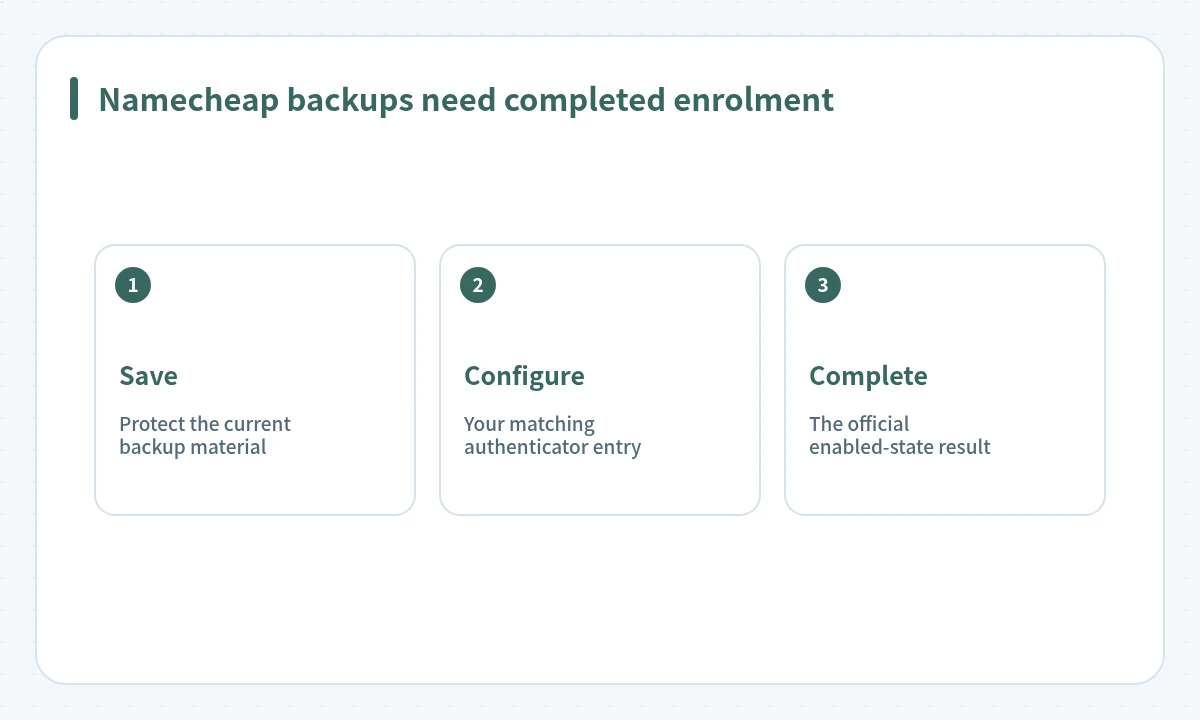
Namecheap verification codes during TOTP enrolment require a completed setup, not just a saved backup list. Official guidance says the backup codes activate only after the whole process finishes. Seeing the values is therefore not a reason to leave the setup page early.
Saving material is an intermediate result
Namecheap's TOTP instructions describe saving backup codes, configuring the authenticator and submitting its generated value to finish. Keep the current page identifiable, confirm the account and inspect the final setting. A successful download does not establish that the security method is enabled.
Use the setup QR or text secret only for your own official configuration. Do not send it to someone else to scan. It provides authentication capability rather than ordinary troubleshooting information. Store backup material somewhere protected and accessible to you if the old phone becomes unavailable.
Check both the application and account page
| Object | Result to establish |
|---|---|
| Backup material | Actually saved and securely retrievable |
| Authenticator entry | Matched to your Namecheap account |
| Settings page | Setup reported as complete |
When the page requests TOTP, inspect the matching app entry rather than waiting for a text that was not requested. If a code is rejected, check identity and device time, then follow the official response. Requesting another phone number does not repair an authenticator configuration.
A preparation note can record that the setup completed and where protected material is stored. It should not duplicate the seed and backup list into an ordinary handover document simply to make completion visible.
Regeneration changes the status of previous material
The official help explains that a replacement backup set invalidates the old set and that regenerating the QR configuration also has consequences. Do not treat QR regeneration as merely refreshing an image. Understand which enrolled devices and saved information must change before performing it.
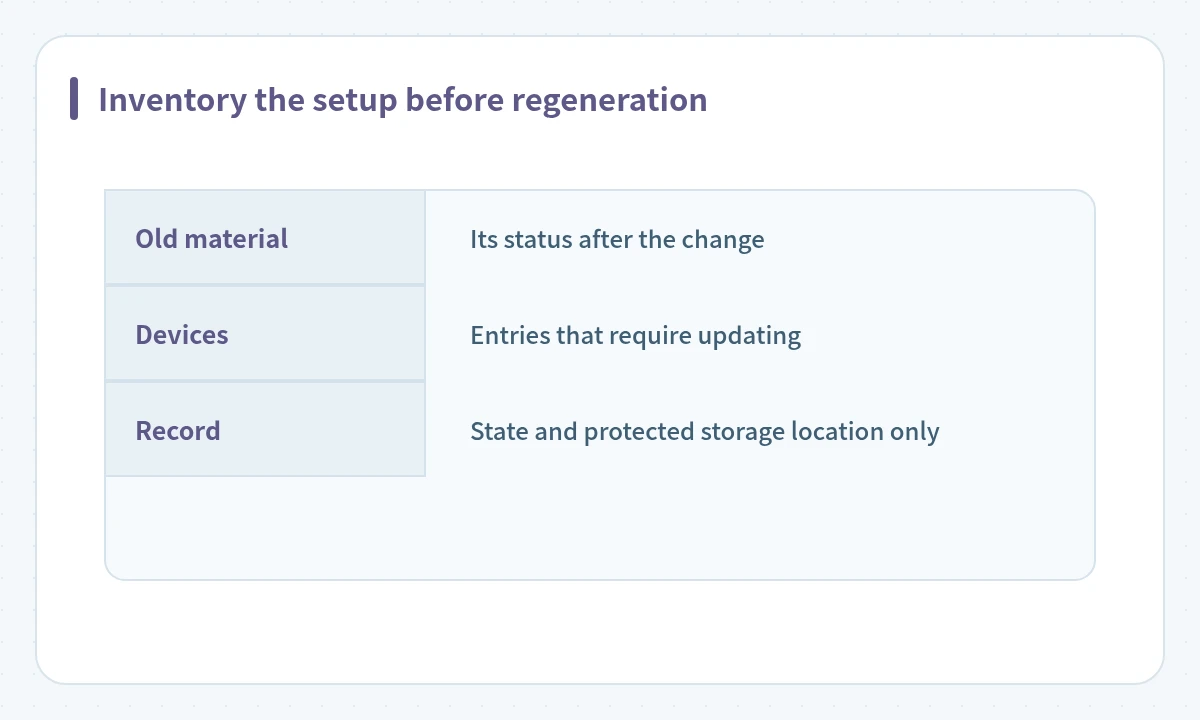
After the formal change, identify the current set and protected storage location so an older file does not mislead the next recovery attempt. Keep only necessary status information in a regular checklist; live values belong in appropriate protected storage.
If several of your devices are involved, account for each one deliberately. A device continuing to display digits does not establish that its old enrolment still matches the current account configuration. Inspect the result rather than relying on the application's display alone.
Arrange a phone change while access still works
Read the current official transfer or reconfiguration instructions before clearing the old device. Establish usable access on the replacement first. Do not sign out everywhere merely to test recovery or disclose a password so an outsider can operate the account for you.
If the authenticator and usable backups are already unavailable, use official support and describe the stage. A universal backup value cannot legitimately be generated by an outside website from a username. Hide secrets in screenshots while retaining fields, errors and timing. This distinguishes incomplete setup, invalidated old material and a rejected current code without turning them into repeated SMS tests.
Before applying regeneration, identify the devices that will need attention and the protected backup location to update. Schedule the change when you can complete those tasks together, rather than interrupting setup after generating new material.
References
Namecheap: TOTP completion, backup activation and regeneration.
