
Linode verification codes associated with Cloud Manager can serve different tasks: signing in, or confirming identity during an official support interaction you initiated. Akamai's cloud-computing help describes those controls separately. A support-verification text is not a universal login value, and an authenticator value should not be handed to an unknown person simply because they claim to represent support.
Identify where the task started
If you are signing into Cloud Manager, follow its actual native or third-party method. Official documentation explains that a provider such as Google or GitHub manages 2FA for that provider login. Native Cloud Manager security instructions should not automatically be applied to a challenge displayed by another identity provider.
If you initiated an official support conversation, a different phone-verification request can relate to that interaction. Establish that the support route is legitimate and matches your own case. An unsolicited caller saying they are support is not equivalent to the protected conversation you started through the official service.
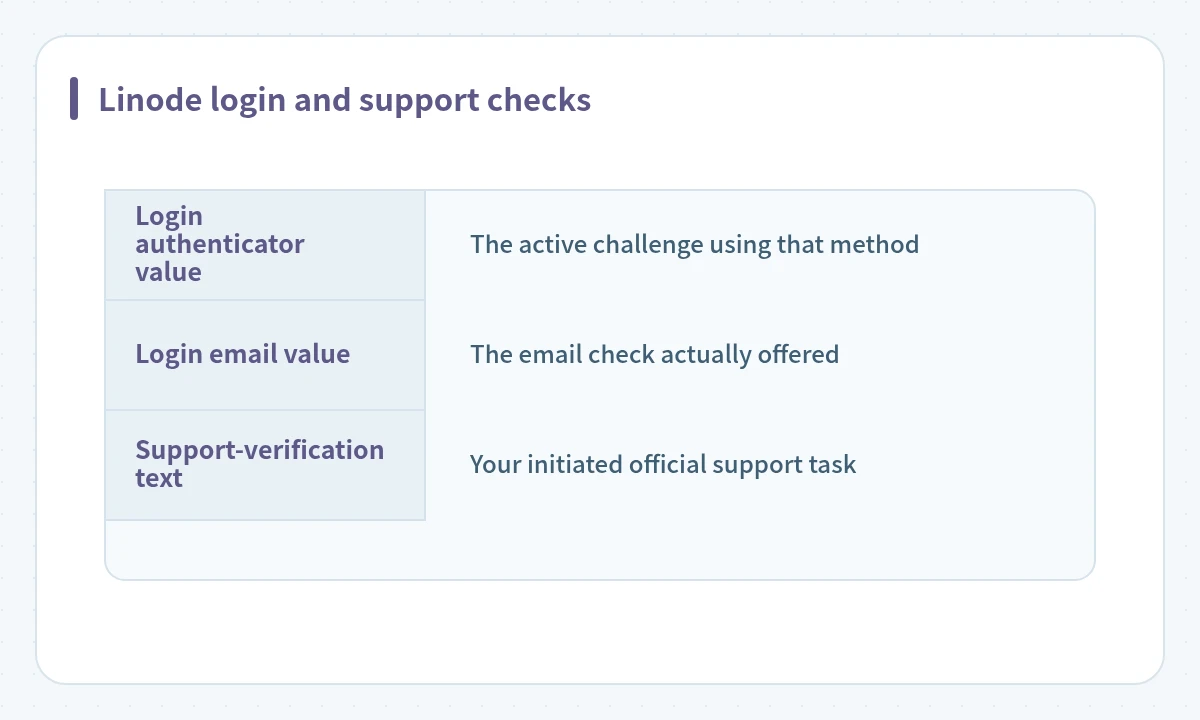
Associate each resource with its specific purpose
| Resource | Context to match |
|---|---|
| Login authenticator value | The active challenge using that method |
| Login email value | The email check actually offered |
| Support-verification text | Your initiated official support task |
A verified phone in the account does not establish that every sign-in code should arrive by SMS. The documentation treats support phone verification and login protection as different controls. Read the request's origin before deciding which device, app or inbox should supply the response.
Respect the narrow support-verification context
For the specified support verification, official help permits using that task's phone value with the support representative in the legitimate interaction. It also warns against passing along a text received without contacting support. This limited process is different from giving an unsolicited contact general access to an account.
Continue through your own official case or independently verified support entry. Check that the requested item is the specific support challenge, not a password, authenticator secret or general login value. If the distinction is unclear, pause and verify the route through official help before disclosing anything.
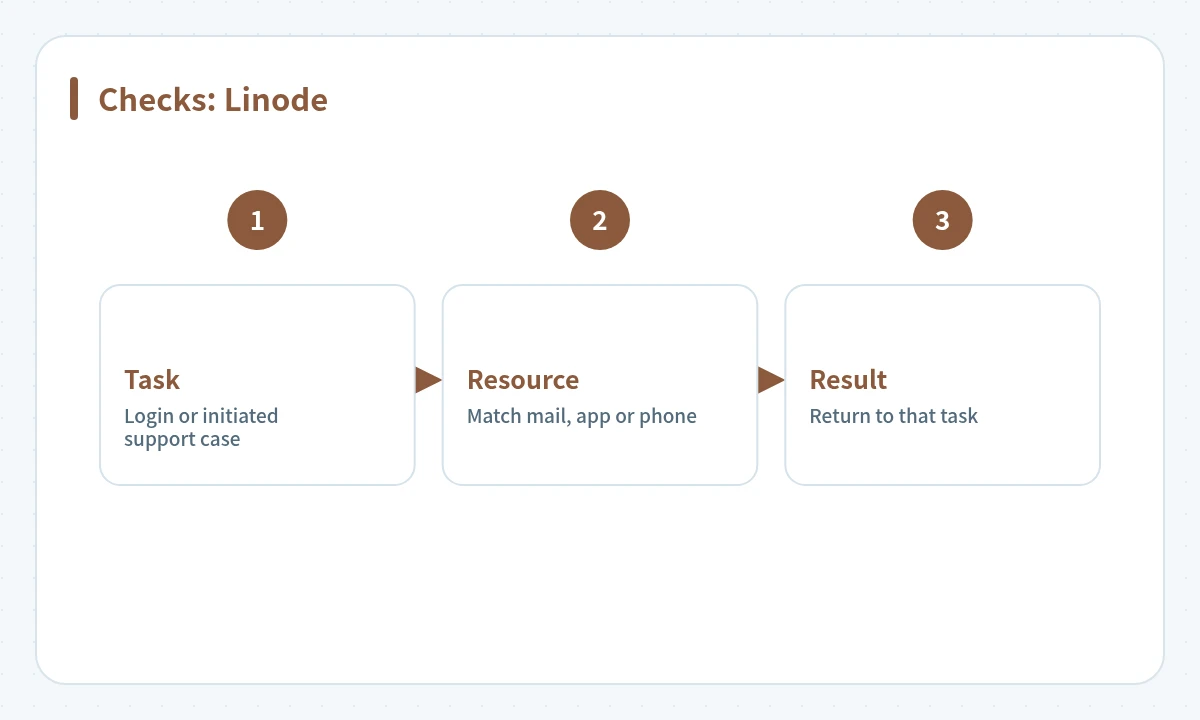
Return to the task that was being completed
After login, inspect the intended user and resource. After support confirmation, inspect whether the issue in the case was resolved. One result does not establish the other. In particular, a completed support identity check does not prove that every account contact or security setting has been updated.
For a useful report, identify the selected login provider, where the request appeared and the error wording. Keep recovery resources and security-question answers out of public screenshots. Where the obstacle belongs to a third-party identity page, use that provider's official help for its portion of the process.
Maintain individual user identities and appropriate permissions rather than sharing one authenticator among colleagues. This task distinction is intended to identify the correct procedure, not promise that any newly acquired phone can recover the account. A short private record of the case and completed stage provides continuity without preserving a reusable secret or confusing support verification with routine sign-in.
References
Akamai cloud computing: Cloud Manager login protection and support phone verification.
