
Indeed verification codes for an employer's work email are separate from account sign-in codes. Even if both messages reach the same mailbox, match each to its current purpose. Completing login does not automatically complete the employer verification shown afterward.
Read the task in the employer interface
Indeed's official employer guidance describes a work-email one-time code and explicitly distinguishes it from a sign-in code. Available verification and appeal methods can vary by location and account status. Start with the actual employer prompt instead of applying a job seeker's login screenshots to it.
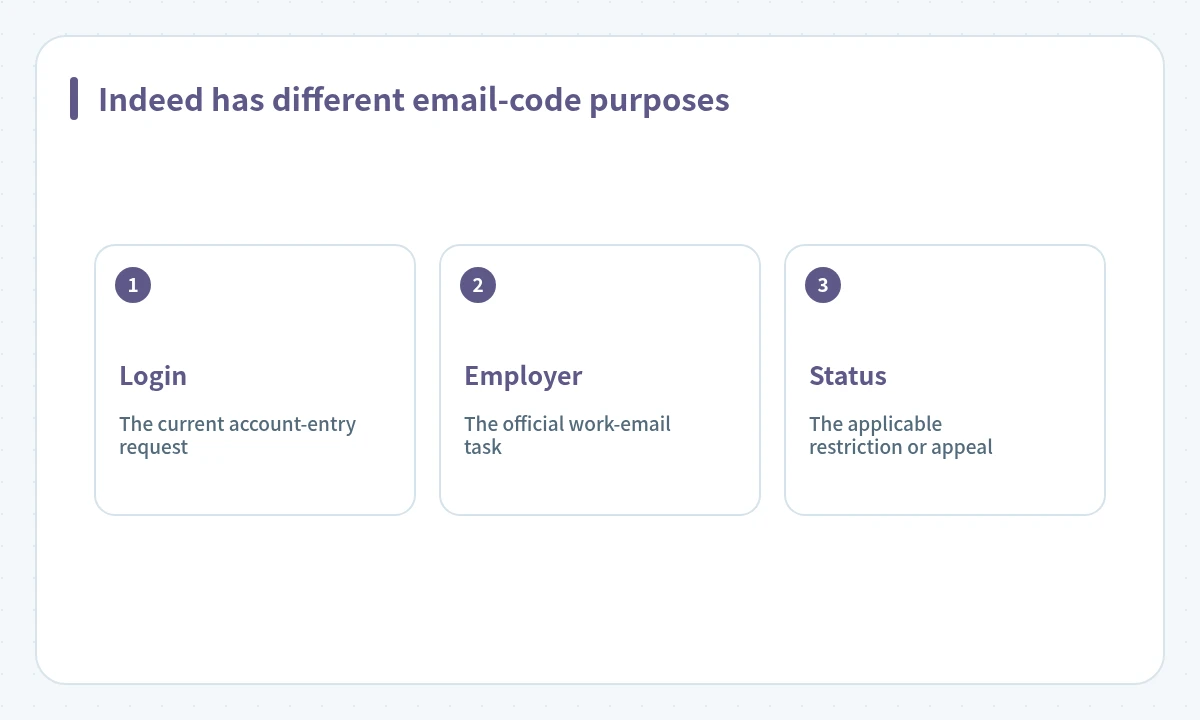
The work-email option can require an address matching the company's website domain. Use a legitimate applicable work identity rather than purchasing an address or changing information to defeat the requirement. If the company already has a verified account, inspect the proper administrator-led user arrangement.
Match messages by action, not mailbox alone
| Message purpose | Corresponding context |
|---|---|
| Account sign-in | The current login page and identity |
| Employer work-email verification | The specific employer-interface task |
| A restriction or appeal | The formal process currently offered |
When requests overlap, inspect the description and approximate time before entering a value. Do not try every recent email code in sequence. A recruiting colleague should not forward a personal login secret simply because you are helping with an employer task.
Keep the active request identifiable and observe the page's retry instructions. If the destination is correct but the message is absent, examine the relevant mailbox filtering before changing other account settings. A screenshot can retain the task label and error without exposing the code.
Employer verification is not a guarantee about every later request
Finishing a work-email check answers that verification step. It does not make every job description, external link or later request for credentials safe. A job seeker receiving a code request outside the platform should independently return to the official service rather than comply because the sender claims the employer was verified.
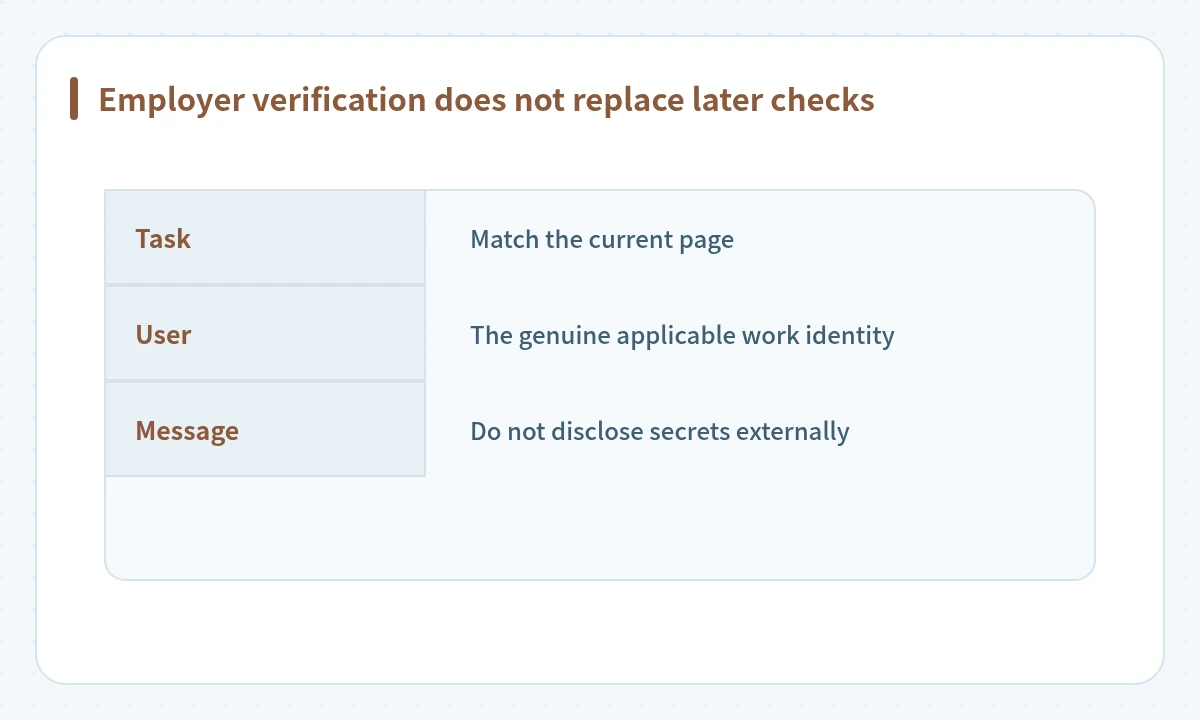
Employers should likewise upload required information only through the formal process. Do not send application material, live codes or employee details to an outside person presenting themselves as an account reviewer. Account-verification questions belong with official support or the organisation's responsible person.
Record the result at the stage that completed
A focused report can say that sign-in succeeded but the employer page still requests work-email verification, or that the employer code targets the correct address but never arrives. Retain the role, error wording and time while hiding private values. A restriction notice may need its own formal process instead of repeated email requests.
Once the task is resolved, confirm that the authorised users match the actual working arrangement before managing recruiting content. Work email, account identity and business access each deserve an explicit check. Keeping those results distinct reduces the temptation to use one successful code as evidence that every later account or hiring action is already approved.
Where a company already has a verified employer account, ask its administrator about adding the appropriate user. Keep that membership task separate from opening a duplicate employer identity simply to obtain another email code.
References
Indeed: Employer verification, work-email codes and account status.
