
A media URL in a message and an accessible file are separate results. Confirm channel support, media record creation, file access and browser display; ordinary SMS should not be assumed to include picture attachments.
Separate the record from the file
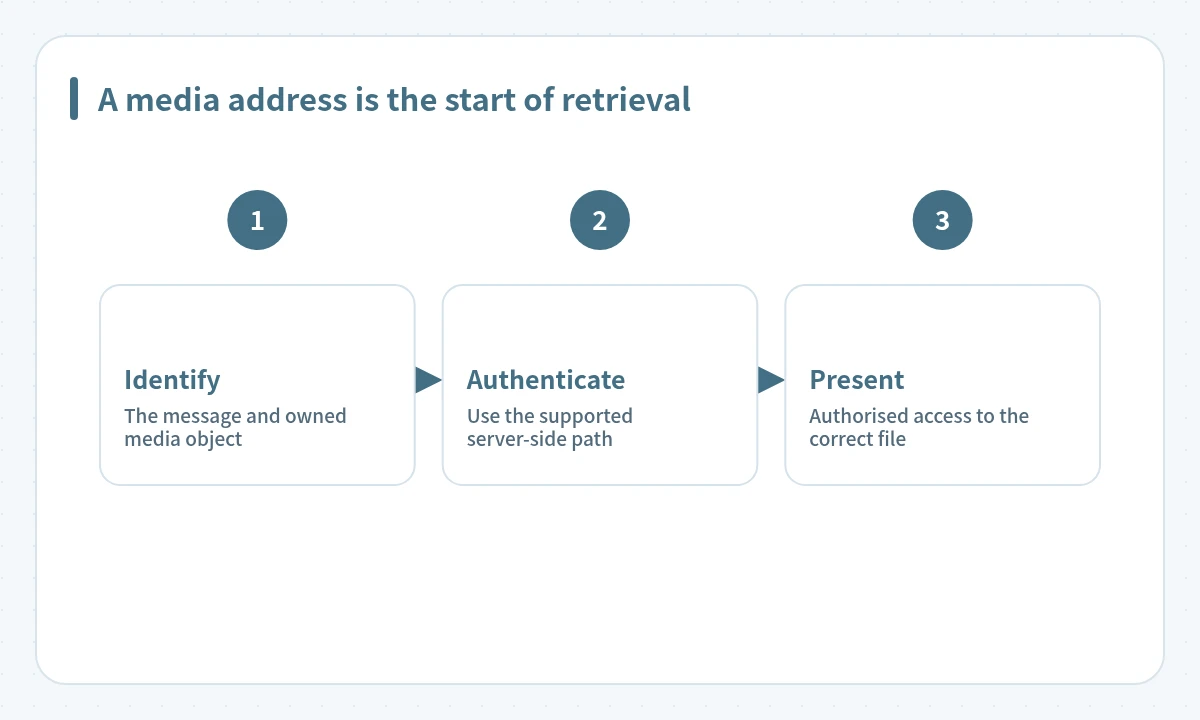
A supported MMS or other media-capable channel may supply a media identifier and retrieval URL. Those fields describe an object to fetch; they do not necessarily provide an anonymously accessible image. Match the object to the message, owning account and documented access requirements.
Twilio’s Media resource documentation, for example, specifies authentication for media URLs. Dropping such a URL into a public image element does not perform the required authorised retrieval. This example does not establish how another provider protects media or whether a particular receiving number supports the relevant channel.
Locate the failed step
| Observation | Investigate |
|---|---|
| No media metadata | The actual channel, message type and field definitions |
| Retrieval authentication failed | Credentials, ownership and the access contract |
| File fetched but not displayed | Actual content, media type and presentation method |
| Previously available file missing | Documented deletion, retention or link-lifetime conditions |
Do not move a backend API secret into browser JavaScript or a public URL to make the image appear. Follow the supported server-side retrieval arrangement, then deliver the file through a path that checks the reader’s authorisation. Temporary file access also needs a defined scope and expiry policy where the application implements it.
Server-side retrieval should also restrict which destinations it may fetch. A field containing a URL is not permission to request arbitrary network locations. Follow the provider’s documented media-address and redirect behaviour, and apply the application’s normal outbound-fetch controls before attaching any stored credentials to a request.
Verify what retrieval returned
An apparent download may contain a sign-in page or an error document. Check the response and actual file instead of renaming it to a picture extension. Keep the provider’s declared content type alongside the observed result, without treating that declaration as permission to execute unknown material.
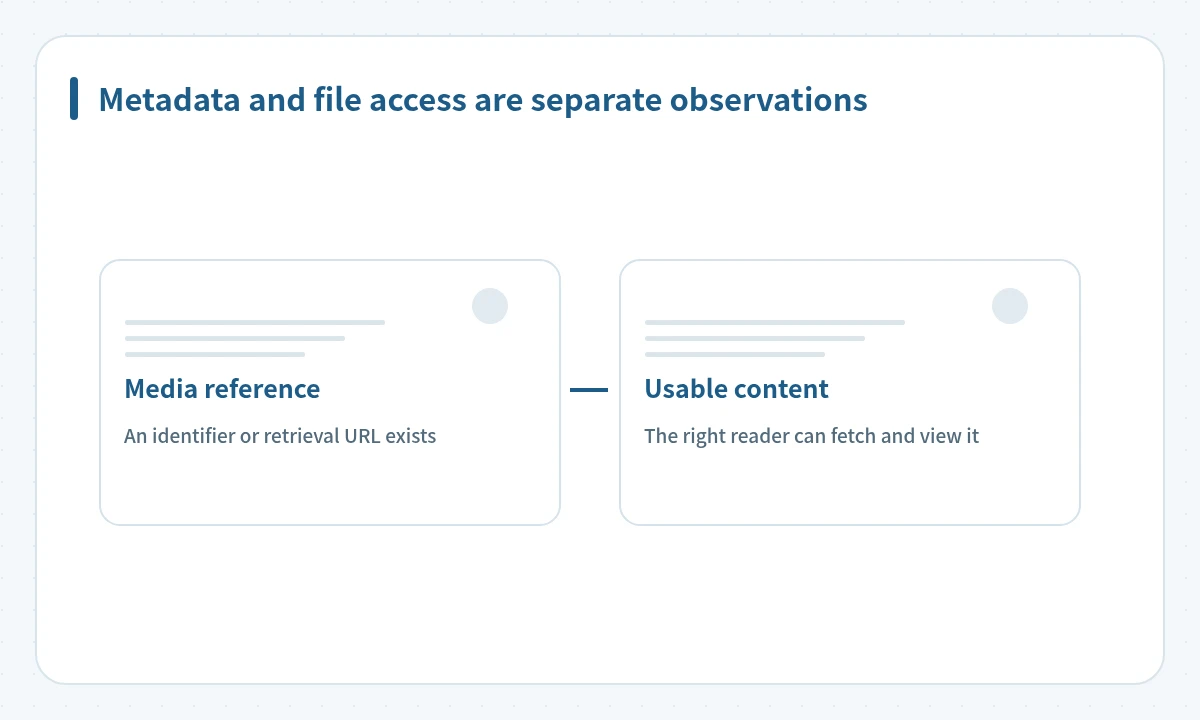
Handle attachments as untrusted content. Use an appropriate preview mechanism and do not upload private files to an unfamiliar online converter merely because the browser cannot display them. A failure to preview should remain distinguishable from failure to authenticate or retrieve the object.
If the application stores a local copy, define its account ownership, allowed readers and removal process. Whether deleting the message also deletes provider media is a product-specific question. A copy on your own storage can have a separate lifecycle and should not be left public simply because the original resource required authentication.
Acceptance fixtures should include an authorised harmless attachment, denied access and a retrieval failure with a useful interface response. Check that the correct person can view the correct file and that another account cannot. A visible URL is not the final result; the integration needs an understandable path from message metadata to a properly authorised file view.
Reference: Twilio: Media resources and authenticated retrieval.
