Receiving support does not establish an outbound path. Check the service’s documented reply capability and the message instructions before treating a web inbox as a two-way conversation.
The receiving test answers one narrow question
A successful test can show that a particular message reached an accessible record under the tested conditions. It does not establish outbound support, a reply interface, accepted destinations or how a return message would be charged. Those conditions need their own documented answers.
The same distinction applies when a page shows a familiar conversation layout. Rows arranged as chat bubbles do not prove that the product offers replies. A button may belong to support, forward a record internally or open another tool rather than send an SMS to the original source. Read its label and the product explanation before entering content.
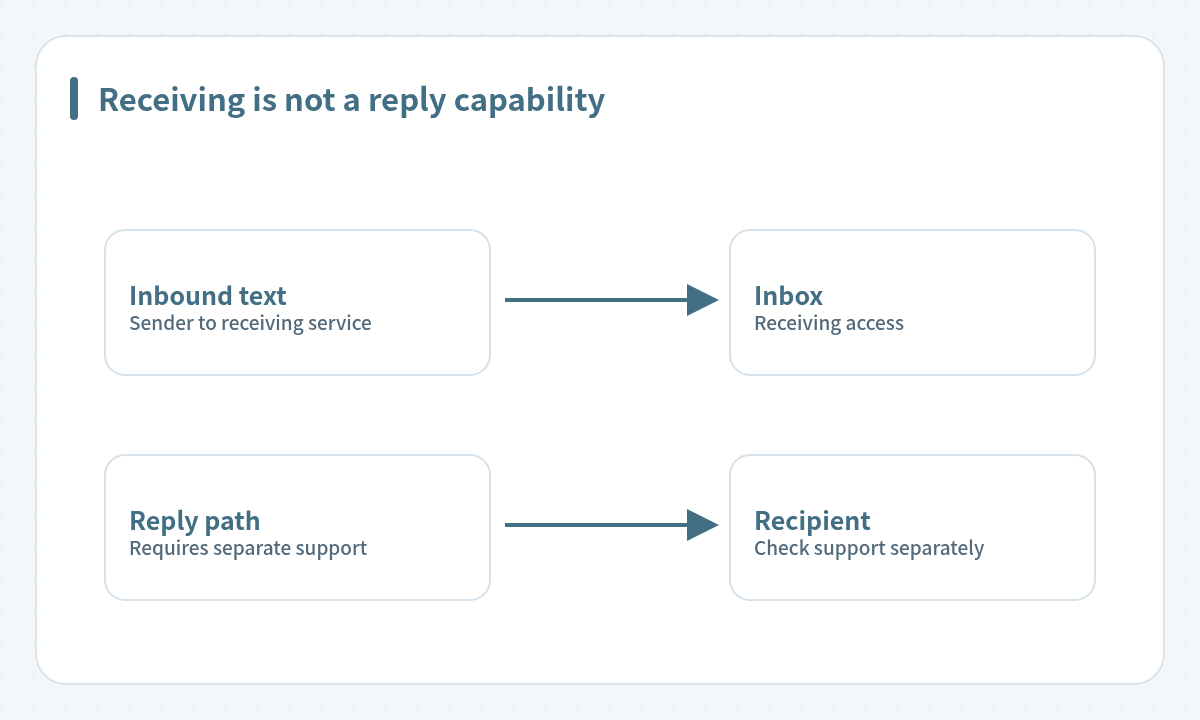
Sender information is not always a return address
A sender can be represented differently across services and message routes. A displayed name is not necessarily a dialable number; a visible number is not, by itself, a promise that replies will be accepted. Do not infer the return path from how much the inbox resembles a phone's messaging application.
If a business expects a response, its current instructions should explain how to provide it. Use an established account or help entry point when the required path is unclear. Do not convert an unfamiliar sender label into a guessed website or search for a vaguely similar contact just to answer quickly.
Unexpected instructions to send a code back deserve particular care. A verification code may authorise an action at the target service. It is not a general receipt that should be disclosed to anyone who asks whether the message arrived. The person requesting the code does not gain authority simply by knowing that one was sent.
A verification task ends at the intended service
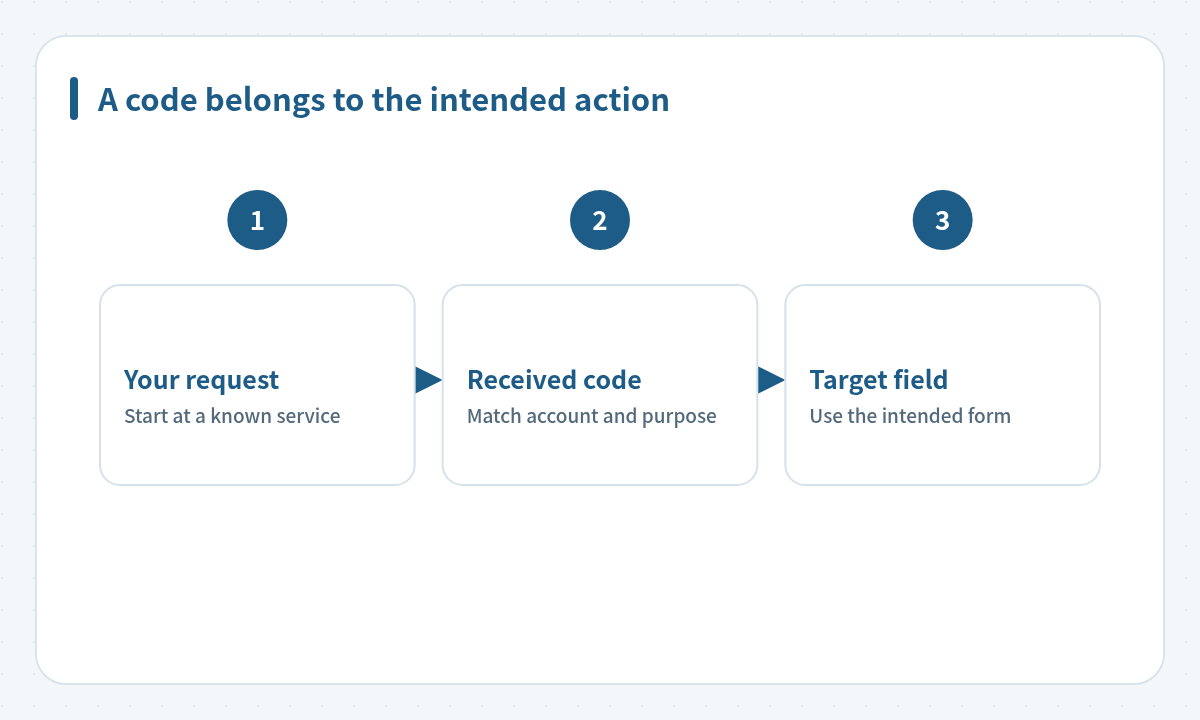
Before entering a code, confirm the account and the action you deliberately initiated. Use the designated field at the verified destination, not a reply box, support chat or caller's requested channel. If you did not initiate the request, do not complete it as a way to discover what the message concerns.
A text that says not to reply should be treated according to that instruction. If the message contains an unexpected link or an urgent demand, verify the underlying issue independently rather than relying on the receiving interface to judge it. Inbox access establishes where you can read a record, not the truth of every claim inside it.
Avoid an automatic reply during a test
If the environment offers an automatic response or forwarding rule, check whether it is enabled before using a sample. A receiving exercise should not unexpectedly send private message content or authentication codes elsewhere. Do not assume that an inbox is entirely passive because you personally never clicked Send.
Record the intended response destination and the condition that triggers any automation. Those details belong to the actual product configuration and must be checked there. If you cannot determine whether a rule exists, ask the responsible administrator before widening a test.
When a reply is genuinely required, keep the response limited to the business information the recipient is authorised to receive. Quoting the entire incoming record can disclose unrelated identifiers or a live code. A short acknowledgement through a verified return path can be enough, without copying the sensitive parts of the original message.
Test replies only for a genuine two-way requirement
Use an authorised harmless exchange and check the reply destination, accepted action and receiving record. A local sent label may mean submission only; use the product’s documented meaning.
For an authentication task, the code belongs in the intended service’s designated field. It is not a receipt to return through a reply box, support chat or unexpected call.
Test a genuine two-way requirement separately
If your legitimate task requires replies, ask about inbound and outbound capability as distinct requirements. Confirm the supported interface, sender identity, destination conditions and applicable costs with the actual provider. Do not assume that a general discussion of two-way SMS describes the service you currently use.
Use authorised, non-sensitive sample messages for a test. Check the complete exchange: the reply action was accepted, the intended destination received the relevant message, and the record can be associated with the original task. A local “sent” label may describe submission, so use the documented meaning instead of promoting it to a stronger outcome.