
Hostinger verification codes should be traced to the method currently active after a two-factor change. Hostinger's account help describes authenticator and email methods, with only one active at a time. Previously using email does not establish that future sign-ins still require the same mailbox code after switching to an authenticator. Inspect the active arrangement rather than repeating the old routine.
Use the account dashboard's actual security context
This discussion concerns the Hostinger account, rather than a separate Webmail login configuration. If access remains available, inspect two-factor status under Security. If already signed out, read the challenge and choose the resource it names. Product and account context matter before any message investigation begins.
For example, after authenticator setup finishes, the next page may ask for an app-generated value. Open the entry that was enrolled for that identity instead of repeatedly requesting password mail. Password recovery and supplying a configured second factor are separate tasks, even when both concern the same account.
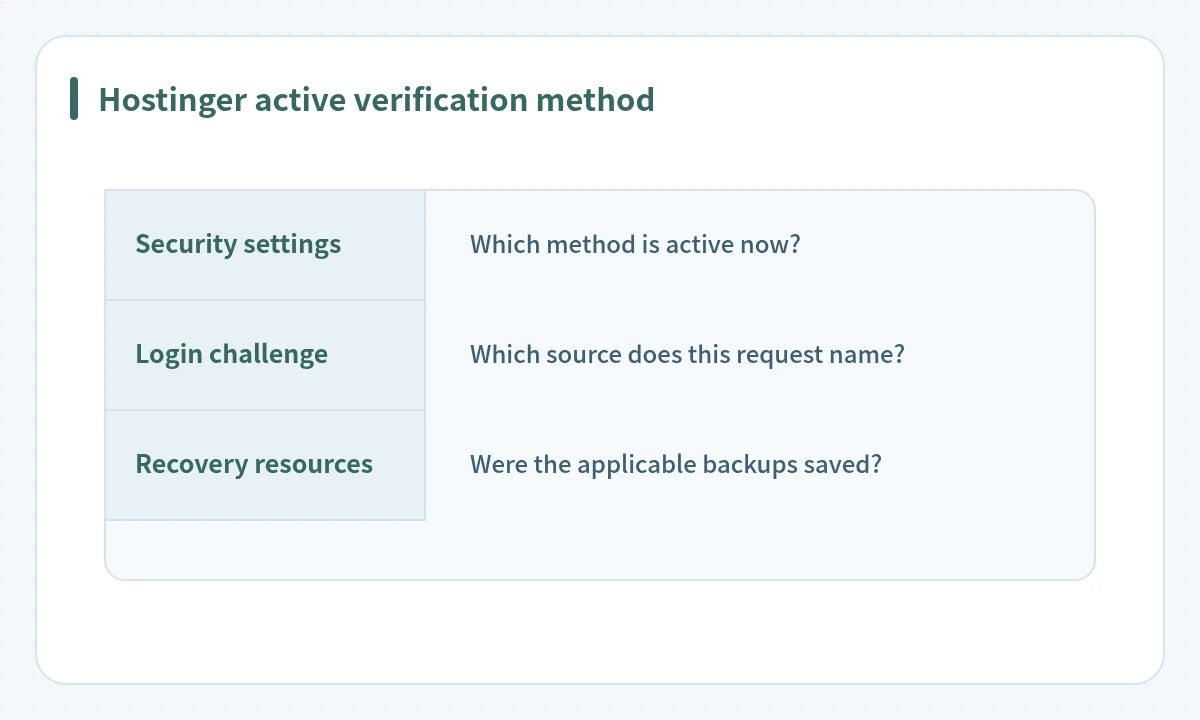
Compare settings, prompt and recovery resources
| Location | Question to answer |
|---|---|
| Security settings | Which method is active now? |
| Login challenge | Which source does this request name? |
| Recovery resources | Were the applicable backups saved? |
Email can be part of setting up an authenticator without remaining the source of every later login value. Read setup confirmation and routine authentication as different stages. Seeing an email during enrollment does not establish that the completed account uses two methods simultaneously.
Check available resources before switching
Official help describes verification when disabling the current method, using the active arrangement or an applicable backup. Do not remove the only authenticator entry first and then discover it is needed to authorize the change. Similarly, avoid retiring the sole usable mailbox before establishing a supported recovery arrangement.
If the device or registered inbox is already inaccessible, follow Hostinger's official account-recovery guidance. Installing a new authenticator cannot recreate the original account entry by itself. Enrollment through the supported process establishes the relationship; an app with a familiar icon is not evidence that this has happened.
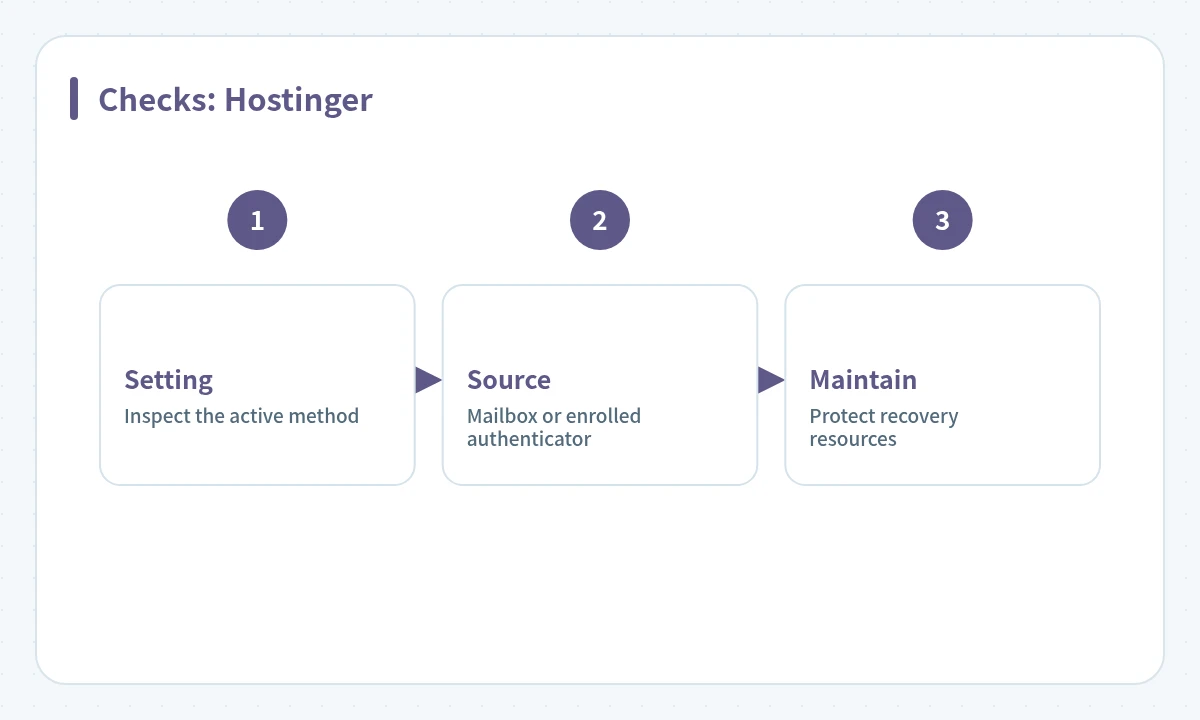
Maintain backups according to the completed setup
The official instructions emphasize saving the backup resources supplied during configuration. Keep them somewhere protected and accessible without depending entirely on the phone whose loss would block login. Follow the account's current maintenance process after use rather than treating an old screenshot as a permanent statement of valid security resources.
A support report should identify the account dashboard or email product, requested method, recent change and exact response. Keep live values, QR images and setup keys out of ordinary screenshots. Those secrets are not necessary to explain where the task stops or which resources are unavailable.
After recovery, inspect the intended identity and current security state before returning to the required service. A new-device check or another prompt may have its own purpose; read it separately rather than assuming every additional confirmation means the two-factor switch failed. Record the actual outcome so the next visit starts with the current arrangement, not an assumption based on the previous email method.
References
Hostinger: account two-factor methods, switching and backups.
