
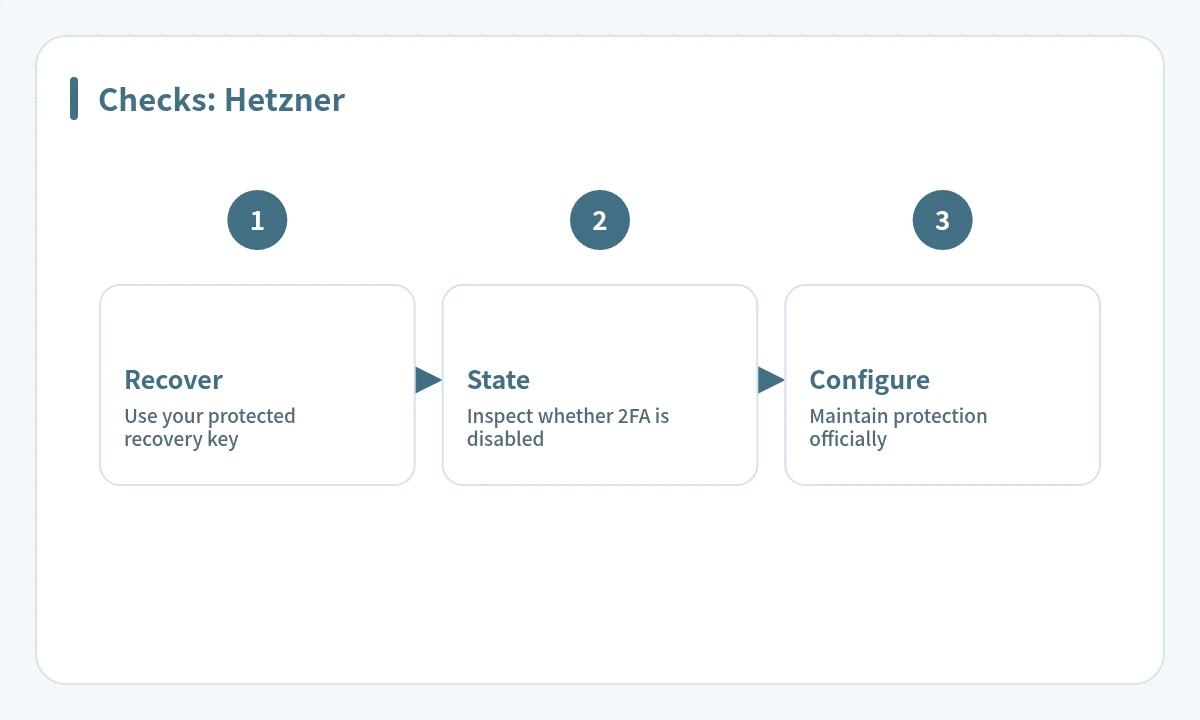
Hetzner verification codes used for ordinary authentication should be distinguished from a recovery key. Hetzner's official guidance describes a recovery route that disables two-factor authentication while restoring access. Successful entry is therefore not the only result to inspect. After recovery, check the account's current protection state before considering the incident finished.
Identify the ordinary method and the recovery action
Use a configured authentication method for routine access. If it cannot be completed, inspect the recovery route offered by the official page. A saved recovery key is a special account resource, not an SMS that a carrier can resend or a demonstration value that can be copied from another person's instructions.
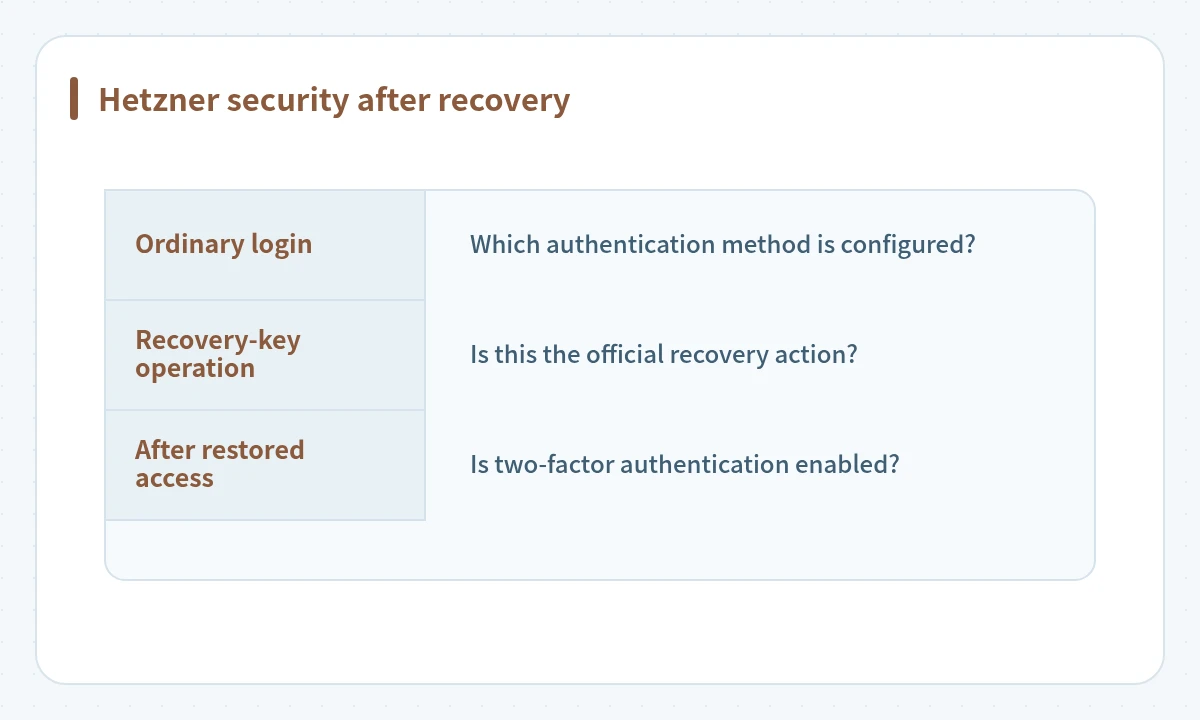
For example, a user may enter through the recovery-key option and stop after seeing the account dashboard. That leaves unanswered whether the original 2FA remains enabled. The official description makes the security-state check relevant, so record restored access and subsequent protection as separate outcomes.
Inspect the account before and after recovery
| Stage | Question to establish |
|---|---|
| Ordinary login | Which authentication method is configured? |
| Recovery-key operation | Is this the official recovery action? |
| After restored access | Is two-factor authentication enabled? |
Read the action name, page origin and stated effect rather than selecting a secret because the field accepts similar characters. Routine confirmation and a change to account-security state are different operations. Understanding that distinction avoids treating every successful entry as proof that settings stayed unchanged.
Maintain usable methods after regaining entry
Inspect the official security settings and establish the appropriate authentication arrangement for the account. Confirm the replacement device's relationship with the intended identity and protect any recovery resources supplied. Check other existing methods through the actual account instead of assuming they retain the state remembered from before the incident.
A lost device can also raise separate questions about old sessions and other resources. Use the available account controls or ask official support about the applicable process. The recovery-key action should not be interpreted as a promise that every risk associated with the previous device has automatically been resolved.
Use formal recovery if the key is also missing
Current Hetzner help points to manual review and verification for a missing recovery key, with a reachable email and customer details among the requested information. Follow the current official form. Do not promise a fixed processing time or assume a particular delivery mechanism from an older description.
Explain whether the problem is an unavailable authentication device, a lost recovery key or a password issue. Supply customer records only through the designated official route. A complete key should not appear in a public ticket screenshot or be handed to a private intermediary claiming they can accelerate restoration.
Finally, inspect the intended identity, required work access and current authentication configuration. A concise record of those three results is more useful than noting only that login succeeded. It prevents a restored session from hiding unfinished security maintenance and gives a later support conversation clear context without retaining the secret used to recover access.
References
Hetzner: two-factor authentication, recovery keys and manual recovery.
