
GoDaddy verification codes still reaching an old number require checking which field you changed. The primary number in personal profile information can differ from the identity-verification number. Updating contact details should not be assumed to update both.
Inspect the field instead of the SIM
GoDaddy's official troubleshooting guidance explicitly distinguishes the two numbers and says changes do not automatically carry over. In your own official settings, inspect each field and masked destination. A replacement SIM active in the phone is not evidence that the account's security record changed.
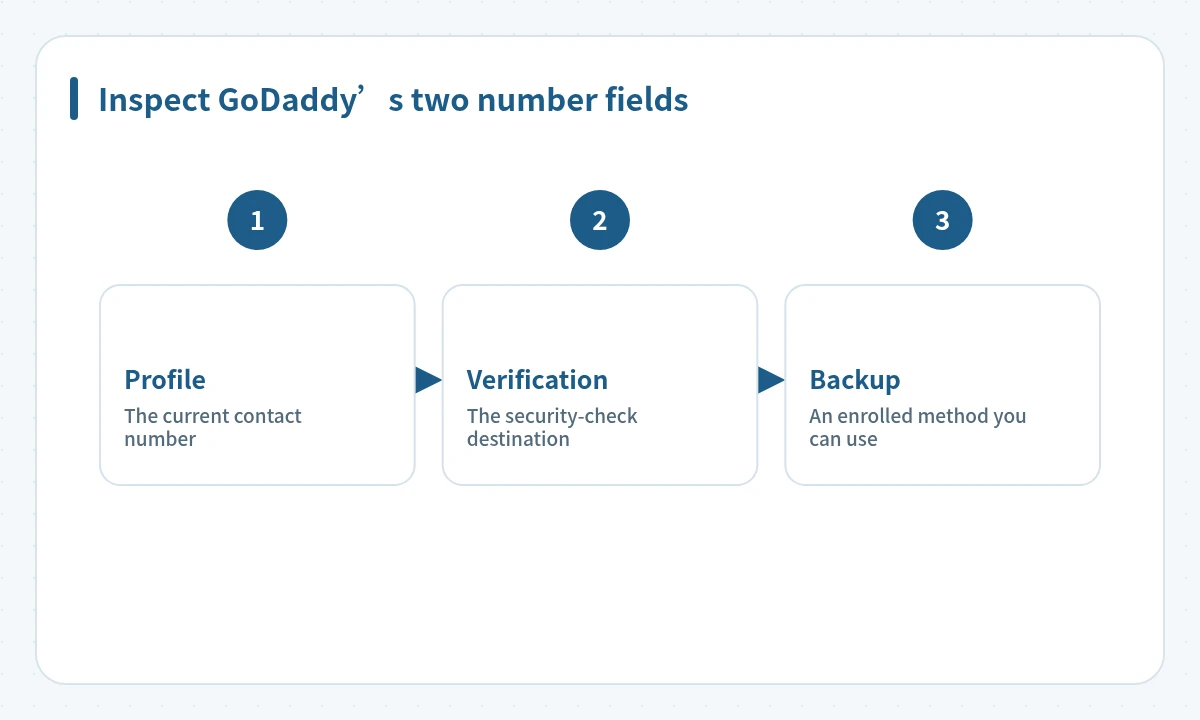
If another enrolled method remains usable, follow the alternative offered on the current page and inspect the supported change process. If no method is accessible, use formal account recovery. Do not delete existing protection simply to see whether login falls back to a password.
Confirm both records as separate results
| Location | What to establish |
|---|---|
| Personal profile | The intended current contact number |
| Identity verification | The destination for the security check |
| Backup method | An enrolled resource you can actually use |
Official setup guidance also discusses authenticator and security-key arrangements. Follow the methods offered for the current account rather than assuming every code request is SMS. A backup visible in someone else's screenshot is not a backup you have configured.
When preparing a phone change, record which settings need inspection before beginning. The checklist can name the fields and protected recovery arrangement without containing passwords or changing values. That keeps the task reviewable without creating a shared collection of account secrets.
A retry restriction differs from an outdated destination
Follow the page's waiting instruction when requests are restricted. Address account information when the target is the old line. These are different questions; neither is resolved by repeatedly trying new numbers or opening several indistinguishable sign-in windows.
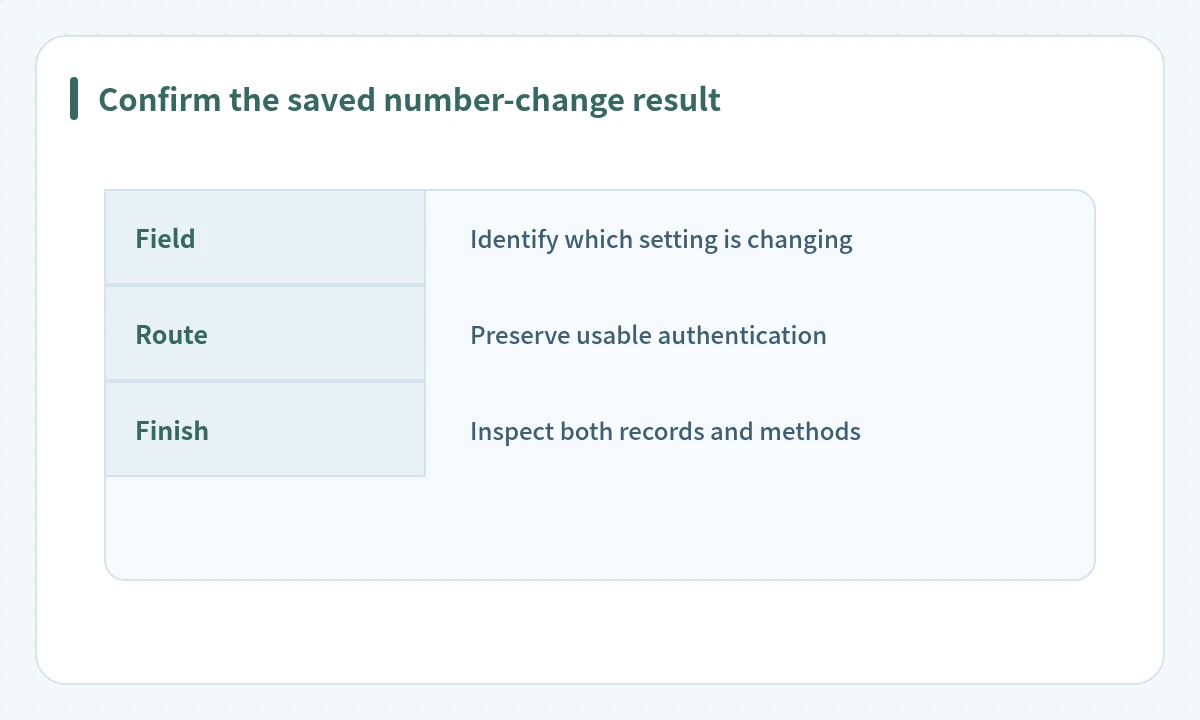
Preserve a usable route while making the change. Inspect the saved new method before retiring old resources. Domain or product permissions also need separate management: a product page being unavailable does not automatically mean another account code is required.
Do not treat a new message on the replacement phone as the final account-update result. Continue until the official page reports the relevant state, then inspect the field that matters. If the process stops midway, preserve the observation instead of inferring completion from reception alone.
Tell support which field and stage are involved
A focused report can say that the personal profile shows the new number while the security page still targets the old masked digits. Include the exact error and approximate time. Provide necessary ownership information only through a verified official process, not a public chat or unsolicited helper.
After recovery, review both records and the backup arrangement against the resources you intend to maintain. Separating contact information from authentication resources prevents the same confusion during the next number change and avoids asking a carrier to investigate a message that was correctly directed to an outdated account field.
References
GoDaddy: Profile and verification-number differences; GoDaddy: Configure and inspect backup methods.
