
GitHub verification codes can come from an authenticator app or, where configured and supported, SMS. Read the selected two-factor method before checking the phone. A code field alone does not tell you whether a text message was requested.
Match the method to the correct account
GitHub's configuration documentation distinguishes authenticator applications from SMS-based two-factor authentication. An authenticator produces codes for an entry already configured in the app; SMS uses the account's corresponding receiving number. Consult the current account settings and sign-in options instead of assuming an older country-availability list still applies.
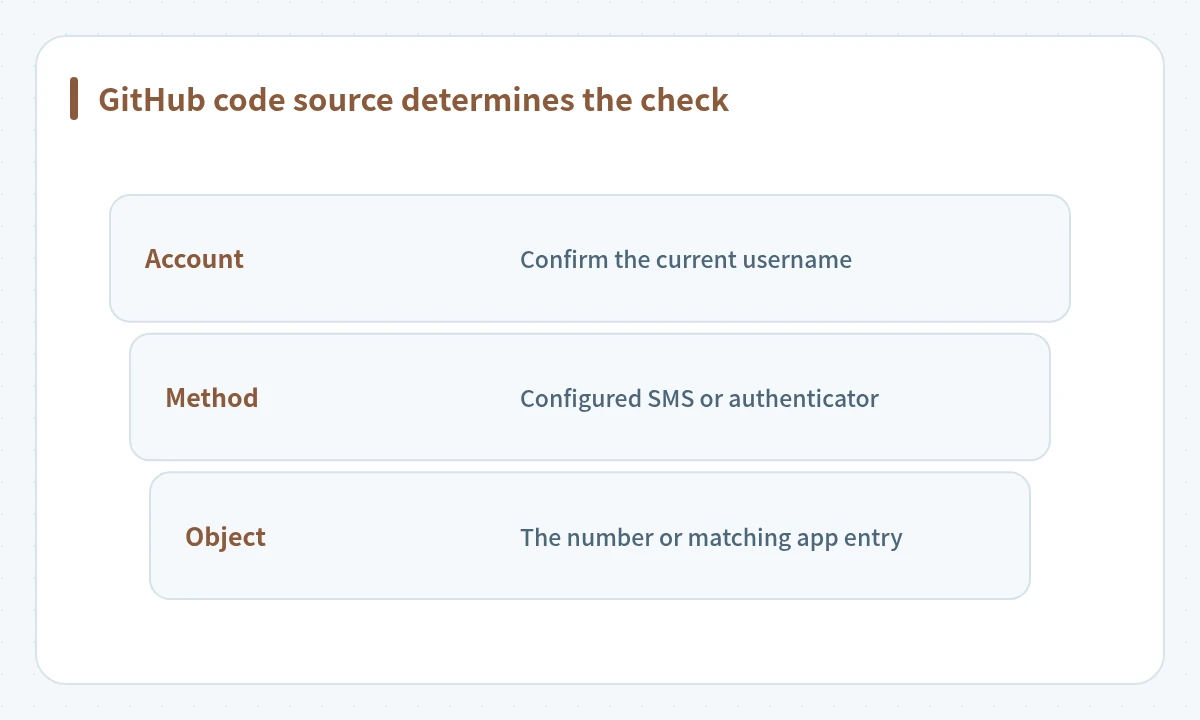
Developers may maintain personal and work accounts with similar names in an authenticator. Check the username on the login page and the account recorded for the selected app entry. A code from the other identity being rejected does not establish that the correct entry has stopped working.
Different sources imply different checks
| Selected source | First check | An unrelated action |
|---|---|---|
| SMS | The intended number and its reception | Refreshing another authenticator entry |
| Authenticator | The account entry and device time | Repeatedly requesting text messages |
| Recovery option | Your saved information and official route | Treating an old text as a permanent backup |
If an authenticator code is rejected, verify the entry and normal device time before following the official troubleshooting guidance. Do not put a setup QR code, seed or recovery-code list into an issue, repository or team chat. Those are access secrets, not ordinary debugging attachments.
Prepare another supported route before replacing a device
While sign-in still works, inspect the security settings and save recovery information according to GitHub's instructions. Protect the storage location, and consider whether losing the old phone would also remove the only copy. Reviewing the configured methods is safer than signing out everywhere merely to test whether you can recover.
Plan the replacement in a sequence: identify the current method, prepare the supported transfer or reconfiguration, establish usable access on the new device and then retire the old setup. If a stage fails, preserve what remains usable while investigating. Clearing the old device first creates an avoidable dependency on recovery.
Login verification is separate from repository credentials
A web sign-in code is not a personal access token, SSH key or automation credential. Copying an SMS into a script's token setting does not solve an unrelated repository-authentication error and can leave login information in logs. Use the appropriate official documentation for the tool that is failing.
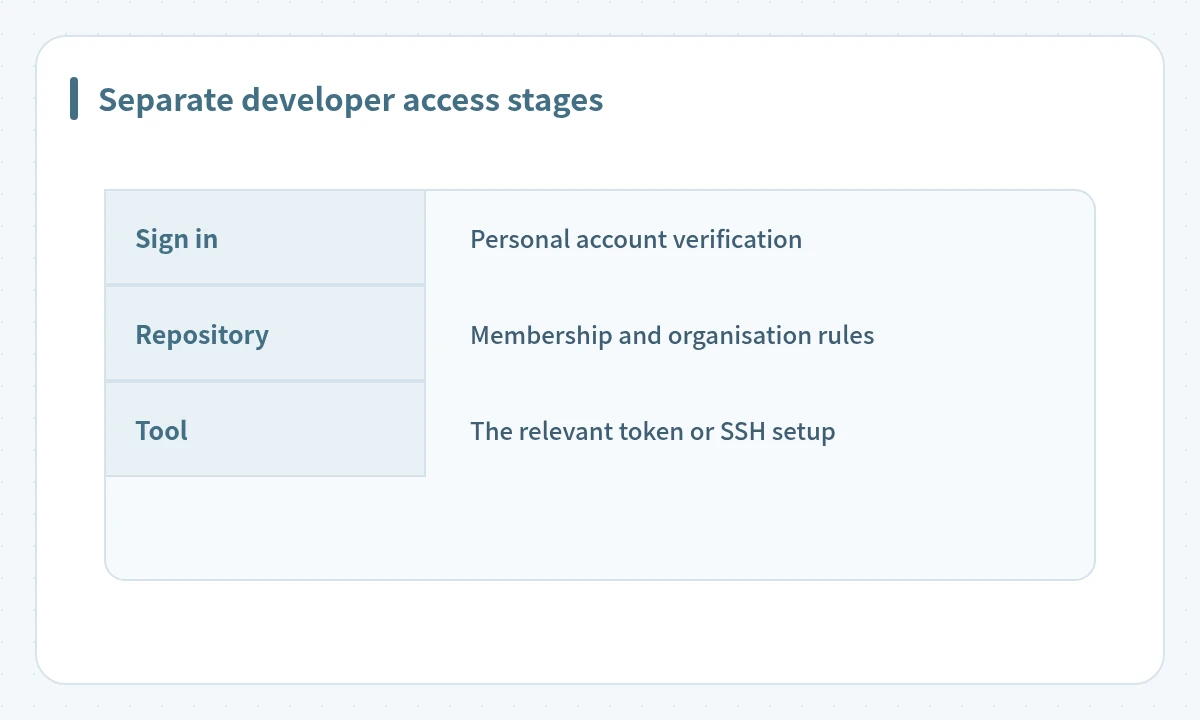
If you pass personal-account sign-in but cannot open an organisation repository, inspect the resource permission and any organisation-specific requirements. Repeating two-factor verification may not answer that separate access question. When seeking help, state which of these stages succeeded and which one failed.
A useful report includes the account type, selected method, error wording and time. It excludes the actual code and setup secret. Keeping account identity, second-factor verification and repository authorisation separate gives support a much clearer problem to investigate and keeps sensitive material out of shared troubleshooting records.
If a contractor needs repository access, give that person an individually authorised account rather than forwarding your second-factor messages. This keeps membership decisions separate from your personal sign-in and makes later removal of project access easier to reason about.
References
GitHub: Configure two-factor authentication.
