
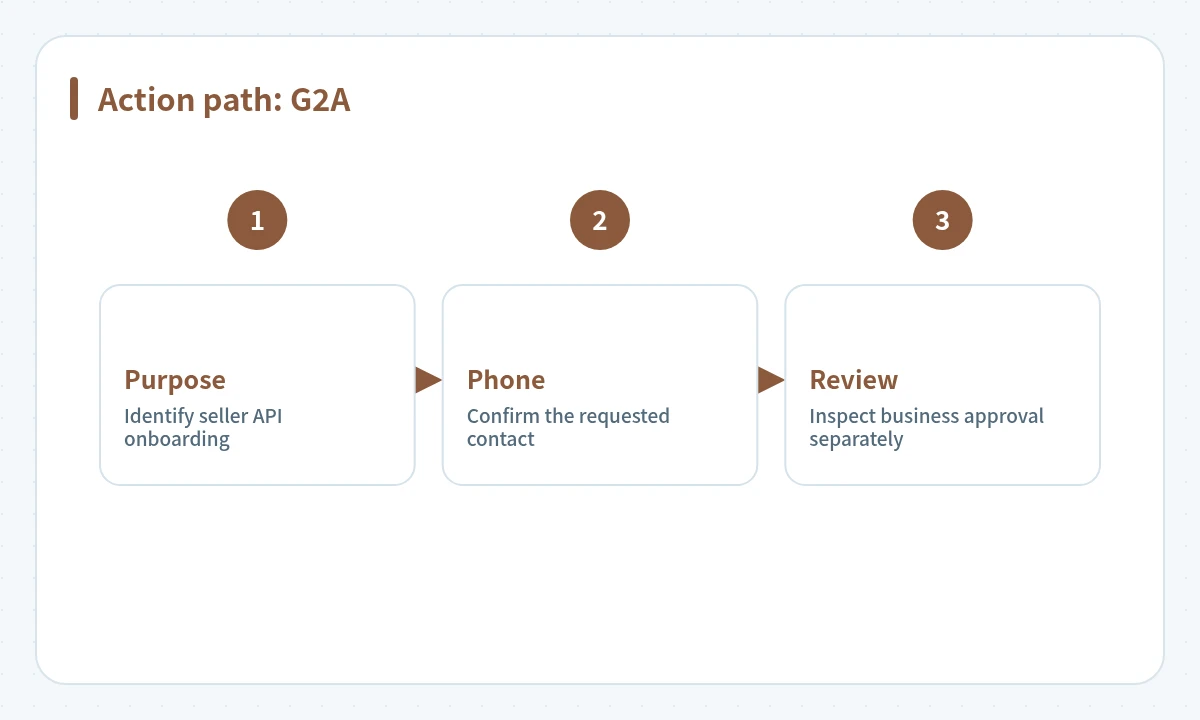
G2A verification codes during seller API onboarding confirm a particular phone-related task. They do not establish that business information has been approved or that an integration is operational. Identify whether the current screen concerns a phone, seller documents, or API configuration before deciding what a successful confirmation means.
Track three results separately
G2A's official API user guide distinguishes adding a phone number, business verification, and integration setup. Its API section also describes a phone-confirmation prompt. A success notice in one of these areas should not be read as approval of every remaining seller requirement.
Keep a private checklist of the outcomes: the phone step accepted, business details submitted or needing attention, and the integration configuration saved or still incomplete. Record the displayed states rather than copying live SMS values or API secrets into a shared project spreadsheet.
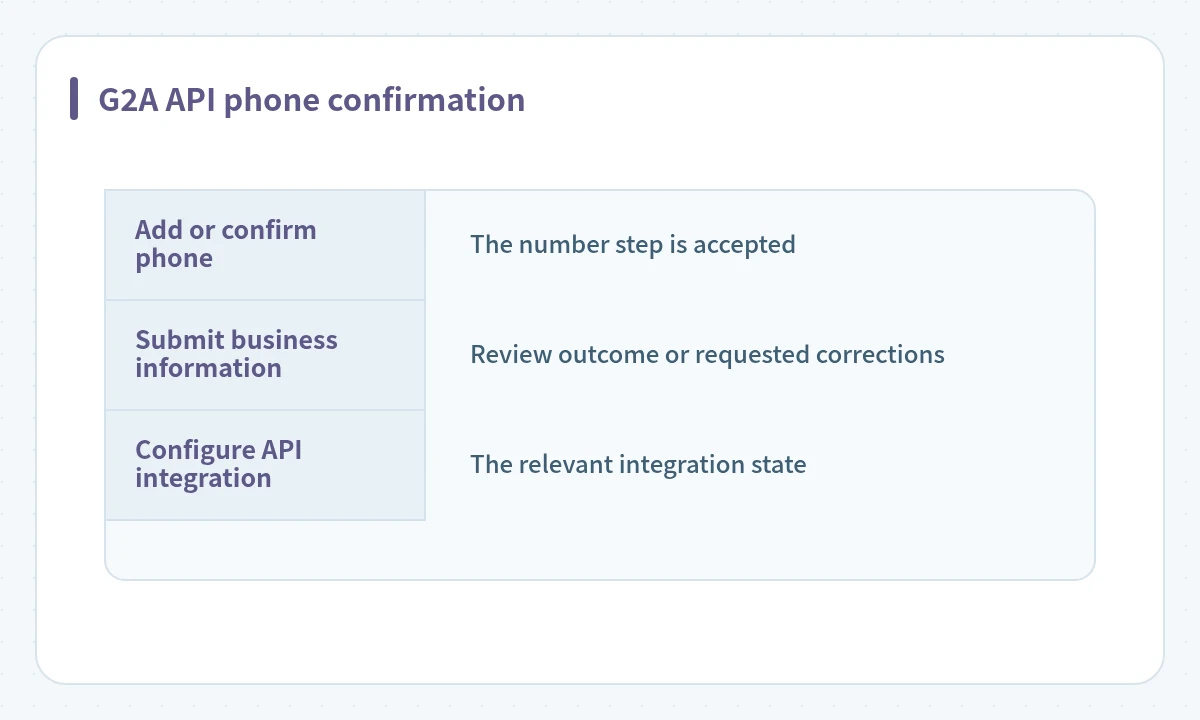
| Current task | Result to inspect |
|---|---|
| Add or confirm phone | The number step is accepted |
| Submit business information | Review outcome or requested corrections |
| Configure API integration | The relevant integration state |
Missing business information is not a text-delivery problem
If the page requests company details or replacement documents, inspect the specific fields and materials. A phone confirmation does not supply them. Repeatedly changing the receiving number cannot correct a business name, address, or uploaded file that does not match the requested information.
Separate responsibilities sensibly. The person responsible for company records can verify those details, while a developer records non-sensitive integration errors. Collaboration does not require everyone to share one live login code. Use official submission channels for sensitive business material and redact unrelated fields in troubleshooting screenshots.
Where the requirement is unclear, preserve its exact wording before editing. That helps support identify a documentation question instead of having to infer the problem from several changed fields. Do not invent registration details simply to make a form accept an entry.
Keep phone values apart from API credentials
A one-time value completes the page's current confirmation. API credentials serve software access. Do not put digits from a verification text into your application configuration as a replacement for a secret, or disclose a secret to somebody claiming to need a code.
Before continuing development, confirm the seller account and environment you are viewing. A result in a test environment is not evidence that production is ready. Having credentials available is also different from demonstrating that your configuration matches the current API documentation and intended workflow.
For official support, provide the stage, a non-sensitive error, and the relevant time. Keep complete secrets and SMS values out of tickets unless a legitimate designated process explicitly requires particular information; ordinary troubleshooting should not publish credentials. If account restrictions are present, resolve the account issue through support before assuming further integration work can proceed.
Review the documented state after each accepted change. Registration, business review, and technical configuration each have observable results. Following those results is more reliable than treating the last successful phone prompt as a general certificate that the entire seller setup is finished.
