
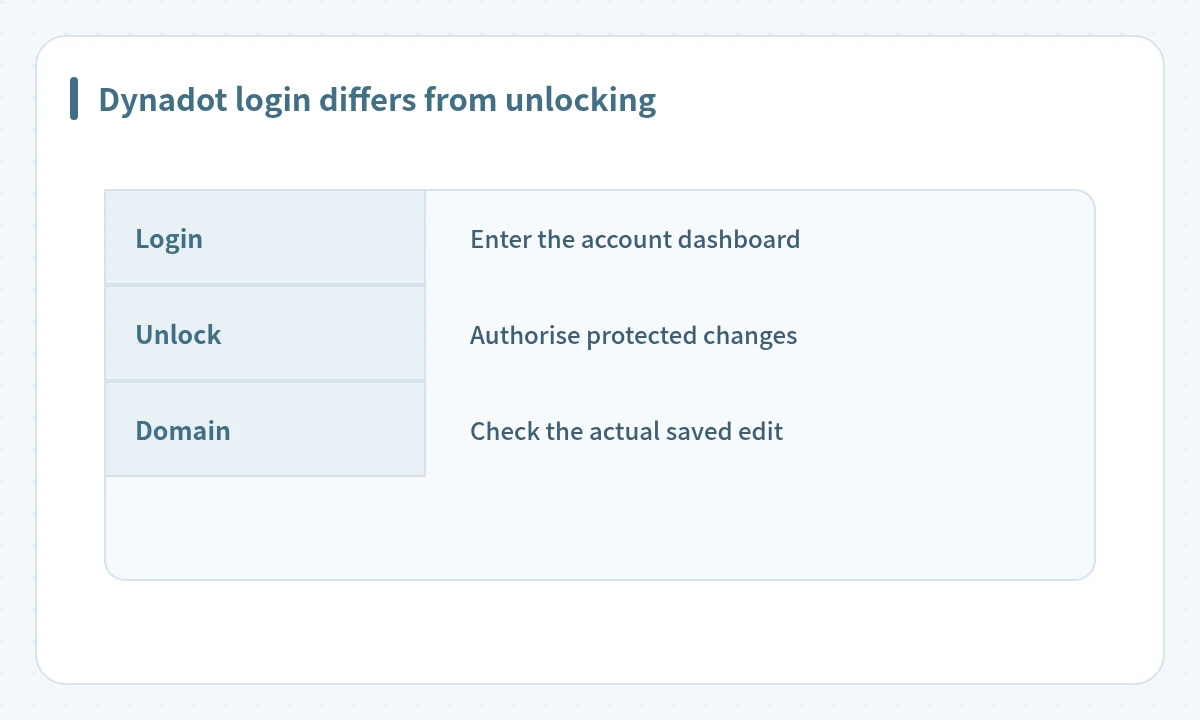
Dynadot verification codes are only part of account unlocking. If the page asks for a password while an older tutorial mentions a Security PIN, inspect the rule applicable to your account before requesting more texts. Login, unlocking and a later domain edit are separate operations.
Account creation context can explain the different prompt
Dynadot's current help distinguishes accounts created before August 18, 2026 from those created on or after that date. Newer accounts use the account password for unlocking instead of the earlier PIN arrangement. Follow the actual page and current official explanation rather than applying a PIN screenshot to every identity.
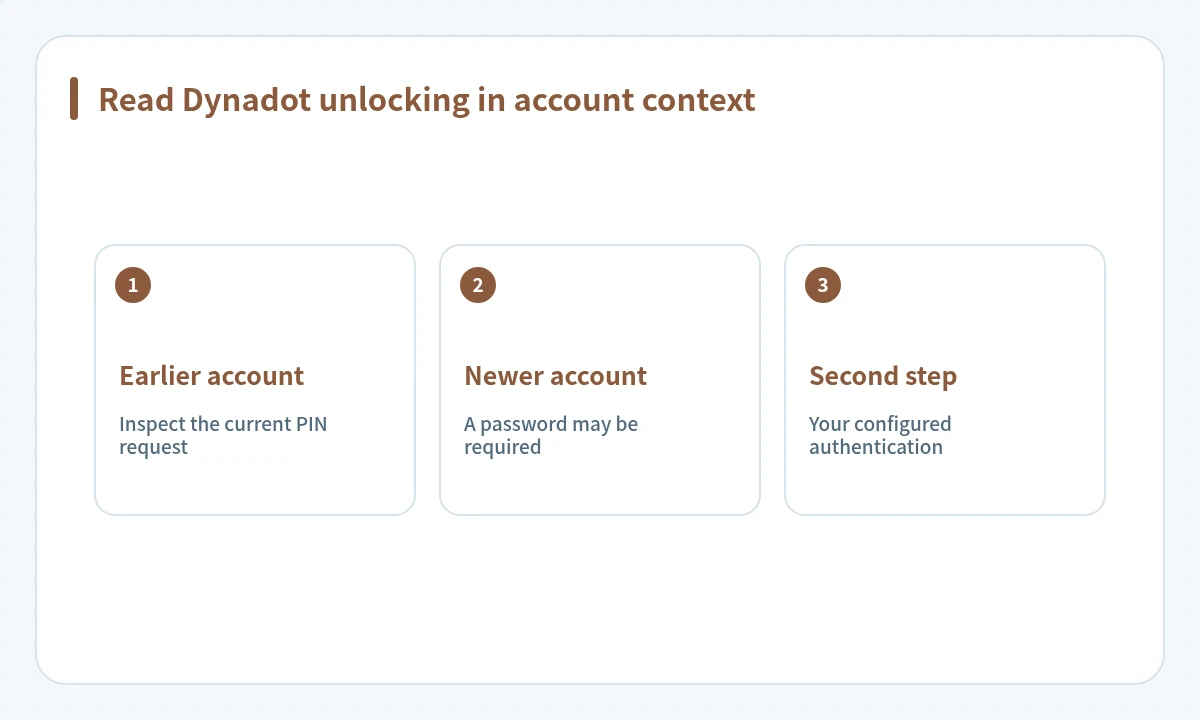
Identify whether the interruption occurs before the additional authentication step. A text arriving successfully cannot correct an earlier rejected password or PIN. Record which field is failing, with its secret hidden, so support can locate the stage instead of receiving only the phrase “wrong code.”
Inspect the result of each action separately
| Action | Result to check |
|---|---|
| Login | Access to your own dashboard |
| Unlocking | Authorisation for protected changes |
| Domain edit | The particular setting saved correctly |
Additional verification depends on the methods actually configured. Where more than one check is required, complete the current formal sequence. Do not assume a single text replaces every enabled requirement, or that an old set of recovery information still matches a changed configuration.
A backup code should be used only through its applicable account flow. Keep its identity and storage arrangement clear without including the value in a routine troubleshooting note.
Distinguish a forgotten PIN from a lost phone
An earlier account's forgotten PIN and an unavailable authenticator are different missing resources. Use the appropriate reset or recovery route shown by the service. Changing an unrelated contact field does not itself resolve either ownership check.
Preserve remaining legitimate access and relevant account information while investigating. If support requires additional material, supply it only through the confirmed official process. Do not grant a stranger remote control of the dashboard because they claim to fix a verification problem.
When a line remains active but misses one request, report the sending time and current target. When the old number has been discontinued, report that loss directly rather than treat it as ordinary delivery delay.
Limit the changes made after unlocking
Once authorised, perform the intended edit and inspect its saved state. DNS, contact and transfer settings are different tasks. Changing them all while testing authentication makes any later issue harder to associate with a specific action.
If the present page still conflicts with current documentation, provide the account-rule context, affected stage and masked error to official support. The creation-date distinction can explain one tutorial difference; it does not reveal every setting on an account. The reliable result is a confirmed original identity, the required unlock completed and the intended domain change checked independently, without unrelated edits introduced during diagnosis.
If you are maintaining several domains, select the intended domain only after the account check completes. Keep the before-and-after setting for that specific edit, with private details hidden. This avoids confusing successful unlocking with a change applied to a different domain.
References
Dynadot: Two-step verification and account-creation rule changes.
