
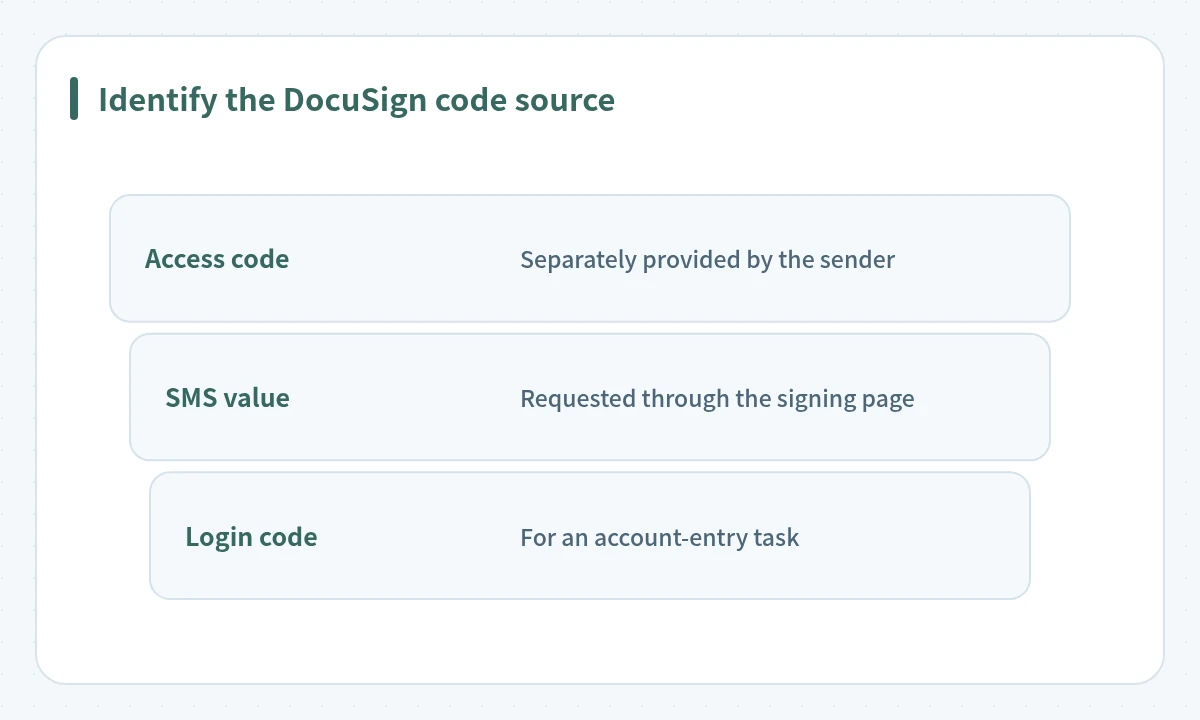
DocuSign verification codes should be identified by the signing page's requested method before you wait for a message. A sender-provided access code and an SMS authentication value can both restrict document access, but they come from different arrangements. Waiting for a text cannot resolve an access code the sender must provide separately.
Read the method rather than guess from the digits
DocuSign's signer guidance distinguishes Access Code from SMS Authentication. The former comes from the envelope sender; the latter is requested through the signing page for a selected phone destination. A code's appearance alone does not identify which task it belongs to.
First establish that the envelope concerns the expected business and recipient. An unfamiliar notification claiming that a contract is ready does not establish a reason to submit personal information. Confirm uncertain requests through a previously known contact route rather than reply only to the questionable message.
Direct missing-code questions to the correct source
| Requested check | Relevant source |
|---|---|
| Sender access code | The sender's separate delivery arrangement |
| SMS signing check | The current page's phone destination |
| Account login challenge | Your enrolled account authentication |
If the page explicitly asks for an access code you do not know, use its formal notification or contact route to ask the sender. Do not guess from a birthday, order identifier or another personal detail. An unsuccessful guess does not establish that the document is broken and can introduce further restrictions.
An account login value is not a substitute for an envelope's access code. Keep the account-entry window separate from the document's actual challenge when describing the problem to support.
Resolve a wrong phone destination through the signing arrangement
For SMS, inspect the masked target and offered number choices. If the intended recipient cannot use that destination, ask the sender or formal support to clarify the correct arrangement. A colleague forwarding a value is not a replacement for confirming who is supposed to sign.
Follow the page's retry restrictions and retain the request time and error. An initial support record can show the method and masked destination without exposing the document's private contents. Do not publish a full contract screenshot merely to demonstrate a code field.
If the sender changes the recipient or signing responsibility, inspect the current task again. Continuing with an old notification can obscure which arrangement is now being authenticated, even when the underlying business remains familiar.
Viewing a document is not completion of signing
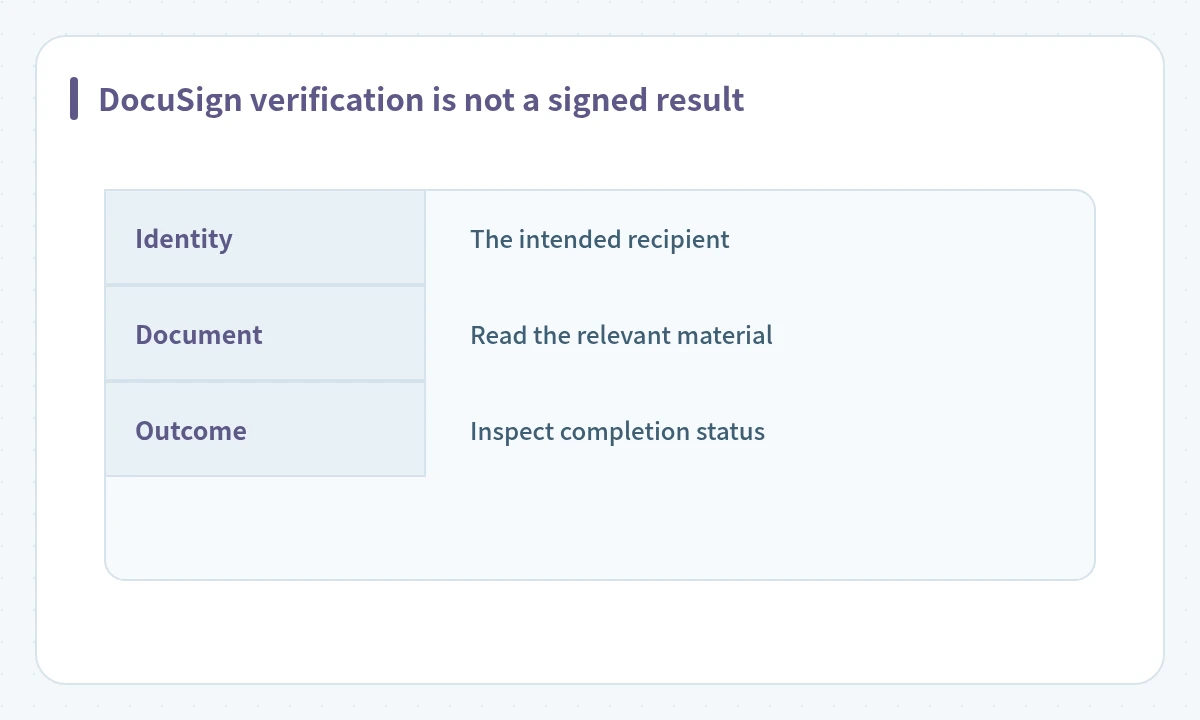
Once identity checking succeeds, read the document, complete the fields assigned to you and inspect the formal outcome. Access granted, your signature applied and the entire envelope completed can be different states. A delivered SMS does not prove any of those later results.
For a stopped workflow, describe the last completed stage and the next exact prompt. Account recovery and document signing should remain separate tasks; opening another account or changing unrelated security settings is not a direct remedy for an unknown sender access code. The useful result is access by the intended recipient followed by a clearly observed signing outcome.
References
DocuSign: Access codes and signer authentication; DocuSign: The signing process.
