
ClickSend verification codes should be traced to the contact information of the particular subaccount being used. A message reaching the main account holder does not establish that every member's destination is correct. Forwarding all login values into a team chat also makes the identities difficult to distinguish.
Treat each subaccount as its own identity
ClickSend's official help covers two-factor authentication for accounts and subaccounts and recommends independent contact information. Establish which subaccount is signing in before reviewing its recorded email address or mobile number through authorised management controls.
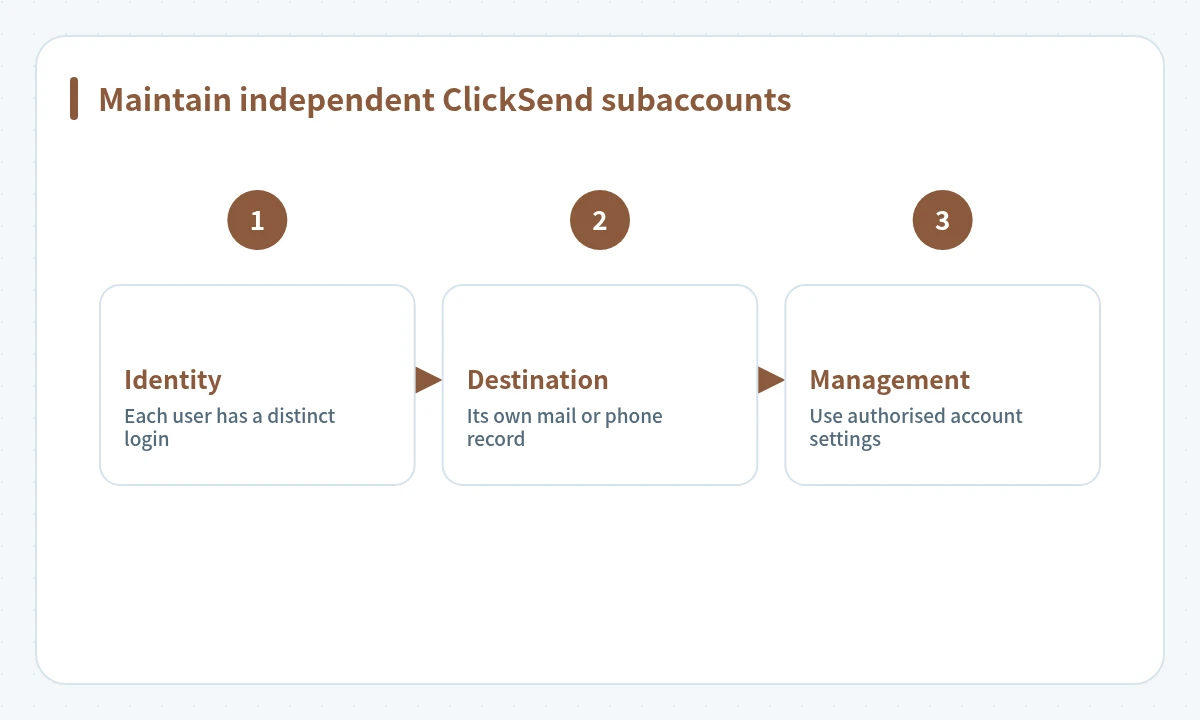
An employee's departure or contact change should be handled in the relevant account-access arrangement. Editing the team's ordinary address book does not prove the authentication destination changed too. Even if both records display the same person's name, they serve different purposes and need their own checks.
Keep the account attached to each observation
| Observation | What to establish |
|---|---|
| A code arrives | Which subaccount's request it matches |
| No second step appears | The current adaptive sign-in outcome |
| Too many attempts | The appropriate official support response |
The official documentation describes adaptive prompting, so an absent code field does not automatically mean protection was switched off. Google single sign-on is handled by that identity provider. One route's behaviour should not be used as a universal description of another.
If colleagues report different screens, compare the account and entry method rather than exchange codes to make the screens look alike. The difference may be useful context for support, without requiring anyone to disclose a credential.
Maintain an incorrect destination before repeating requests
An authorised administrator can inspect and update the relevant subaccount's contact record. If an old mailbox has been closed, repeatedly asking it to receive mail will not restore access. A later holder of an old telephone number should not be asked to authenticate the former employee's identity.
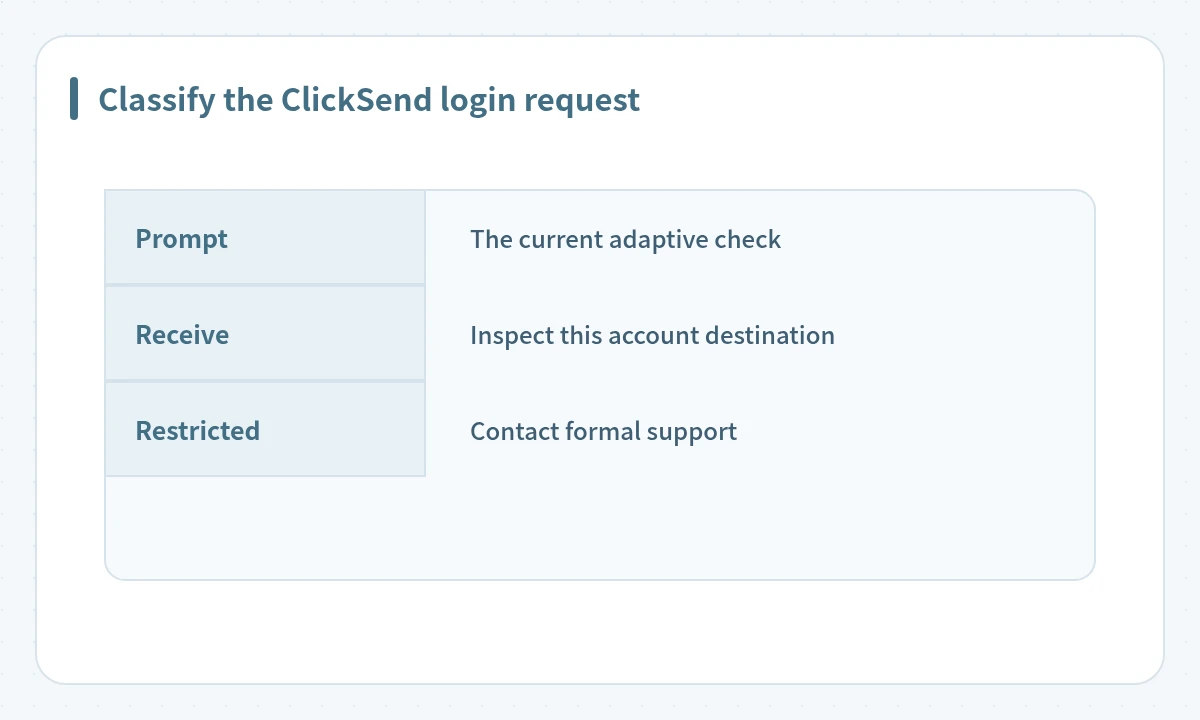
For a correct destination that missed a request, record the time, method and exact masked error. Do not interleave several identities' email and text attempts until a delayed value cannot be associated with its account. Contact official support when the account reaches an attempt restriction.
Preserve legitimate access and the intended management scope while correcting records. There is no need to change unrelated subaccounts merely because one member's contact arrangement became obsolete.
Separate management login from business messaging
This guide concerns authentication to the ClickSend account, not where your business sends customers their own codes. A member's login destination protects a management identity; business sending has separate configuration and authorisation. Neither arrangement should silently stand in for the other.
For an unexpected request, inspect the account independently and report suspicious activity. Do not forward a login value to someone claiming to test message delivery. After recovery, check the relevant member and permissions. Keeping the user, contact record and business authority identifiable gives the team a clearer result than sharing one common inbox and assuming every delivered code belongs to the same task.
During a staff handover, check the relevant subaccount record and remove obsolete access through authorised controls. Forwarding a former employee's messages indefinitely can hide that maintenance was never completed. Confirm the new arrangement before relying on the next delivered code.
References
ClickSend: Subaccounts and adaptive authentication; ClickSend: Account protection and unexpected code requests.
