
ClassPass verification codes should not be directed using a number copied from a partner scheduling roster. Official partner help explains that integrated systems can display a placeholder. That field is not a member's real authentication destination, even if it looks like a telephone number in the interface.
Establish which interface supplied the number
The ClassPass partner article concerns roster information required by a scheduling integration. Its scope should remain clear: it does not establish that every member account lacks contact details or define one registration process for all markets. A venue's roster field and a member's account-security page are different contexts.
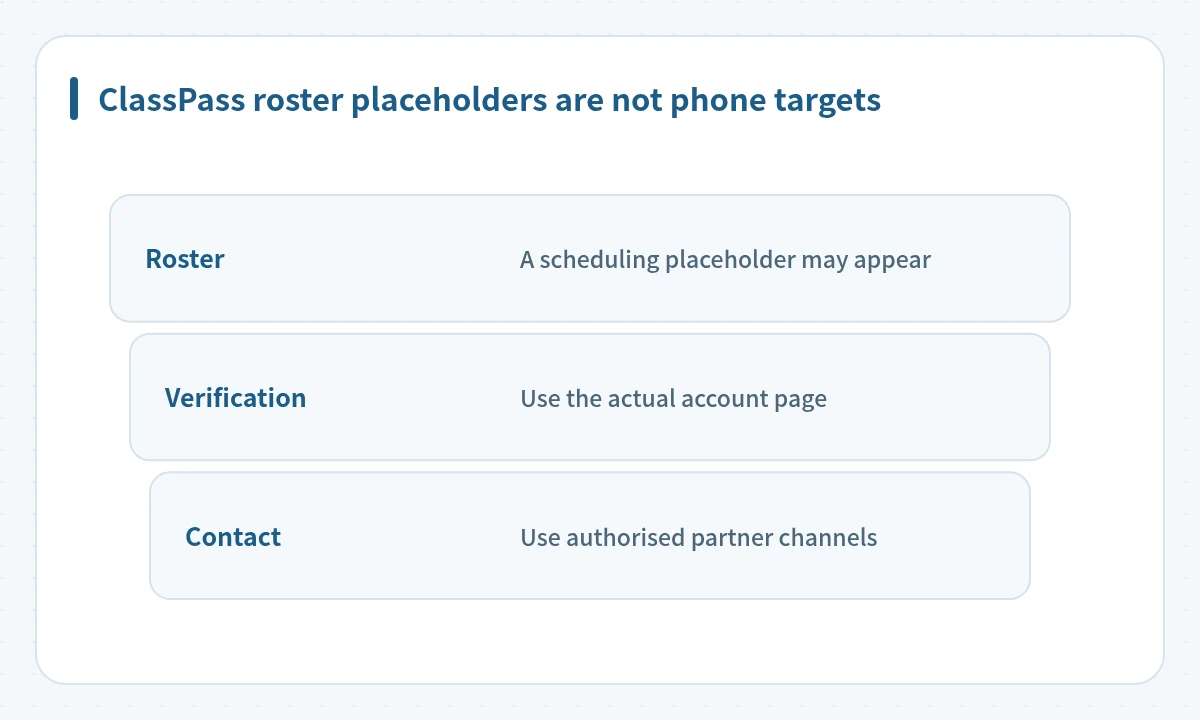
Venue staff should inspect the field's source before treating it as information a member provided for contact. Members should follow their own formal account page when completing a verification task. Neither party should use a placeholder as evidence of the other's recorded login destination.
Give each kind of information its proper task
| Information | Appropriate context |
|---|---|
| Roster placeholder | Understanding the integration field |
| Account verification target | The member's actual authentication task |
| Partner contact tool | Authorised communication about a reservation |
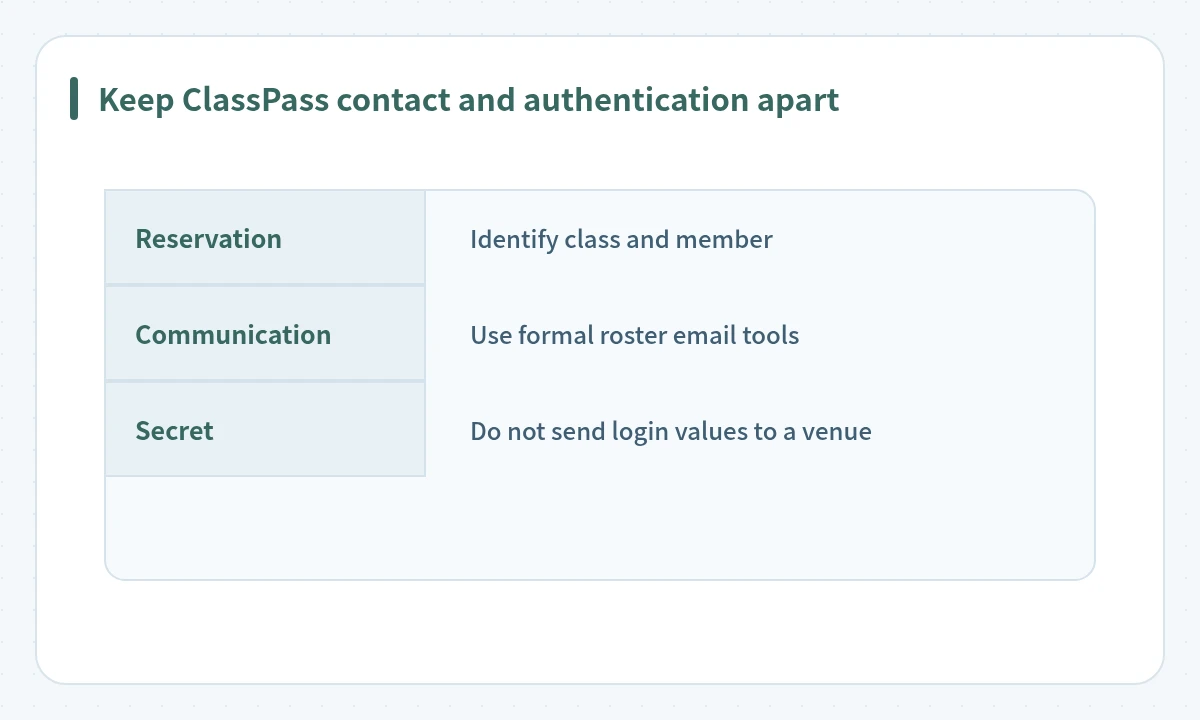
The official partner guidance describes contacting participants through the roster's email tools. Use the currently authorised facility for a class notice. Asking a member to disclose a login value is not a substitute for obtaining a contact destination through a legitimate business process.
If a scheduling system requires a telephone-shaped value, its presence alone does not make that value suitable for sending texts. Confirm the integration's documented meaning before using the field elsewhere or exporting it into another contact system.
Return actual missing-code problems to the member account
A member with a real verification problem should compare the email or number shown on the official page and establish whether the request was sent. Record an invalid destination, an incorrect value and a delayed message as different observations. The partner's placeholder does not reveal the member's signup information.
When asking for support, identify whether you are a member or a venue operator and name the interface where the problem appears. Partner support investigating roster fields and member support restoring account access need different context, even though both involve the ClassPass name.
Avoid creating another account simply to discover what a roster field means. That adds an unrelated identity without verifying the data source that caused the confusion.
Keep reservation contact separate from authentication
Public discussions can retain the system name, field type and masked error. They do not need complete participant lists, booking details or verification messages. If a venue needs contact information through its own permitted process, explain that purpose rather than treat a placeholder field as consent.
Finally, inspect account access and class communication independently. A passed login challenge does not establish that a reservation changed, and an email being sent does not establish that its recipient read it. Use the actual tools and confirmed communication to determine each result. This keeps the integration field, the member's identity and the intended class task from being confused with one another.
References
ClassPass partner help: Roster placeholders and member contact; ClassPass: Official contact entry.
