
Carousell verification codes for a listing's WhatsApp contact should not automatically be treated as changes to the account's verified phone. Listing communication and account-security information can be separate fields. Inspect which object the current action actually updates.
Establish the tool's regional and listing scope
Carousell's official Singapore CarouBiz guidance concerns a WhatsApp button for Autos and Services listings. It explicitly says that listing-level verification of a different contact does not change the account's mobile-verification details. This is guidance for that tool and market, not a universal setting for every category or regional service.
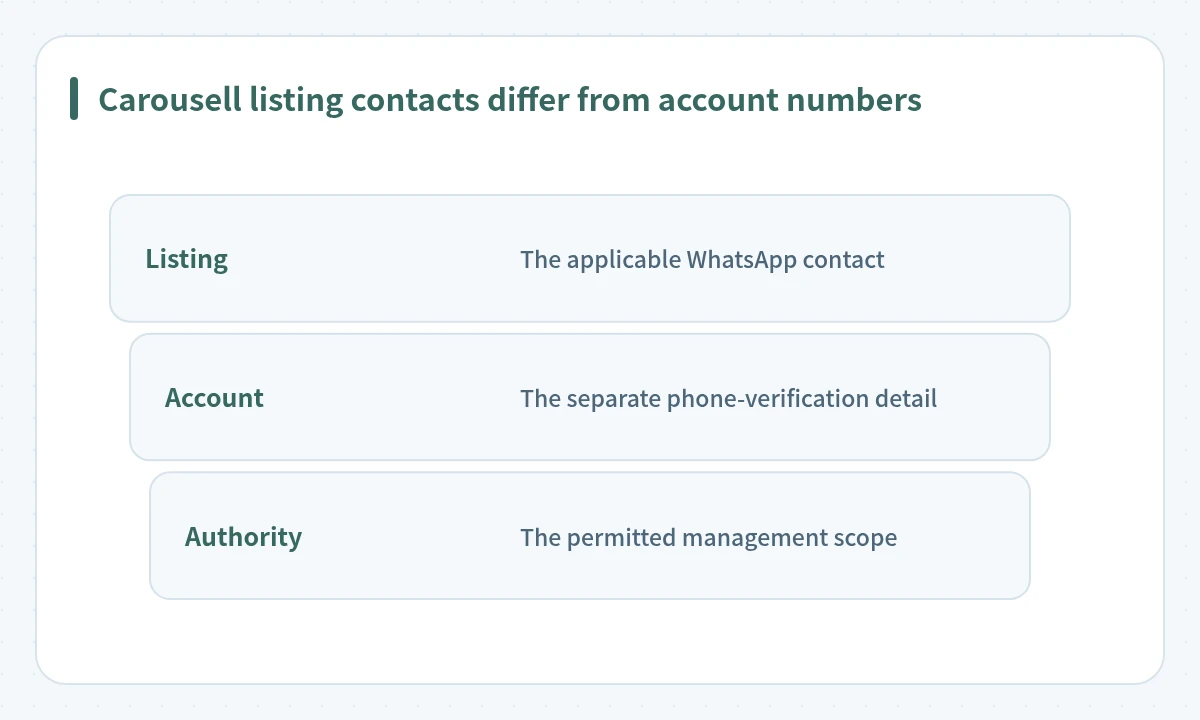
Open the listing you are authorised to manage and inspect the account settings separately. If the task is to change the person receiving enquiries, check the listing contact. If the task concerns continued account access, inspect the account's security information. The listing button is not a substitute for maintaining the login destination.
Confirm both fields as separate results
| Location | Relevant check |
|---|---|
| Listing contact button | The approved contact currently displayed |
| Account verification | The security number recorded for the identity |
| Public presentation | What a buyer can see after using the button |
The official guidance notes that the WhatsApp contact number becomes visible to buyers using that entry. Obtain appropriate permission before adding an employee's number and identify who maintains it. Do not treat it as private information stored only inside account settings.
A regular operations note can identify the listing and responsible contact without containing login codes. Public communication details and authentication material need different handling even when they happen to use the same phone.
Review the affected listings during a staff change
Update or remove contact information through the formal tool, then inspect the actual affected listings. Handle account-authorisation changes separately. Deleting a message in a team conversation does not establish that either the public contact or the account's access arrangement changed.
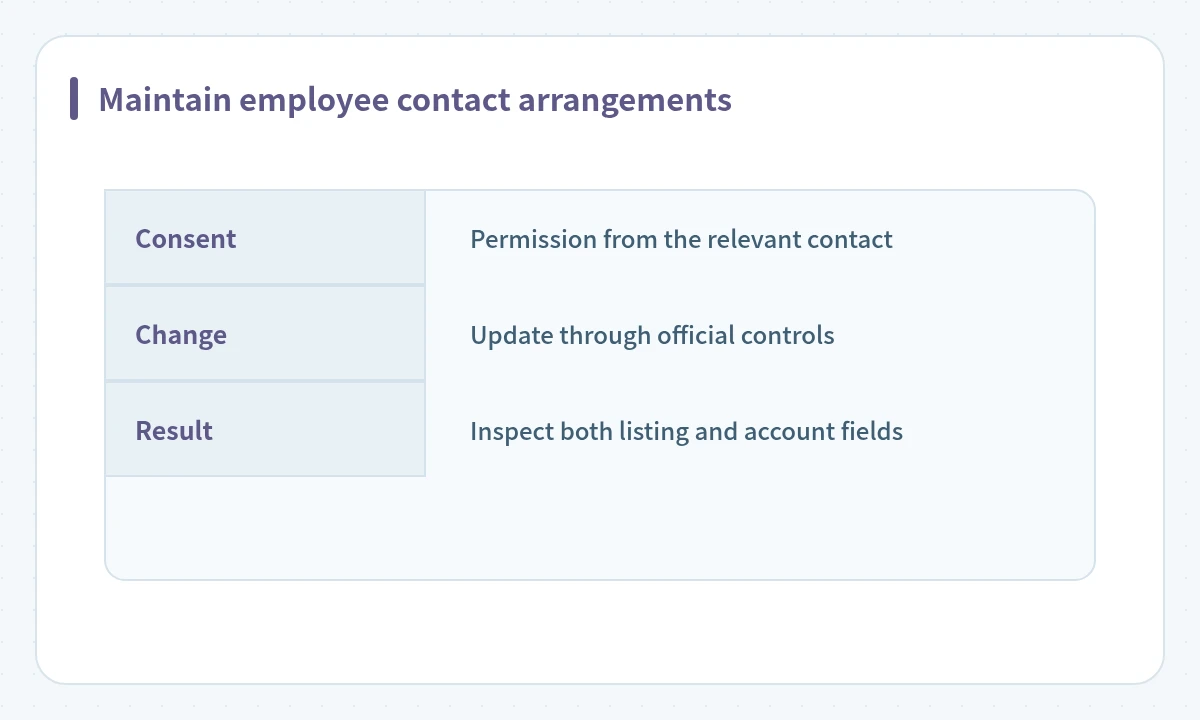
Codes, passwords and recovery information should not become a shared daily channel for employees. Use authorised management arrangements. For an unfamiliar request, open the official page independently rather than confirm a connection for another device or identity.
When several listings are involved, keep the intended scope clear before saving. Inspect the displayed contact after the change instead of assuming an edit affected every place the number appeared. That provides an observable result without exposing account secrets.
Name the field and scope in a support request
A report can say that a listing shows the new contact while account verification still points to the old masked number. Include market, tool, scope and exact error, with private values hidden. That distinguishes intentionally separate fields from an actual saving problem.
This guide explains the cited tool's contact relationship; it does not promise acceptance of every number. Maintain account and listing details through your own authorised identity rather than creating extra accounts or deleting working security settings to test a contact button.
If a buyer still reports an old number, ask which listing they used and when they copied the contact. An earlier screenshot and a newly opened listing are different observations. Compare the current public entry before treating the report as a failed account-security update.
References
Carousell Singapore: Listing WhatsApp contacts and account numbers.
