Browser Find examines page content available to the browser. A service search can query a different defined set, so a zero-match result needs the tool, resource and scope attached to it.
A zero-match result in the browser is therefore a limited observation. The message may be on another page, inside an unopened detail view or outside the currently rendered set. That is different from a service search returning no results within a defined resource and date range.
Start with the tool that matches the question
For a phrase you can already see in a long message detail, the browser's normal Find control may help you move through the visible document. For a message somewhere in an inbox history, use the service's supported search or filtering controls and read their scope.
Do not assume the same keyboard shortcut operates both tools. After invoking Find, check which input has focus and which result indicator changes. Text typed into a site filter may trigger a query, while text typed into the browser bar may simply inspect the current document. Neither result should be interpreted using the other tool's rules.
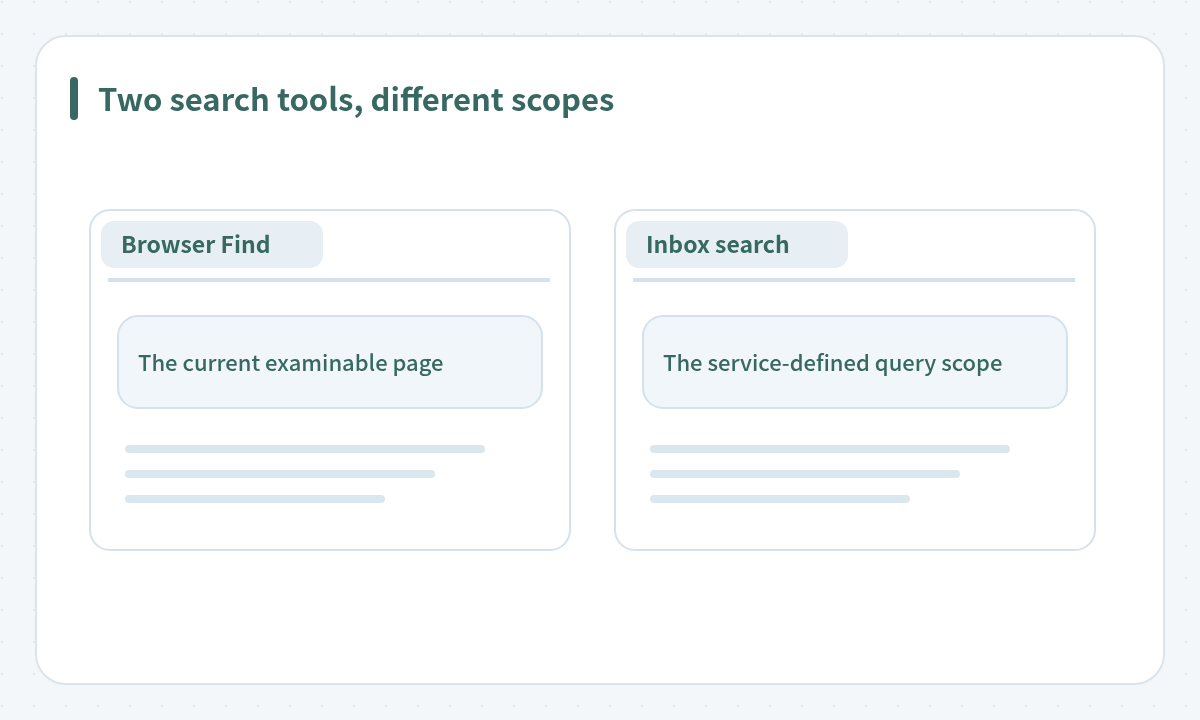
Dynamic lists make the boundary less obvious
A list can show a scroll bar without placing every historical record in the current document. Some interfaces load more records as you move, and others replace rows that are no longer on screen. Browser behaviour and site implementation vary, so do not rely on Find to certify coverage of unloaded or hidden content.
Likewise, opening a collapsed message can expose text that was not part of the list summary. If you are checking a known record, open its supported detail view and inspect the original body. A truncated preview is not a reliable substitute for the whole message.
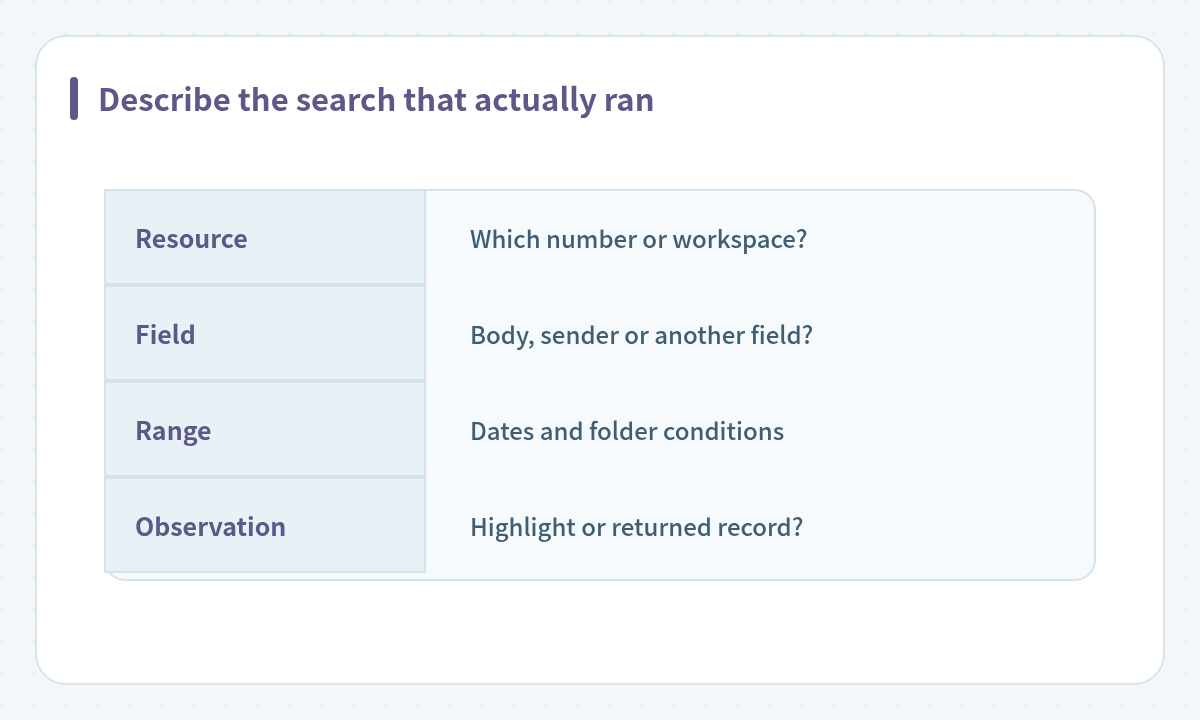
If the service offers search, determine whether it checks bodies, senders, notes or only particular fields. Keep the receiving resource and date range fixed while testing a short non-sensitive phrase from a known record. This gives you a controlled way to learn what that search actually covers without sending the entire message to an external search engine.
Avoid copying an active code into either search field merely to identify the right record. Use safe context such as a date and a non-secret business phrase. The task is to locate the record, not create another unnecessary copy of its verification material.
Use a known record to distinguish the tools
Open an authorised harmless detail and test a distinctive phrase. Then run the service’s documented search under the intended number and interval, recording which field it checks.
One result describes the opened document; the other describes that service query. Neither proves all historical records were searched unless the actual product documents such coverage. Report the failing tool precisely.
Explain the result at the right scope
A useful observation might be: the browser found the phrase in this opened record, or the service search returned this record for the selected number and period. Neither statement claims that all historical records were searched unless the product explicitly provides and documents that coverage.
If you cannot find a known message, compare the normal list and detail view with the search result under the same conditions. Note the chosen field, date range, folder and exact non-sensitive query. Do not keep changing all of those at once, because you will lose the ability to identify which condition mattered.
For a formal reconciliation task, ask whether the service has a documented query or export that covers the required set. Manually scrolling until nothing more appears and then pressing Find is not a completeness check. Retention rules may also limit what remains available, regardless of the tool used to search.