
Brevo verification codes during an authentication-method change need to be considered alongside recovery preparation. A message arriving on the new phone is only one observation. It does not establish that setup finished or that an earlier collection of backup codes remains applicable after the change.
Inventory what still works before changing the method
Brevo's official help describes authenticator and SMS methods and explains that a method change affects the earlier configuration and backup codes. Review the current setting, available resources and actual change warning before proceeding. Do not treat an old screenshot as a complete record of the account's present state.
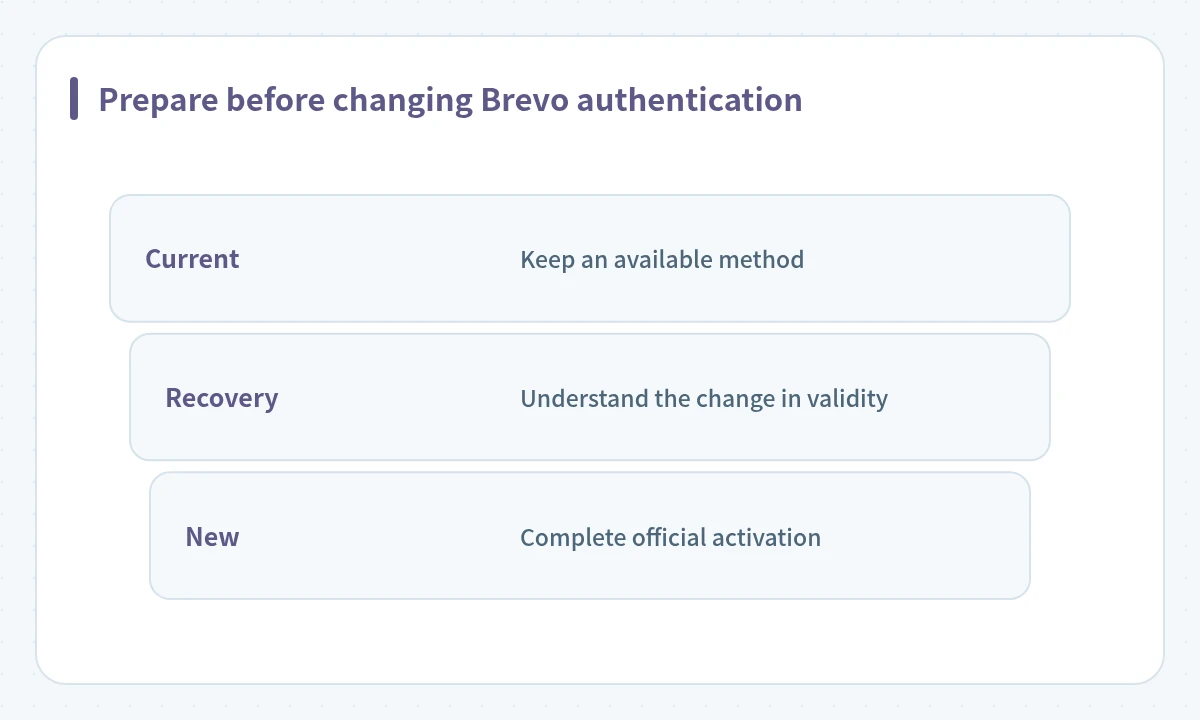
A delayed message does not automatically require rebuilding authentication. Determine whether the problem is delivery or an intentional change of method. Repeatedly deleting and recreating settings can turn a limited reception issue into a recovery task with no available second factor.
Check three results instead of one message
| Stage | Result to retain |
|---|---|
| Ownership confirmation | The settings change was authorised |
| New-method setup | The account shows the method enabled |
| Recovery preparation | The current backup material is protected |
For an authenticator, match the entry to the account being configured. For SMS, inspect your number and country code. A routine record can name the method and saved state; it does not need a setup QR code, secret or backup value.
If the change was interrupted, identify the last completed stage before beginning again. Repeating the first step without knowing what was saved can leave you unsure whether you are inspecting an old or new arrangement.
Keep backups separate from the phone they may replace
Save newly provided recovery material in a protected place you can actually retrieve. If the phone and every backup are stored only together, losing that device can remove both routes. Do not consume an entire single-use set merely to test that copying worked.
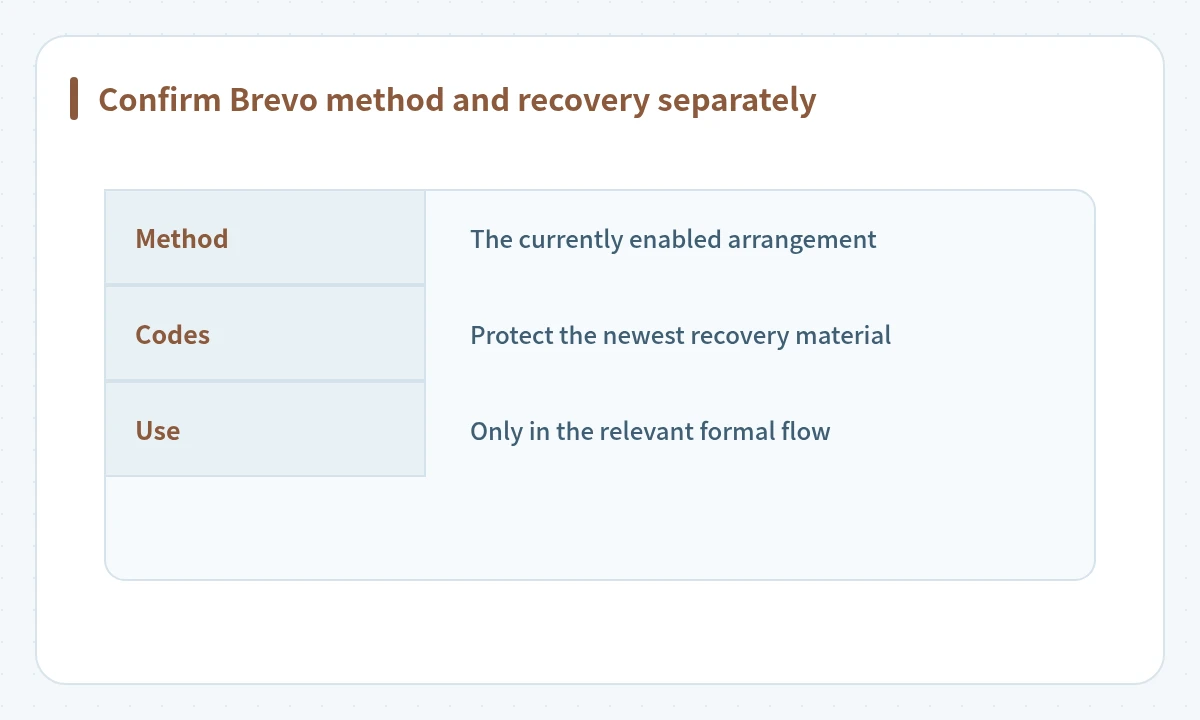
After the supported change, identify old material as no longer current according to the page's instructions. Avoid a collection of undated screenshots that requires guessing which set belongs to the account. Keep recovery values out of everyday team notes and ordinary support messages.
If you maintain several identities, record which protected storage location corresponds to each one without copying the secret into the inventory. That makes later recovery preparation understandable while limiting unnecessary disclosure.
Check the actual requirement on enterprise login
Brevo applies its two-factor requirement to password and single sign-on entry. During a planned change, identify the organisation's account and complete the corresponding provider and Brevo prompts. If the process stops, tell support which system displayed the last request and what method it named.
If authentication and recovery resources are both unavailable, contact official support with the current method, last change time and masked error. Once access returns, inspect the account and relevant permissions. A second-factor repair should not introduce unrelated sending or business-configuration changes. The objective is a known active method with current recovery preparation, followed by a verified original identity.
Where an authorised colleague helps with a planned change, agree who performs each account action and use an established communication channel. They can confirm that setup finished without receiving the QR secret or backup values. Assistance does not require copying the new authentication material.
References
Brevo: Authentication and recovery preparation; Brevo: Method-change effects on existing configuration.
