
BOX verification codes can be required for access to a particular company's shared content even after your account signs in successfully. If your own files open but an enterprise folder does not, investigate the collaboration policy and invitation context before assuming that the file was deleted.
Account entry and enterprise access are separate checks
Box's enterprise guidance explains that organisations can require two-step verification for external collaborators. A person who has not satisfied that requirement may still access content outside that enterprise. A working password therefore does not establish access to every collaboration.
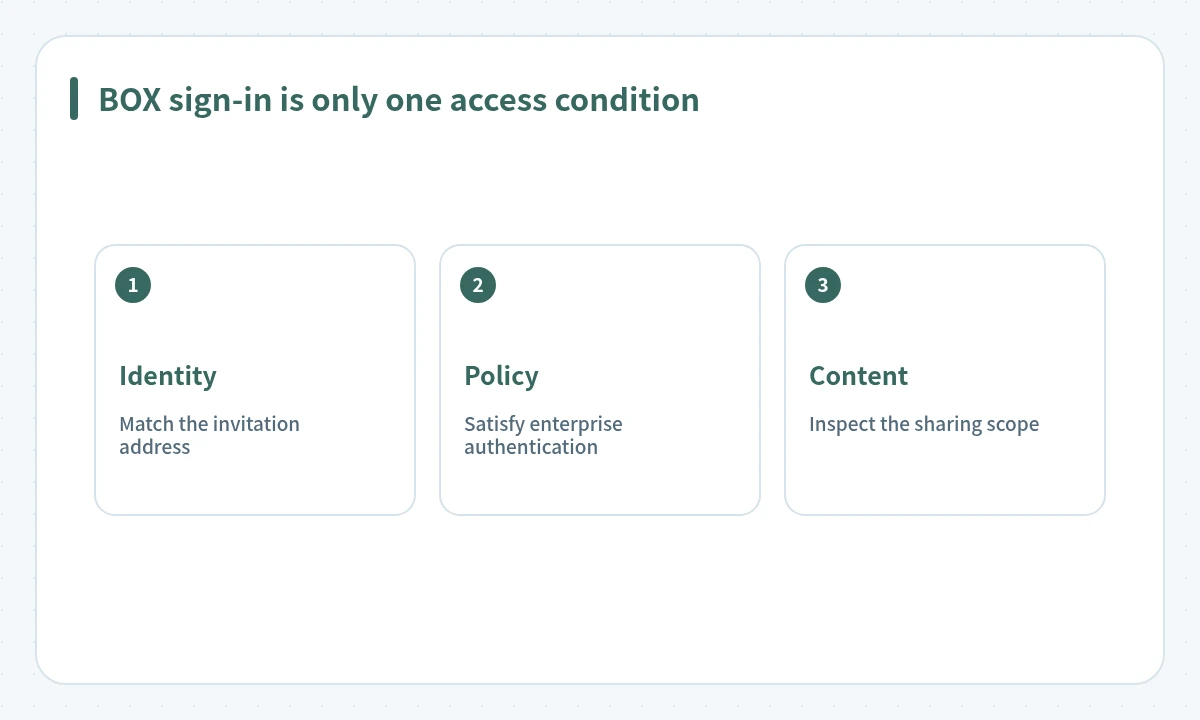
First compare the signed-in address with the intended invitation recipient. Then inspect the pending invitation, account settings and message attached to the specific folder. Sending repeated invitations to other addresses can create more identities to investigate without resolving the original authentication requirement.
Match the symptom to the responsible party
| Symptom | Relevant area |
|---|---|
| No account access | Your login and recovery resources |
| One enterprise's content blocked | Its collaboration authentication policy |
| One item absent after entry | The invitation and sharing scope |
The permitted authentication method can depend on enterprise settings. Single sign-on users may also encounter a different route from people using a personal password. Note whether the prompt belongs to Box or an organisation's identity provider rather than treating every code request as the same mechanism.
A colleague being able to open the folder is a useful observation, but it does not prove your invitation or security state matches theirs. Compare the relevant account and policy, without asking to borrow the colleague's login.
Complete the requirement, then inspect the invitation
Use the formal page to complete the verification offered for your account and return to the original collaboration. A delivered code establishes receipt; an accepted code does not grant unrelated file permissions. Record the stage actually completed so the owner and administrator can investigate their respective parts.
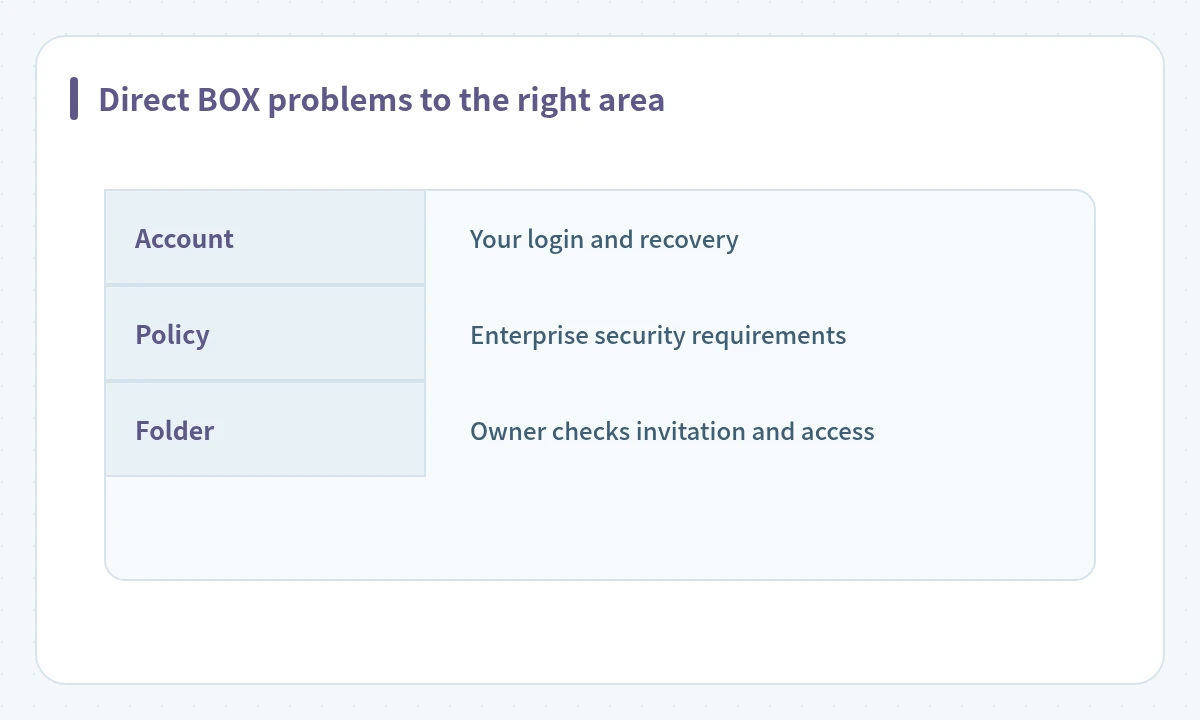
When only a single folder remains inaccessible, privately provide its name, invitation address, message and time to an authorised person. Hide other customer files and live authentication information in screenshots. Making enterprise content public is not an appropriate test of a personal sign-in problem.
If an invitation is pending, inspect its actual status rather than repeatedly sharing the document through a new channel. A controlled description of the current relationship is easier to investigate than several parallel invitations.
Communicate changes to collaboration requirements
Administrators planning new authentication requirements should tell collaborators what confirmation may appear. For a sudden request, users can ask the known content owner whether policy changed and then enter through a familiar official route.
If a phone is lost or every enrolled method is unavailable, use the account's formal recovery and the enterprise's support process. Disabling protection for the whole organisation should not become the default response to one person's access issue. The objective is restored authorised collaboration while preserving the content's intended boundary.
If you recently changed employers or email aliases, tell the content owner which current account accepted the invitation. An old address in a forwarded message does not prove that the new identity inherited the collaboration. The invitation and security policy need to match the authorised recipient.
References
Box: Enterprise and external-collaborator authentication requirements.
