
Beehiiv verification codes can belong to device confirmation or to an already configured authenticator. These are separate checks in the creator account help. Watching the mailbox cannot solve a prompt that requires the authenticator, and seeing digits in an app does not establish that an emailed device-confirmation task has finished. Read the active challenge before selecting a resource.
Confirm this is the creator login
This discussion concerns creator access, rather than a reader signing into a publication website. Check the associated email, current prompt and whether two-factor authentication was previously enabled. Those details matter more than the fact that another beehiiv page also has a numeric field.
Official help describes an email device-confirmation request for an unrecognized device when 2FA is not enabled. With 2FA configured, the authenticator is the relevant resource. Establishing that distinction early avoids repeatedly searching for a message that is not supposed to perform the task currently shown.
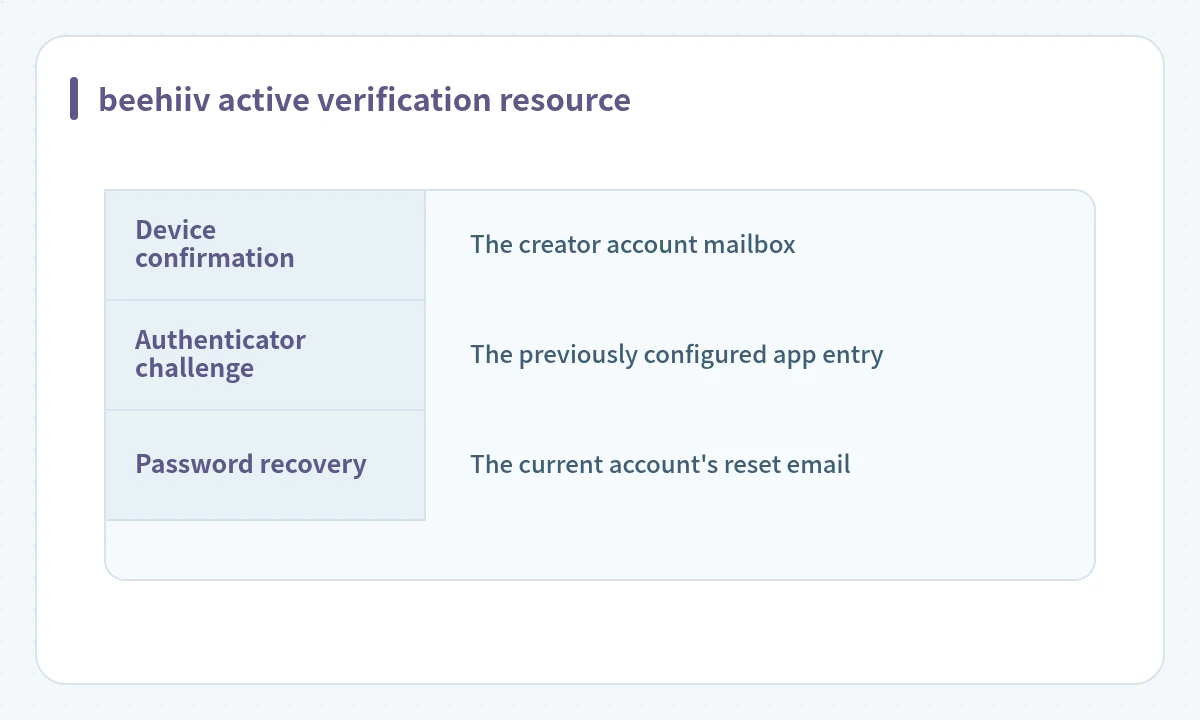
Match the resource with the requested operation
| Current prompt | Resource to inspect |
|---|---|
| Device confirmation | The creator account mailbox |
| Authenticator challenge | The previously configured app entry |
| Password recovery | The current account's reset email |
For example, a new-computer request might require device confirmation while the inbox contains only an earlier password-reset message. Find the message for the active login. A value or link belonging to another operation is not a universal credential for every account-security screen.
Investigate rejection without mixing requests
Where the device email arrived but its value is rejected, compare it with the latest intended request and inspect copied spaces. Official help gives device confirmations a limited validity period; use the actual page to decide whether a new request is needed. An old email should not be retained as a permanent sign-in shortcut.
For absent mail, compare the account address with the inbox and inspect relevant folders. If the saved creator email recently changed, password recovery goes to the new address on file. Waiting at the old mailbox does not establish that sending failed. Read the destination before treating the problem as a general delivery issue.
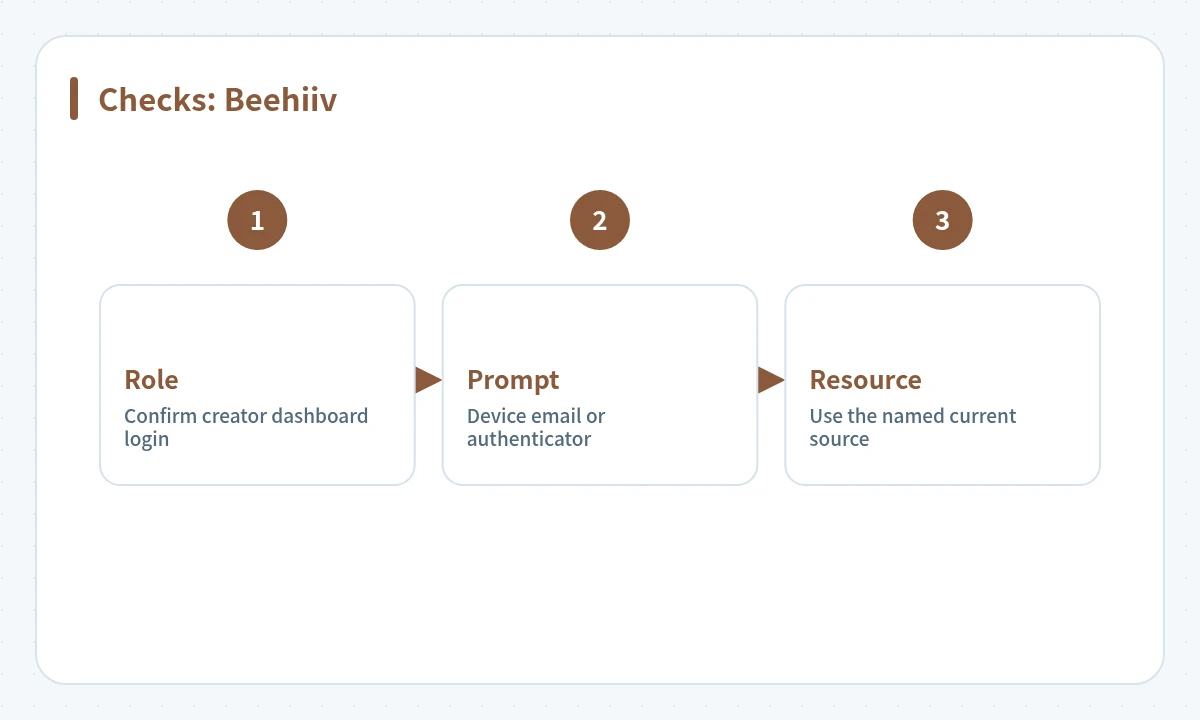
Treat an unavailable authenticator as account recovery
If the challenge really requires the old authenticator and that resource is lost, use the official support route through Buzz. Installing a new, empty authenticator does not recreate the previous account relationship. Application installation and account enrollment are distinct steps; one cannot be assumed from the other.
A useful report identifies the creator role, login entry, challenge type and resources still available. Keep live values and setup secrets out of screenshots. Distinguish device confirmation, 2FA and password recovery so support can identify which step needs attention rather than treating all three as missing SMS.
After access is restored, inspect the intended publication and workspace. A different creator identity opening successfully is not recovery of the original publication. Confirm ownership context before maintaining future authentication resources. Keeping a short private note of the completed step and remaining issue helps make a later support reply understandable without storing an actual login secret.
References
beehiiv: creator login, device-confirmation and 2FA help.
