Automatic link detection changes presentation. Keep the recorded wording, the clickable control and the intended business action separate; an underline is not a trust check.
Read the message before following its controls
A displayed web address may be automatically recognised by the inbox. A phone-like string may become a call action in one environment and remain ordinary text in another. Neither change necessarily means a different message was received; presentation can vary with the application or device.
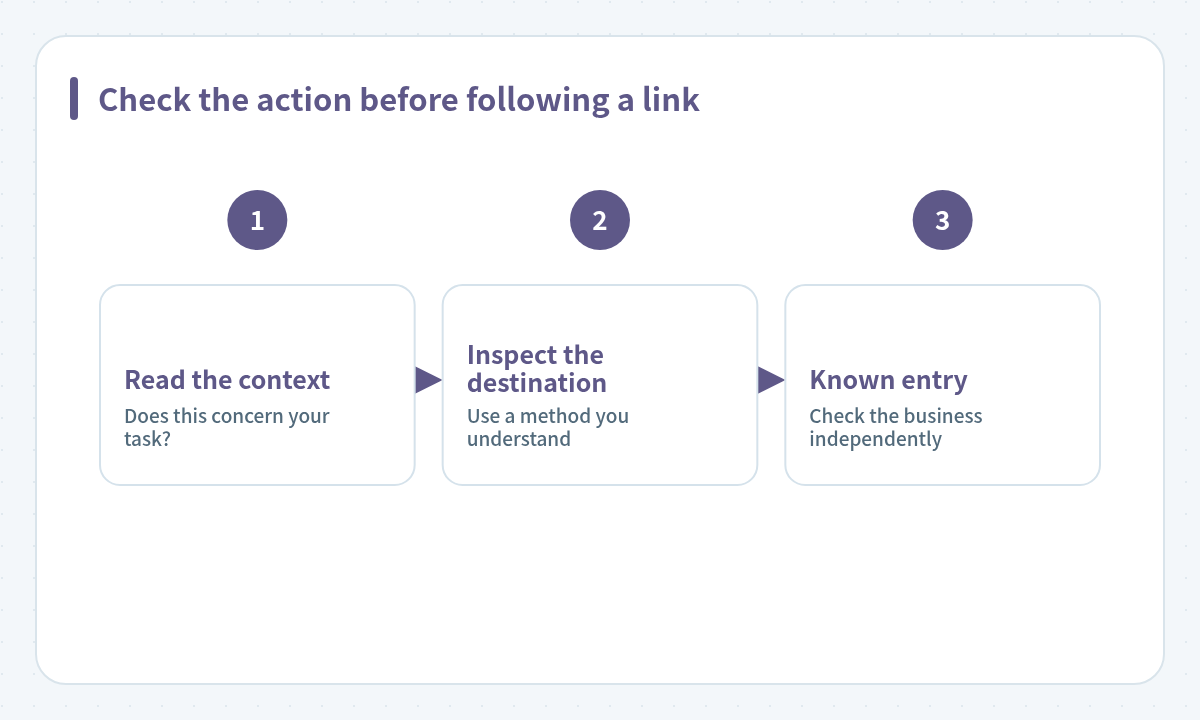
First decide whether the message relates to an action you actually initiated. If it makes an unexpected demand to sign in, approve access or provide private information, use the business's known entry point to check the issue independently. The inbox's ability to display a message does not authenticate the claims inside it.
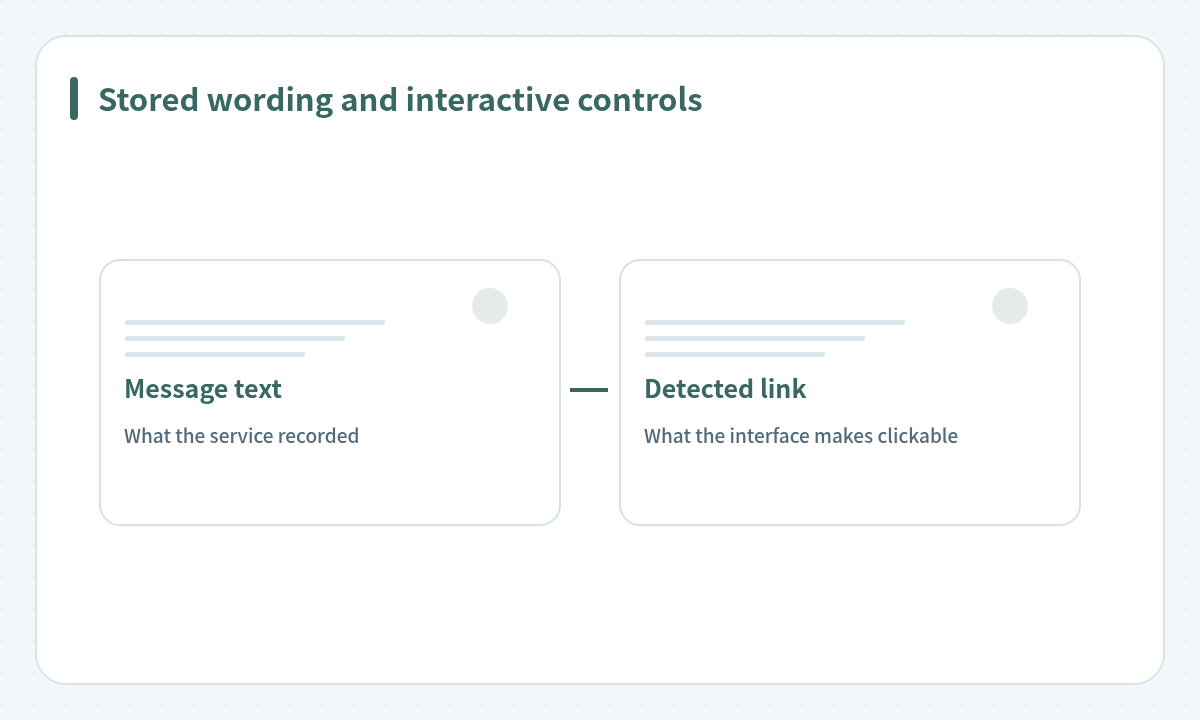
Visible text and destination are separate observations
Where the interface permits it, inspect the link destination without opening it. Browsers and touch interfaces offer different ways to do this, so use the method you understand on your device. Do not assume that a label resembling a familiar address necessarily leads there.
A detected link may also include too little or too much surrounding text. Punctuation, line breaks or a truncated preview can make the apparent address difficult to read. Open the message details to inspect the complete stored wording, rather than editing characters until some guessed address loads.
If the interface has a supported plain-text or original-message view, that can help separate content from presentation. Do not assume such a feature exists in every service. Ask the provider how a particular destination was produced if its behaviour is unclear, using an invented example where the issue can be reproduced without private information.
Do not use a live message as a link-testing sample
Pasting the full destination into an unrelated online checker can disclose query values, references or access material. A link that needs investigation is not automatically suitable for public analysis. Use the established provider or business support route and share only the information needed for that investigation.
A screenshot can also be misleading if it shows only a shortened label. Describe the distinction: the text displayed one address while the control appeared to target another, or the automatic detection included a trailing character. Avoid claiming a particular malicious cause until there is evidence for it.
Do not click repeatedly to compare the result. A destination may perform an action, begin a sign-in flow or reveal private material. An interface fault can be reported without completing the linked business operation. Being able to return with the Back button does not establish that nothing happened at the destination.
Report a detection fault with an invented sample
If punctuation is included in a detected address, reproduce it with harmless sample text and describe what was made clickable. Do not edit a live personal link until a guessed destination happens to open.
For an uncertain business message, navigate through the known official account instead. Preserve the original wording and your observation separately, without sending private URL parameters to public checking tools.
Work from the business task when a link is doubtful
If a message concerns an order or account you know, locate it through the original application or independently confirmed website. Check its current state there. A late notification or stale link does not necessarily mean the underlying task remains open.
If there is no known relationship or authorised task, there is no need to open the address merely to satisfy curiosity. Leave an unexpected code unused and do not disclose it to someone who asks you to confirm receipt. Knowing when a message arrived is not a credential.
For operational records, preserve the source text and your observation separately. Note that the interface made part of the text clickable; do not replace the original wording with a guessed corrected URL. If a provider later explains the detection rule, add that explanation as a later finding.