
Angi verification codes should be investigated through the correct user route. A homeowner arranging a service and a professional managing a business can encounter different access or recovery methods. Angi's current homeowner FAQ describes an emailed login value, while its professional-app guidance describes password-recovery mail. Do not treat those instructions as interchangeable descriptions of one interface.
Identify the role and intended account
Homeowners should use the relevant official Angi entry and the address associated with that identity. Professionals should check whether they are using Angi for Pros or its official business interface. A website opening successfully does not establish that the correct role or account has been selected.
For example, a professional repeatedly requesting homeowner login mail may still never reach the business identity needed for work. Inspect the entry point before making another request. Reconfirming the wrong role does not answer whether the original business account is accessible.
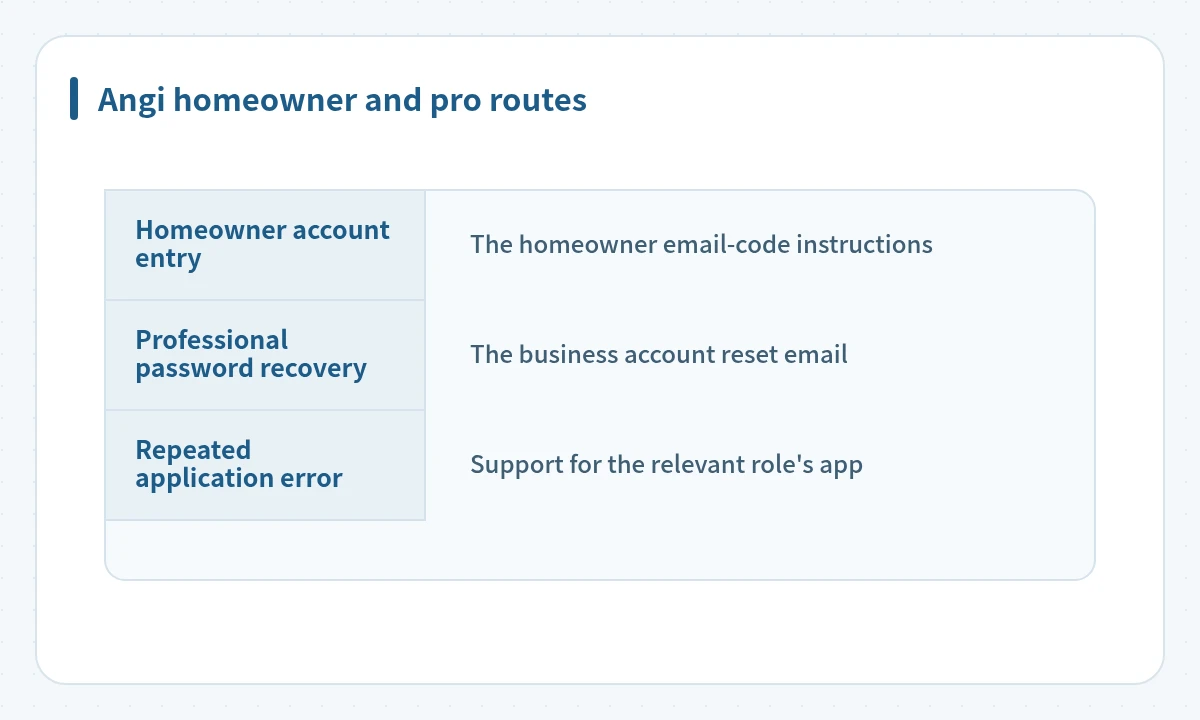
Choose help according to the task
| Task | Route to inspect |
|---|---|
| Homeowner account entry | The homeowner email-code instructions |
| Professional password recovery | The business account reset email |
| Repeated application error | Support for the relevant role's app |
Official material published at different times can retain different login descriptions. Follow the current page and applicable role. An older password instruction does not establish that every current homeowner entry still requires one, and the homeowner email flow does not establish that every business interface must behave identically.
Keep professional recovery emails in request order
Angi for Pros help warns that after multiple reset requests only the latest email remains usable; earlier links become invalid. When recovery is needed, match the original business address with the intended request. Opening old and new messages repeatedly can create the appearance that a fresh email is broken when the wrong link is being used.
For app errors, inspect the relevant version, network and device checks in official help. Record the original response before changing settings. Altering the mailbox, password and entire device environment at once leaves little evidence about which condition actually affected the failure.
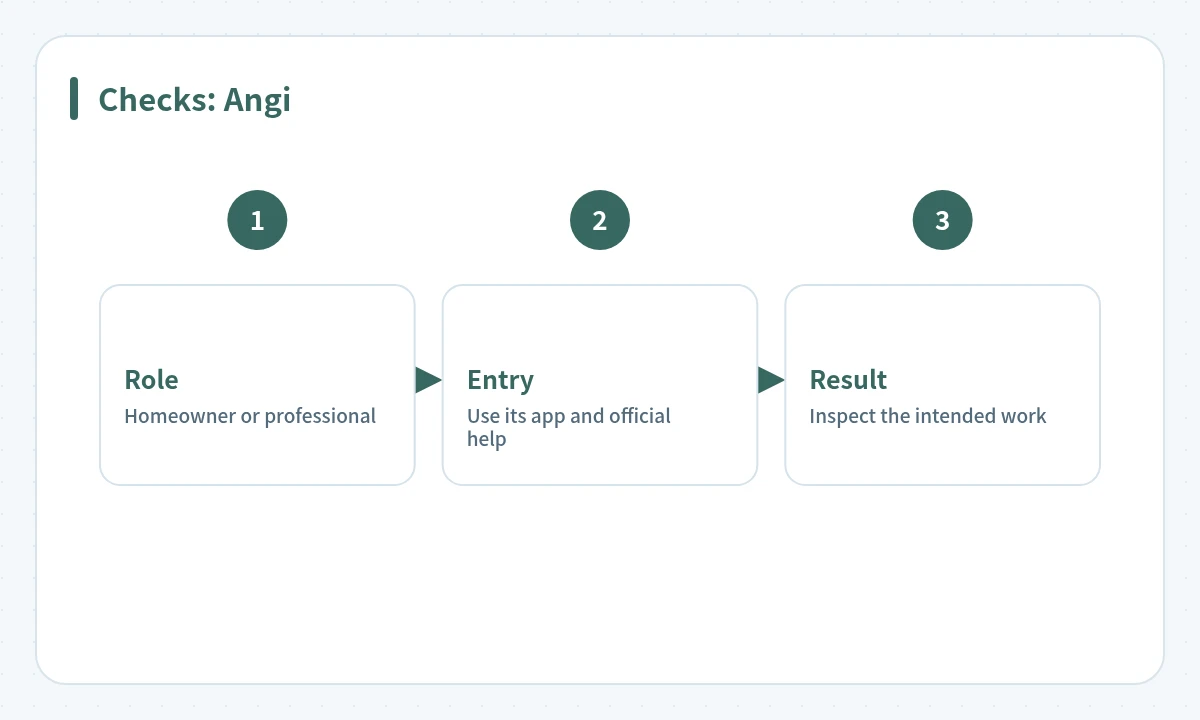
Confirm the result within the intended role
A homeowner can inspect their own account and projects. A professional should inspect the business identity and page required for work. Access to one role does not establish that every record belonging to the other should appear there. Do not immediately create another account simply because expected information is absent.
A useful support request identifies the role, entry point, masked account address, error and time. Keep passwords, live codes and complete reset links out of public screenshots. These details let the appropriate team distinguish an inaccessible account from an application environment issue without treating both as a phone-delivery failure.
Finish by checking that the expected role opens the necessary information. Then handle any remaining business or service task under its own page result. A login confirmation is not proof that every function has been restored. Recording the completed access step and the specific remaining issue gives a later support conversation a clear starting point without preserving a reusable authentication secret.
References
Angi: homeowner account login FAQ; Angi: professional app and password-recovery troubleshooting.
