
Alibaba verification codes for an Alibaba.com marketplace account may begin with email rather than text. The official verification guide describes email as the default and requires a linked mobile for the phone method. Check the service and account configuration instead of transferring assumptions from Alibaba Cloud, AliExpress, or another identity.
Establish which service and account you opened
Inspect the current task from the Alibaba.com entry you actually use and compare its identity with your registered details. Similar company names do not mean every service shares all security settings. A text received elsewhere does not establish that this marketplace account already holds the same number.
If the browser inserts an unfamiliar email, compare it with your earlier registration information. Starting a new identity simply to obtain a phone option can leave the original business records behind. Resolve the account selection before making contact changes.
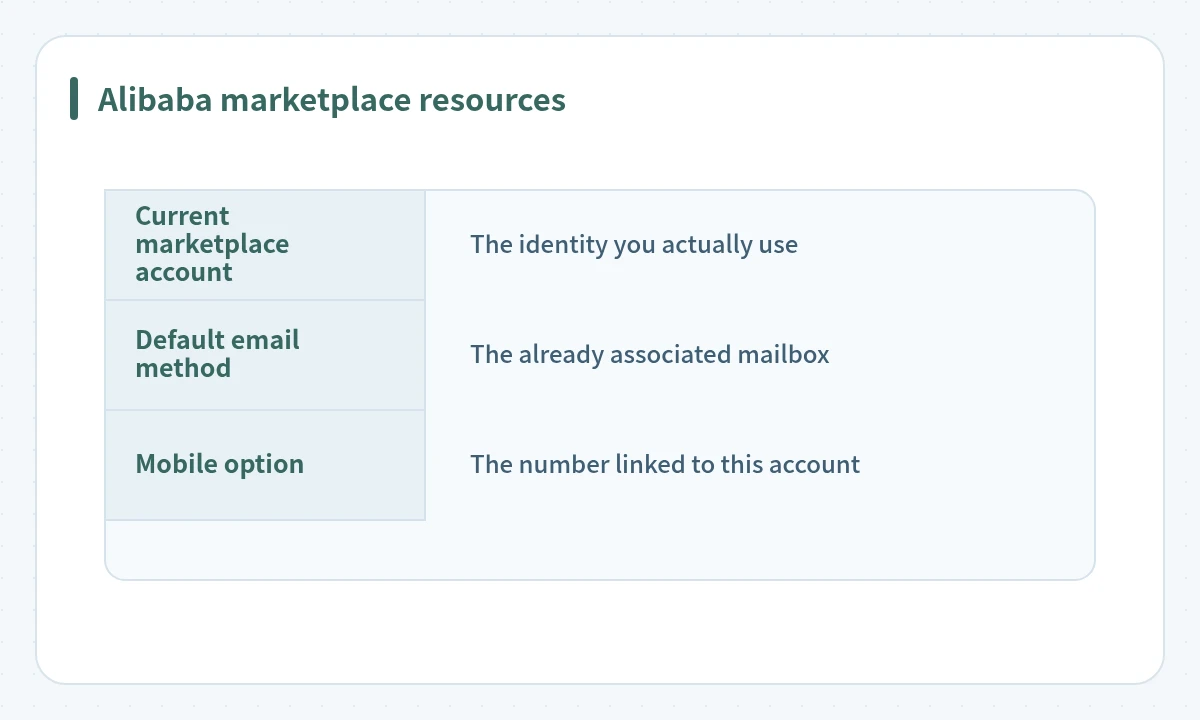
| Item to inspect | Relevant resource |
|---|---|
| Current marketplace account | The identity you actually use |
| Default email method | The already associated mailbox |
| Mobile option | The number linked to this account |
Email and phone are not interchangeable temporary fields
The help describes delivery to the corresponding associated resources. An email task should lead to that mailbox. Use a mobile route when the current account has it configured and the task offers it; entering an arbitrary number in a code field does not establish a new destination.
If the mailbox is inaccessible, consult official recovery help. Another send request cannot change an association. Where a working session remains, preserve it while inspecting settings rather than signing out everywhere before investigating the destination.
If several people help manage business activity, establish who is authorized to handle the registered contact resource. A colleague needing an order update does not automatically need a live account code. Use the appropriate account arrangement instead of distributing access messages in a shared conversation.
Investigate receipt only after matching the destination
For email, inspect the address, storage availability, and junk folder. For a mobile request, inspect the target line and filtering. Searching an unrelated mailbox while blaming a carrier mixes two different channels. Keep the request time so that the response can be matched to the active page.
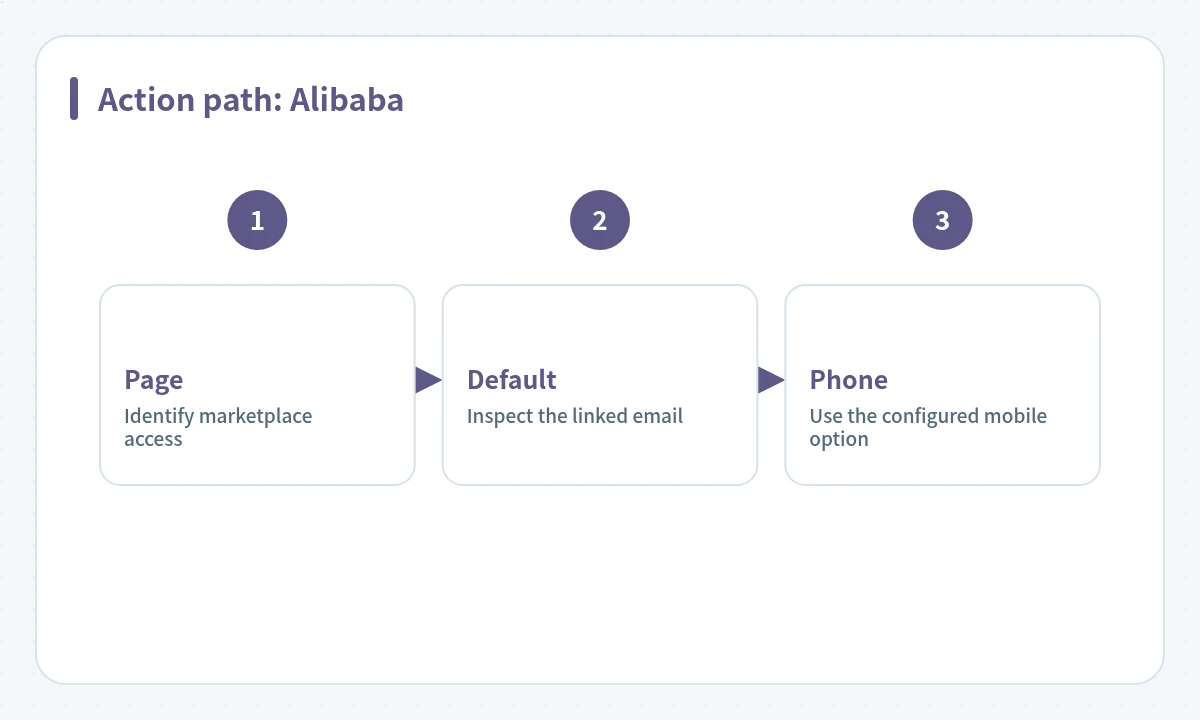
The official guide also discourages repeated requests in quick succession. If a value is rejected, read the active sequence and page notice instead of mixing old messages with another operation's confirmation. Redact complete contact details, values, and business information from screenshots.
Tell support which service, channel, destination accessibility, and failure stage are involved. A request refused before sending needs a different investigation from one marked sent without a visible message. After confirmation, inspect the original task rather than assuming every supplier, business, or transaction requirement is complete.
A short private record of the successful channel and remaining prompt can help later. Keep that explanation without copying live credentials into a project log that unrelated colleagues might access.
When an address is partly masked, compare it with your own registered contact records before assuming it is unfamiliar. Do not send a test value to somebody else just to discover who controls the destination.
References
Alibaba.com: Default email, linked mobile, and verification problems
