
Alibaba Cloud verification codes sent to a phone are not governed by one interchangeable email-fallback rule. The international Account Center help distinguishes a security-triggered check from user-enabled login mobile verification. Inspect which flow is active before expecting an email option. A screenshot from another identity or another operation cannot establish what this account should offer.
Read the available alternative on the current screen
Official help describes an Email Verification option for the security-triggered flow. User-enabled Login Mobile Verification does not provide that same switch to email. Read the actual request before searching the mailbox or assuming an option is missing because of a website defect.
This article concerns the Alibaba Cloud international account context. RAM users, roles and enterprise SSO involve their own management relationships. Do not assume an ordinary member can perform the account owner's contact changes, or that a security prompt in a different login arrangement follows the identical procedure.
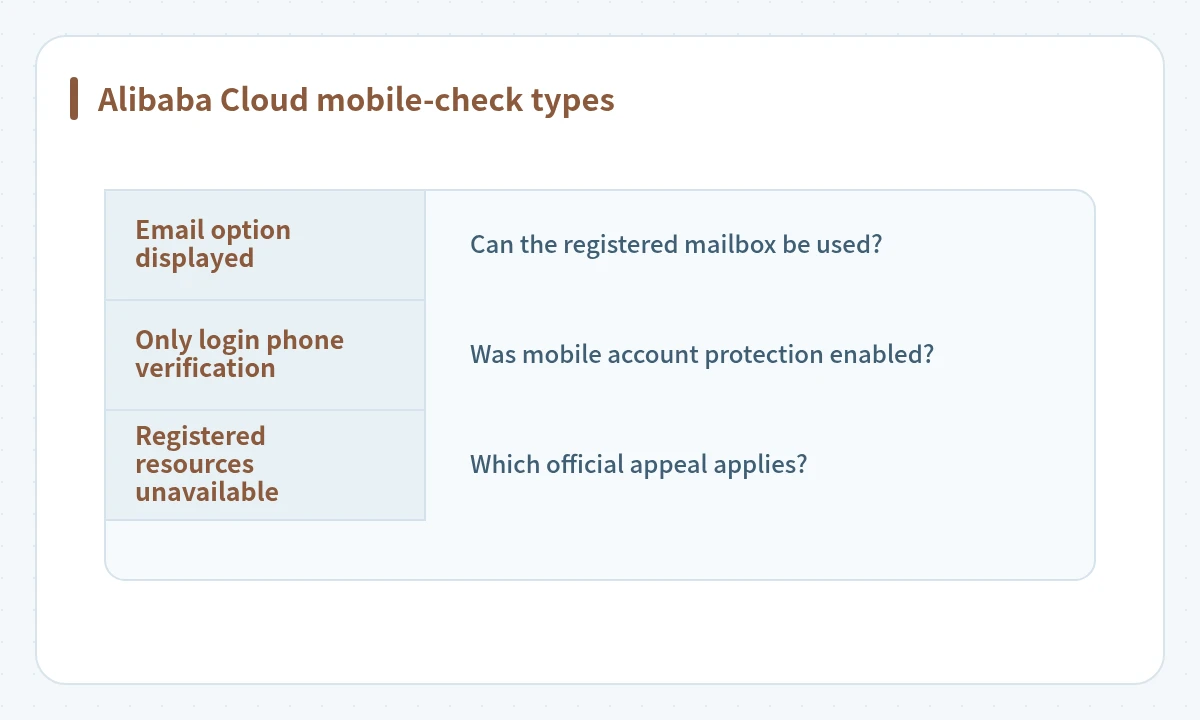
Relate the page to the recovery direction
| Current situation | Question to inspect |
|---|---|
| Email option displayed | Can the registered mailbox be used? |
| Only login phone verification | Was mobile account protection enabled? |
| Registered resources unavailable | Which official appeal applies? |
For example, an email button appearing during one new-device login does not establish that every later contact-change task must show it. Compare the operation and protection setting before reporting inconsistency. This creates a more useful question than asking why two unrelated screenshots differ.
Investigate delivery only for the method being requested
For an actual SMS task, check the destination, country code, blocked-message area and relevant carrier filtering. For email, inspect the registered mailbox and junk folders. Follow the displayed resend control instead of creating many attempts that cannot be associated with a particular message.
A retired number presents a different issue from a temporary lack of signal. Restarting the handset cannot restore control of a line that is no longer yours. Use the official appeal process for the account's security contact where necessary. Another line receiving other websites' texts does not establish its relationship to this identity.
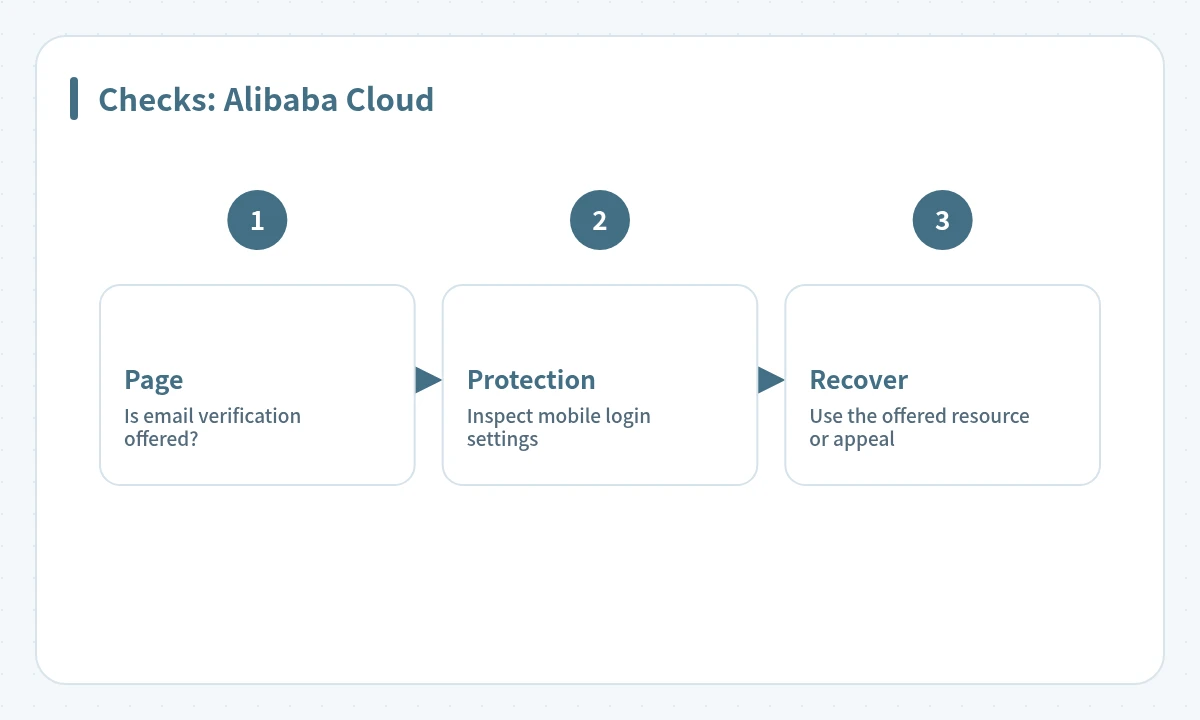
Check the saved contact and the intended account
Where identity can be confirmed and an update is offered, complete the new-contact step and inspect the saved result. A number visible in an editable field is not proof that the change was accepted. Also establish whether the signed-in role has authority to maintain that information before trying another account's instructions.
For an appeal, provide the account context, failure time, page type and availability of the registered resources. Do not send a complete authentication message. If the issue is an absent email alternative, describe the protection setting and current task so support does not explain the other mobile-verification flow by mistake.
After recovery, inspect the original identity and security details, then return to the operation that was blocked. Completing a challenge addresses authentication; it does not establish that unrelated account restrictions or business permissions have also been resolved. Report each remaining result under its actual wording.
References
Alibaba Cloud: verification codes not received during registration or login; Alibaba Cloud: account and security information.
