
Akamai verification codes used after losing a Control Center authenticator involve more than an administrator saying the reset is complete. The official IAM reference describes a reset that prompts the user to configure additional authentication at the next login. That administrative action prepares the next step; it does not establish that a replacement device has already been enrolled for the user.
Clarify which identity and method were reset
This discussion concerns Control Center user authentication. Cloud Manager and a company's single-sign-on provider can involve different settings. Ask the administrator to confirm the target user and current login arrangement before applying instructions from another Akamai-branded product. Similar account names alone are insufficient to identify the right security record.
For example, after an old phone is lost, an administrator may reset the user's additional authentication and the next login may show setup instructions. That is not necessarily a missing-code symptom. The page can be waiting for the user to establish a new authentication resource rather than waiting for delivery to the retired device.
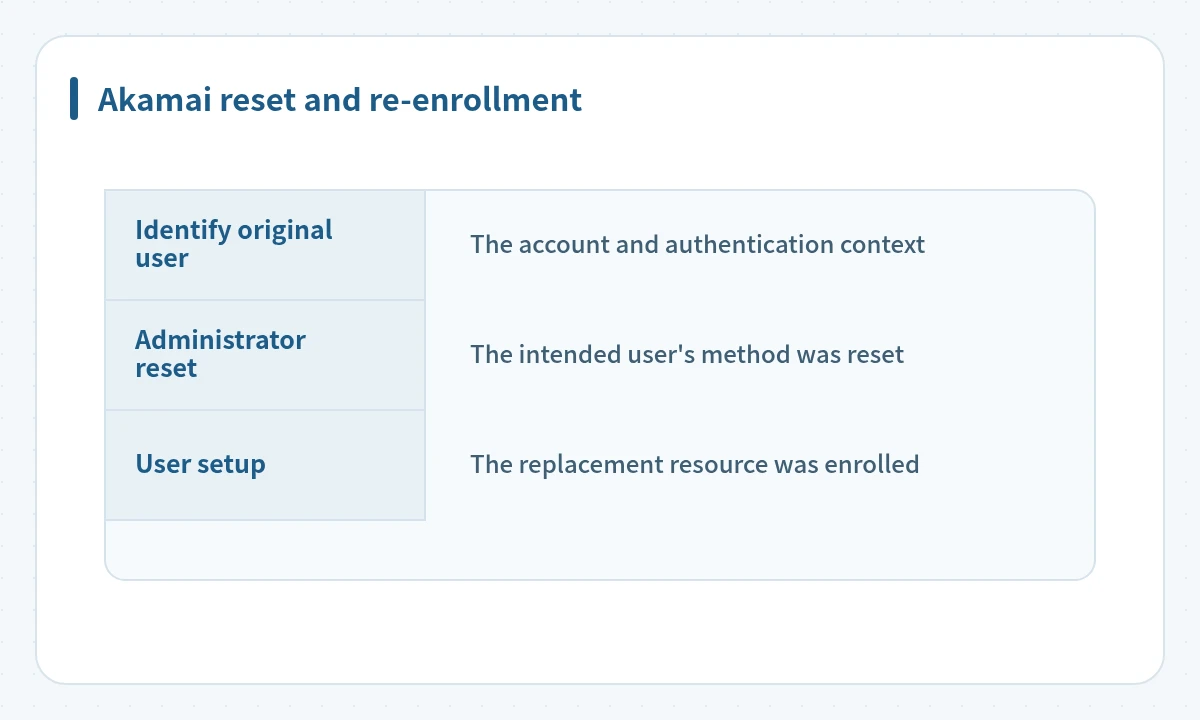
Keep the recovery stages explicit
| Stage | What to establish |
|---|---|
| Identify original user | The account and authentication context |
| Administrator reset | The intended user's method was reset |
| User setup | The replacement resource was enrolled |
A newly installed authenticator does not automatically know an old account's settings. Enrollment through the official account flow establishes that relationship. Digits displayed under another user's entry cannot substitute for it, even when both people work on the same account or contract.
Involve the administrator responsible for the blocked method
Akamai's official guidance describes an administrator resetting authentication for a user who cannot access the account, followed by the user's configuration on a later login. Provide a user identifier and exact failure rather than another colleague's secret. The goal is to restore the intended person's own access.
Before a reset, clarify whether the obstacle is Control Center's additional authentication or the company's identity provider. A federated arrangement may need company IT to inspect its part of the flow. Searching for the native-login control in an unrelated system can delay resolution and obscure which administrator actually owns the task.
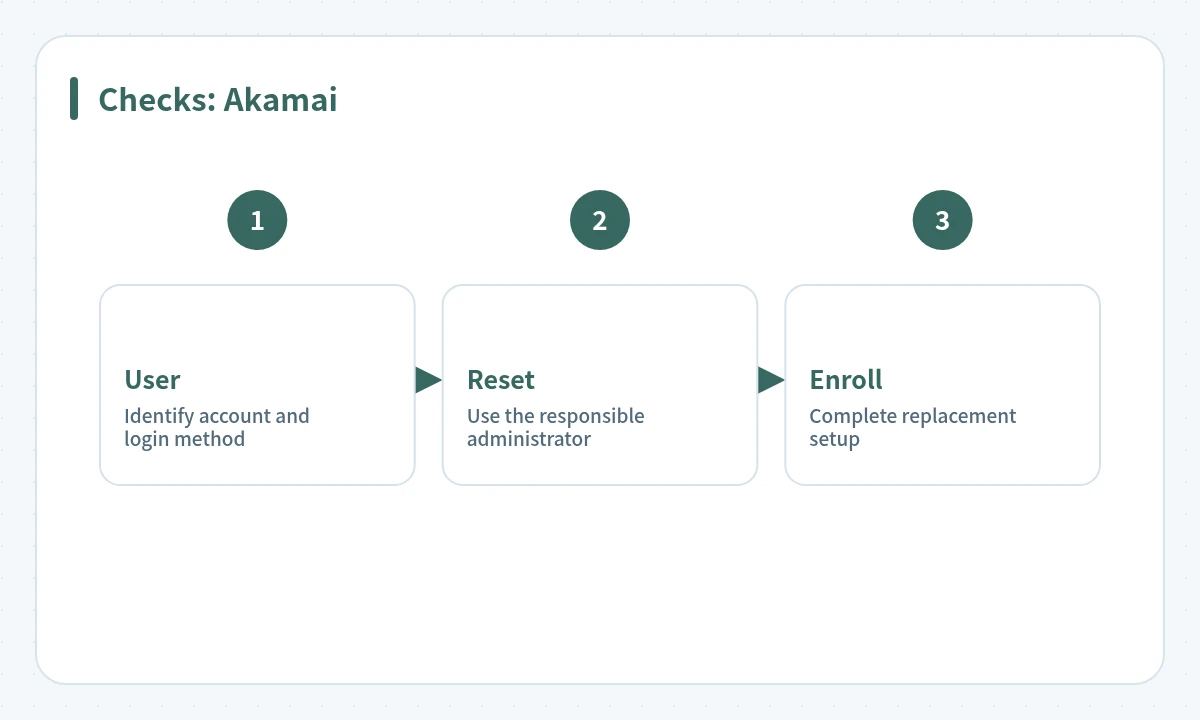
Verify enrollment and the restored work
During replacement setup, protect the QR code, setup key and any recovery resource. Do not include them in ordinary ticket screenshots. Confirm that the new entry belongs to the expected account and follow the current interface's completion steps. A support team needs the outcome, not the secret that produces future authentication values.
After entry, inspect the intended account and work scope. Then address any remaining consequences of losing the old device. Successful login does not alone demonstrate that every old session has ended; use the offered session-management options or consult the administrator about the relevant controls.
A clear closing report says the intended user's method was reset, replacement enrollment was completed, and the required resource either works or still shows a specific error. This prevents an unfinished setup stage from being described later as a recurring SMS-delivery failure and provides a useful record without exposing authentication material.
References
Akamai: additional-authentication reset behavior; Akamai official community: Control Center authentication recovery FAQ.
