
Agoda verification codes during a partner-portal user change can concern that sensitive action specifically. Being signed in, an administrator receiving a notice and the actor completing the present security check are separate observations.
Establish the partner-portal context first
Agoda's official Partner Hub user-management guidance describes additional two-factor verification for user-role or property-access changes, completed by the person initiating the modification. This article concerns that partner interface. It should not be applied as a universal procedure for traveller login or booking confirmation.
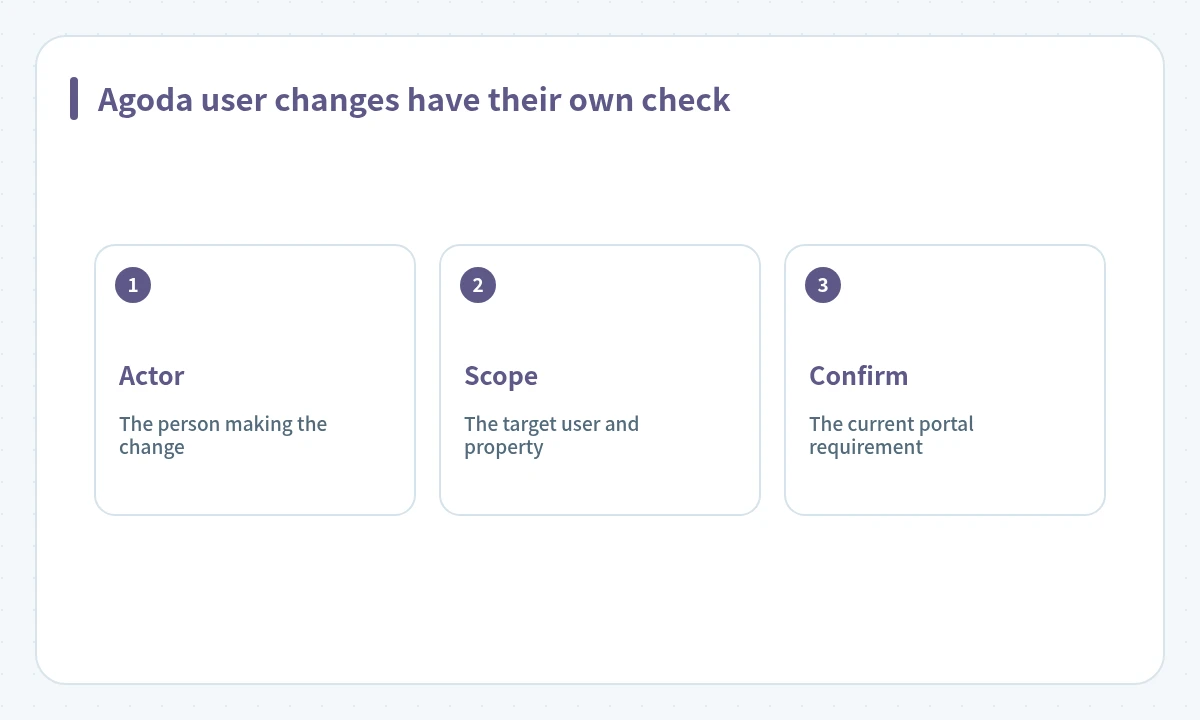
Before acting, confirm your identity, selected property and target user. Similar names or several accounts for the same property deserve an explicit check. Establish whether you intend to add, adjust or remove access and whether the action concerns one property or a broader scope.
Match verification to the management action
| Object | What to establish |
|---|---|
| Actor | You have the appropriate management authority |
| Target user | The identity that actually needs a change |
| Property scope | Where the action will apply |
| Security check | The method offered for your current request |
Read the actual method instead of assuming that every verification request uses SMS. An administrator receiving a notification does not mean they should forward their own code to the actor. Each person should use the appropriate identity and formal process.
For a removal, review the displayed scope carefully before confirmation. A single-property action and an account-wide access action should not be treated as equivalent merely because the buttons appear in the same user-management area.
Notifications are different from saved authorisation
Official guidance describes administrator notifications about user and access modifications. On receiving one, inspect what actually changed; arrival of the notice does not establish that every change was intended. After completing verification, inspect the save result and the target user's displayed role.
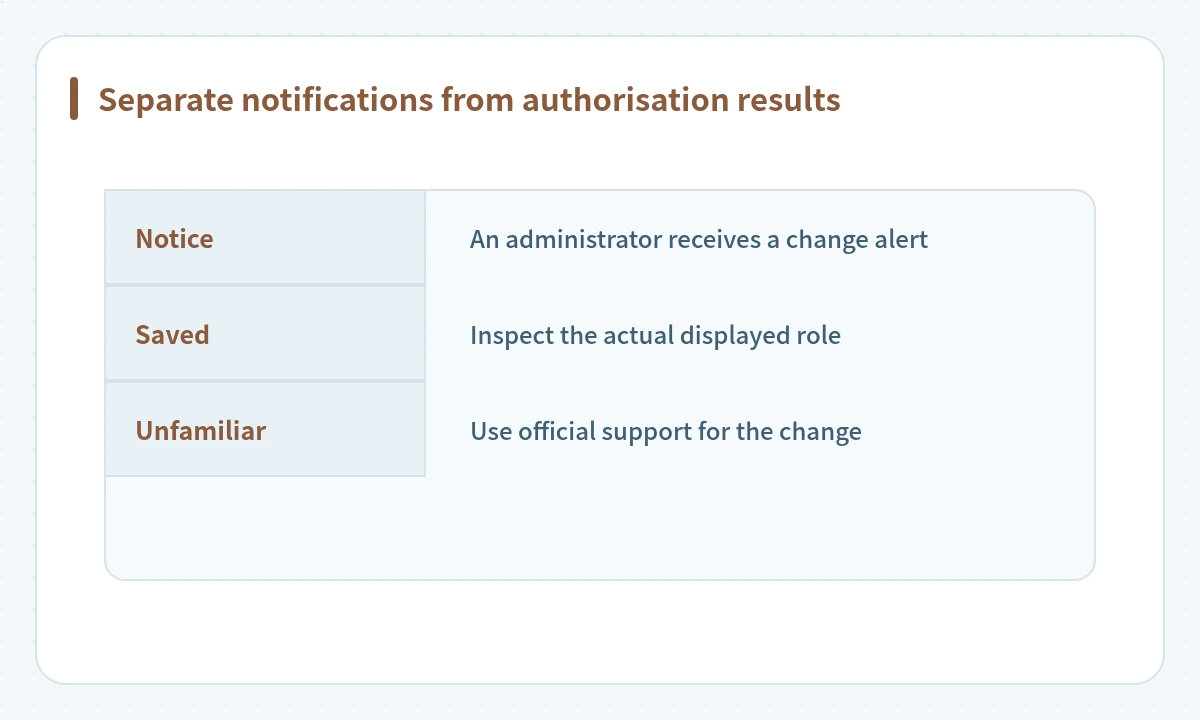
If a notice concerns an action you do not recognise, open the official portal independently rather than enter credentials through an unfamiliar message link. Tell support the property scope, change type, timing and observed result while hiding codes and unnecessary business information.
A concise internal record can preserve the intended role and outcome without retaining the live verification credential. That makes later review possible without turning a management note into another account-access resource.
Use formal user management for staffing changes
Handle a handover through the portal's applicable role hierarchy and permissions rather than shared personal codes. For property types or accounts without the relevant self-service option, follow the official support route. Creating another identity to probe permission is not a substitute for authorised management.
Once the action is saved, have an authorised person inspect whether access matches the intended arrangement. If a problem remains, review role and scope before editing every user again. Separating authentication, save completion and resulting access reduces trial-and-error changes in a sensitive part of the account.
The official user-management guide also distinguishes property types that need support rather than the same self-service controls. If the expected tool is unavailable, identify the property type and account role first. Contact the formal partner-support route with the intended change instead of creating another user to test whether a different account can expose the missing button.
References
Agoda Partner Hub: User management, re-verification and notifications.
