
1and1 verification codes searched for in connection with IONOS hosting or email need a product check first. This discussion covers the relevant IONOS services, not every telecom or other product carrying a similar 1and1 name. Customer-account access and Webmail can have separate security settings. Similar verification fields do not establish that both use the same credentials or enrollment.
Identify the product being opened
The customer account manages the account and associated services, while Webmail provides browser access to a particular mailbox. Inspect the entry point and username before choosing help. A customer-account password should not be assumed to explain every email login field merely because the services are billed or managed together.
For example, the customer dashboard may work while a mailbox requests an authenticator. Repeatedly resetting the customer password does not establish that the mailbox challenge is resolved. Name the affected product and identity first, then inspect the security setting that actually governs that entry.
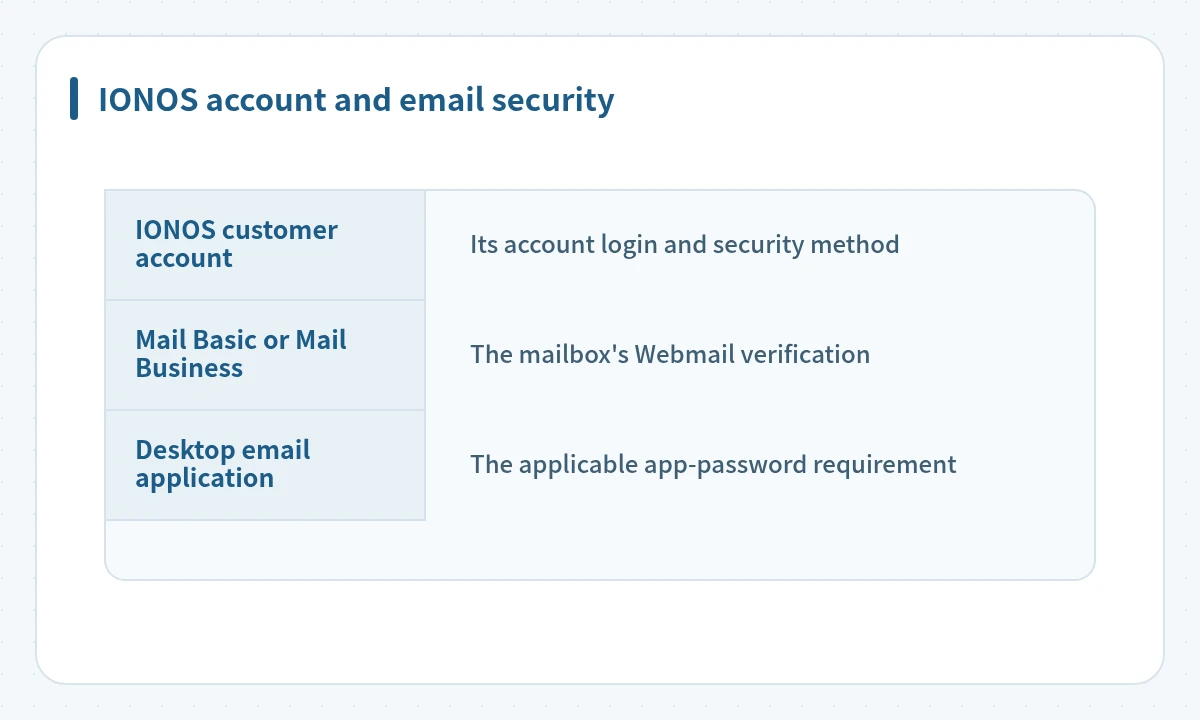
Match the interface with its credentials
| Interface | Information to inspect |
|---|---|
| IONOS customer account | Its account login and security method |
| Mail Basic or Mail Business | The mailbox's Webmail verification |
| Desktop email application | The applicable app-password requirement |
IONOS's relevant Webmail help specifically covers Mail Basic and Mail Business. Do not extend those instructions to every email product. Nor should a protection setting in the customer dashboard be treated as evidence that every mailbox was automatically enrolled in an identical arrangement.
Investigate mail-client access separately from Webmail
For the covered mailbox products, official help explains that enabling two-step verification requires an app password for programs such as Apple Mail, Outlook or Thunderbird. A changing value entered on a Webmail challenge is not a permanent password to store in a desktop client's password field.
Confirm applicability, then use the corresponding security page to create and protect the required app credential. Keep the complete generated value out of tutorials and support screenshots. If one client cannot receive mail, record its actual error rather than repeatedly requesting values for a browser sign-in that already works.
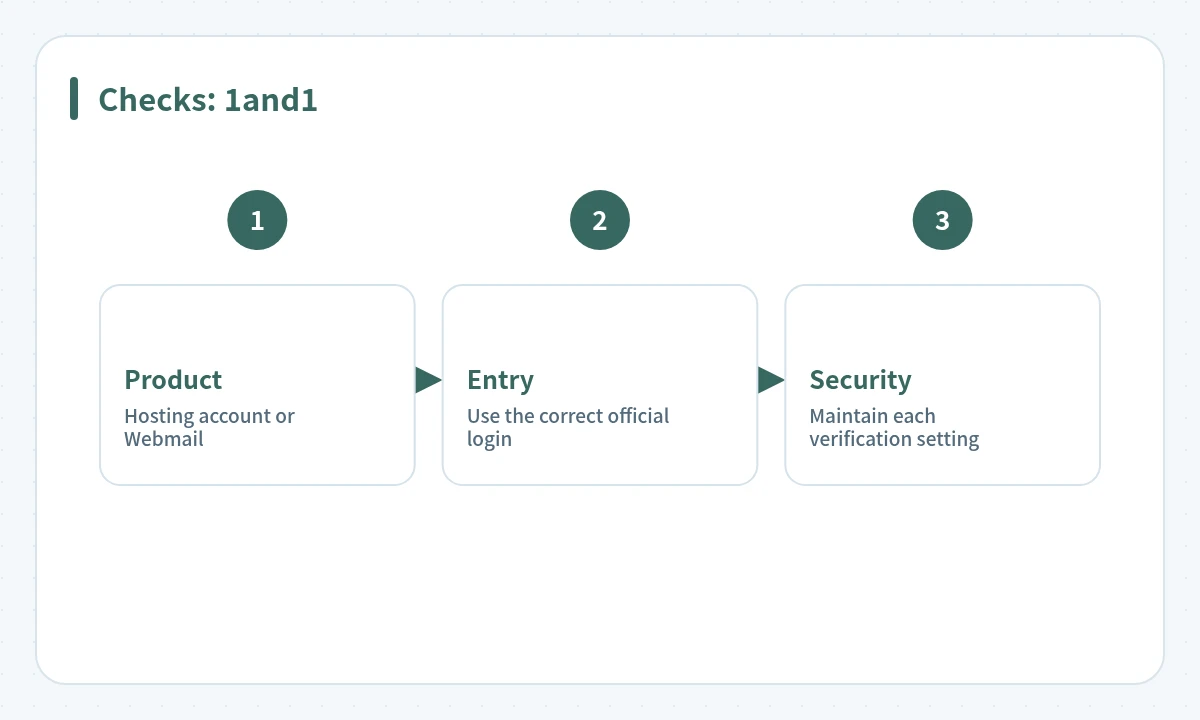
Recover the customer account or mailbox through its own route
For a forgotten customer-account password, follow IONOS's account help and Password Center. A mailbox password or unavailable mailbox-verification resource needs the relevant email guidance. Preserve the correct identity clues before making changes so an experiment does not update another credential without resolving the original task.
Where recovery resources are unavailable, describe the product, entry, current method and exact response to official support. Do not promise that a message to any new line can resolve every case. Login values, recovery resources and app passwords have different purposes and should not be exchanged with private intermediaries.
Finish by checking the customer dashboard, Webmail and the particular email client needed. A successful result in one does not establish the others. Recording which access route works and which still reports an error makes future support focused on the affected product rather than on an assumed general failure of message delivery.
References
IONOS: Mail Basic and Mail Business two-step verification and app passwords; IONOS: customer-account password recovery.
