
Zoho verification codes are not always text messages. If OneAuth asks you to approve a request or match a number, inspect the current action in the app. Push approval, time-based codes and SMS are different resources even when they involve the same phone.
Read which OneAuth mode the page selected
Zoho documents push notification, time-based one-time password and QR modes. Push and QR use the relevant connection, while a configured app can generate a time-based code offline. Begin with the method named on the sign-in page instead of refreshing an SMS inbox for a request that never used it.
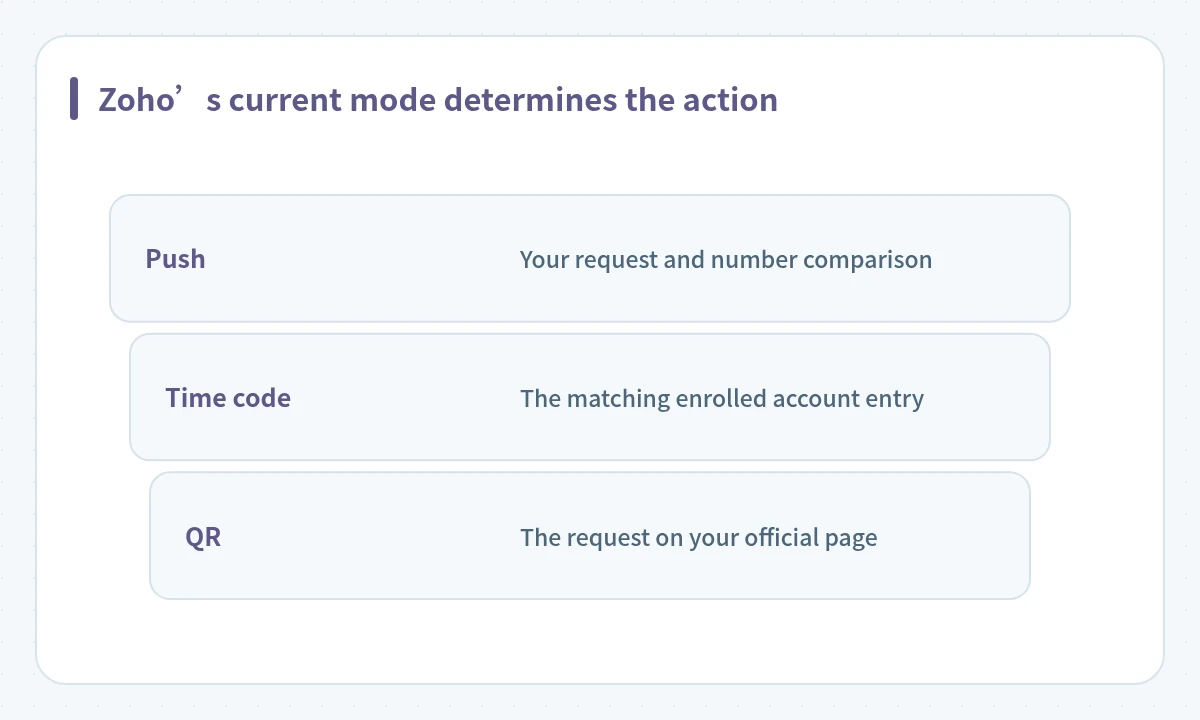
The official passwordless guidance also describes number matching for push verification: compare the number displayed by your own sign-in page with the app request. Perform that comparison yourself. A number dictated by a caller or chat contact is not evidence that their request is yours. If you did not start a login, do not approve it.
Keep each request tied to its account and action
| Page request | Relevant resource |
|---|---|
| Push approval or number match | The corresponding request in your OneAuth app |
| Time-based code | The correct enrolled account entry |
| QR scan | Your official login page and app scanner |
When several accounts or browser windows are open, confirm the username and initiating action. Keep a clearly identifiable attempt rather than approving whichever request appeared most recently. Setup QR codes and seeds should not be included in public screenshots.
Alternatives depend on existing configuration
Use another method when the official page actually offers it. Do not assume every account has an enrolled phone or recovery mailbox. Organisation-managed identities may have additional rules; describe the method and error to the responsible administrator instead of using an outside tool to force another entry point.
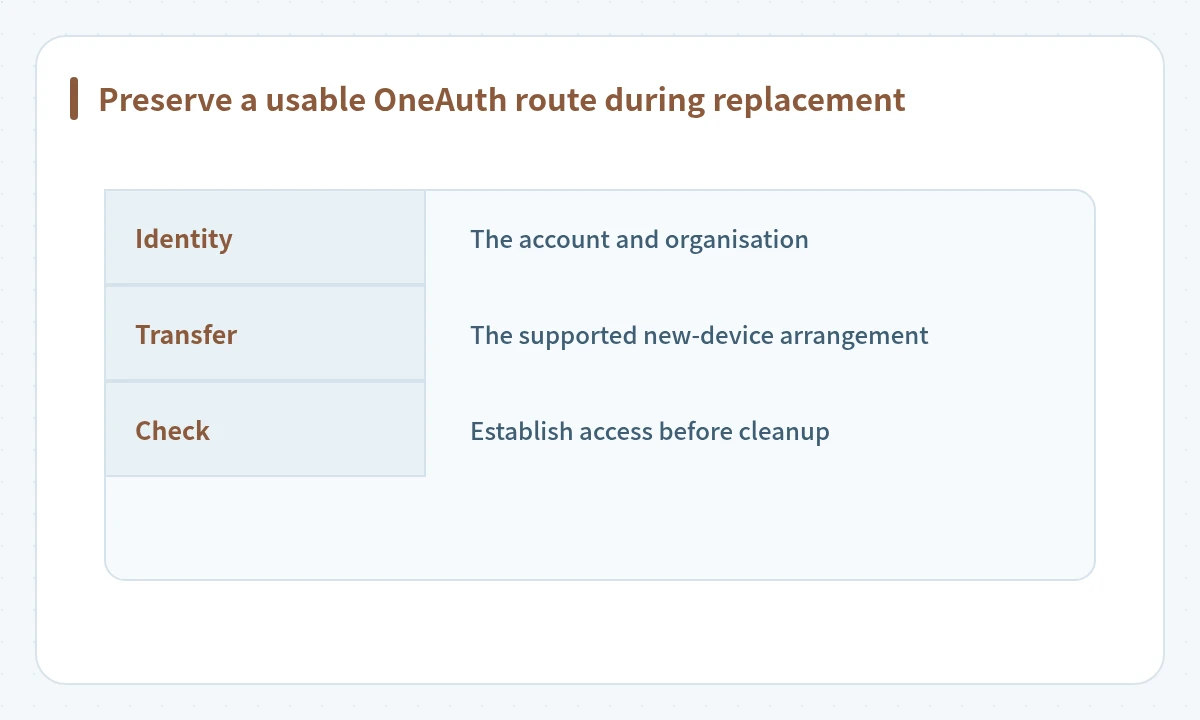
Before replacing the phone, inspect the official transfer and recovery arrangements. Confirm that the new setup works before clearing the old app. Reinstalling OneAuth and transferring the original configuration are different events. Preserve a working old device while resolving an unexpected interruption.
A preparation note can name the enrolled method, device and protected recovery-material location. It should not collect the password, changing code and setup secret in one ordinary document. The purpose is to identify remaining capabilities during a problem without creating another exposure of those capabilities.
Make the support report describe the observed mode
Say whether a push never appeared, a number-matching request was rejected or the current time-based code failed. Add the approximate time and exact message with sensitive values hidden. Those observations identify different stages and give support a better starting point than saying that Zoho will not send SMS.
If sign-in finishes but an organisation application remains unavailable, inspect that resource's current access requirement separately. An account challenge being accepted does not assign a business role. Keeping authentication and later resource access distinct prevents an unrelated permission question from triggering unnecessary changes to a working OneAuth arrangement.
References
Zoho: OneAuth verification modes; Zoho: Passwordless sign-in and number matching.
