
Zara verification codes requested during registration should complete that registration task, not be treated as a password reset for an earlier account. Zara's US help describes account verification and forgotten-password recovery separately. Receiving a value is only an intermediate event. Establish which operation it belongs to before using the result as evidence that the original identity has been restored.
Decide whether this is an existing or new identity
For an existing account, compare the original email and password, then use the recovery option if needed. For a new account, complete the registration information and its requested confirmation. Do not immediately register again when an old identity is inaccessible and interpret a newly opened empty profile as lost purchase history.
For example, one mailbox might contain messages from several account tasks. Compare the request time and purpose rather than selecting whichever digits appeared most recently. The active page and your own initiated operation should establish which message applies. Similar formatting does not make values interchangeable.
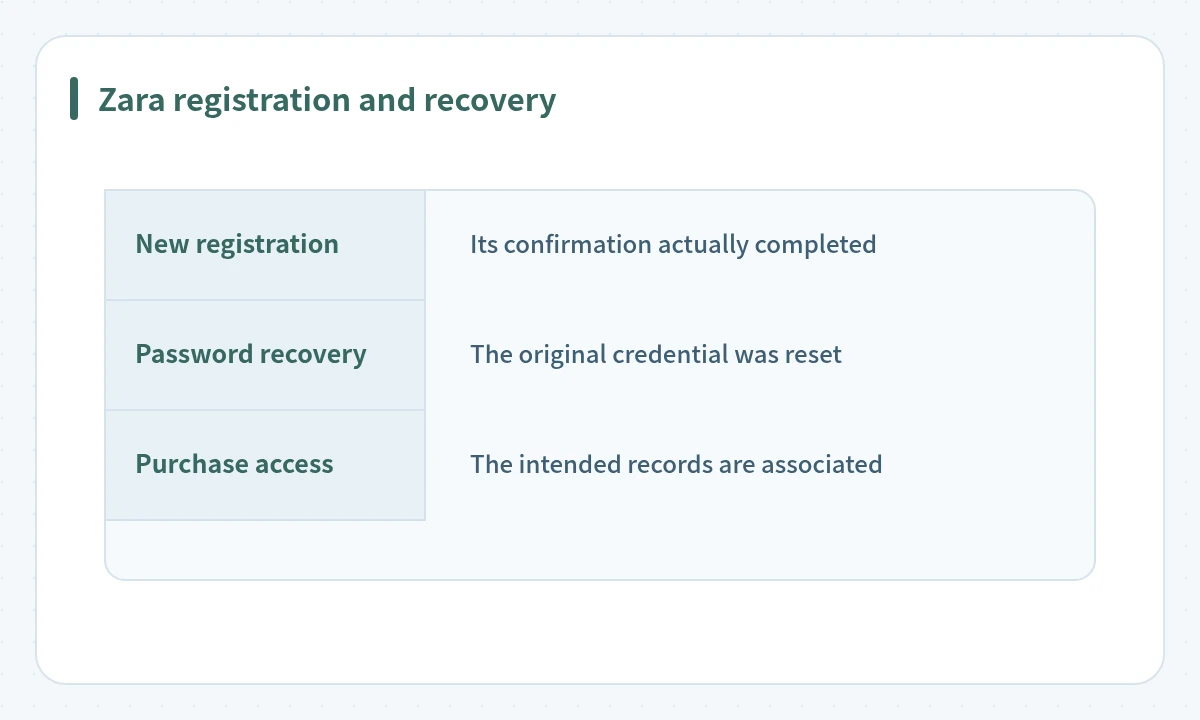
Verify the result relevant to the operation
| Operation | Result to inspect |
|---|---|
| New registration | Its confirmation actually completed |
| Password recovery | The original credential was reset |
| Purchase access | The intended records are associated |
Official help also says registered users can find a verification option within the account. An additional confirmation therefore does not by itself establish that another identity must be created. Inspect the existing profile and the task offered there before starting a replacement registration.
Follow the actual channel instead of inferring it from the brand
The cited page says a code is sent, but that does not establish one fixed SMS route for every country and account action. If the active page names email, inspect that mailbox; if it names a line, inspect that destination. A screenshot from another market cannot add an alternative that this request does not offer.
Regional purchasing arrangements can also differ. This article uses US account help and does not generalize guest checkout or another country's requirements to every Zara site. Confirming the site region before entry avoids spending time following instructions that concern a different account environment.
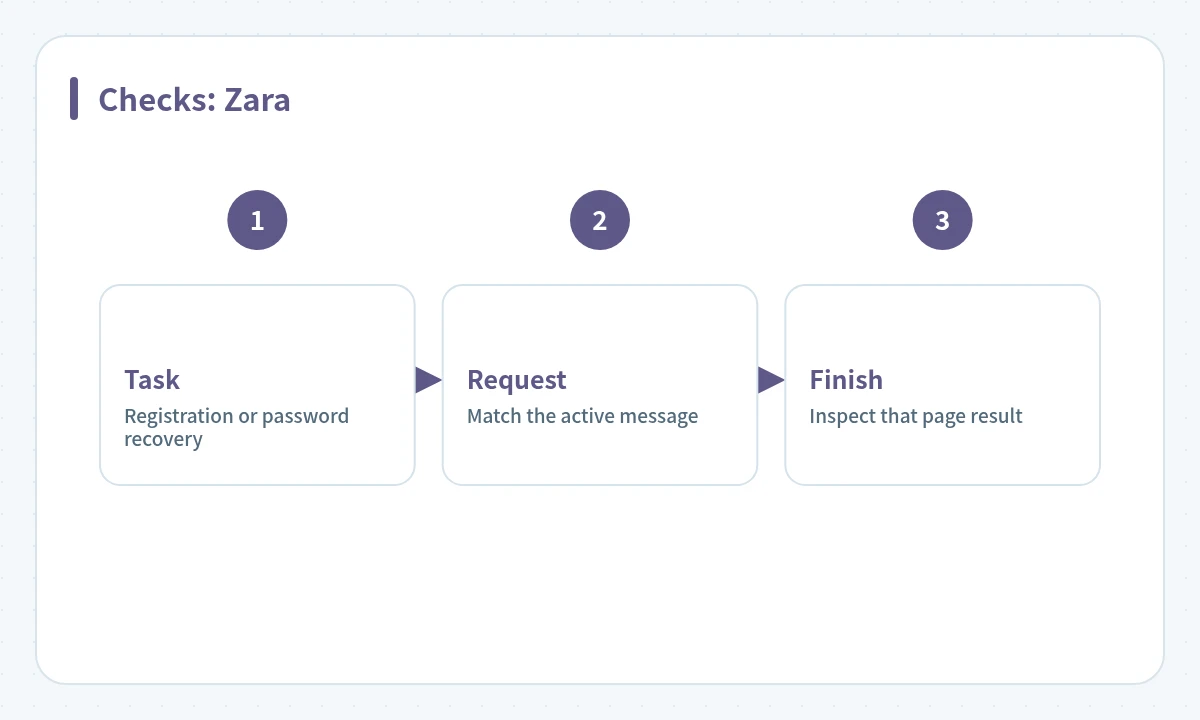
Return to the intended identity for the final check
After registration, inspect the new profile. After recovery, inspect the original records and contact information needed. Seeing a homepage is not proof that sign-in finished, and sign-in is not proof that every historical purchase belongs to the current account. Verify the specific result rather than relying on page availability.
If submission produces another error, preserve that new response and use the corresponding official help. Changing email, replacing a number and opening several identities at once mixes the original symptom with later changes. Keep a coherent sequence so support can identify what actually failed.
For assistance, provide the region, whether the identity already existed, the intended operation and masked error. Hide full values and recovery links. Recording registration, password and order-access outcomes separately creates a clearer support request than saying verification did nothing, and avoids preserving a live secret merely to remember which stage completed.
References
Zara US: registration, login and account verification.
