
For Zalo verification codes requested abroad, the country code must match the phone number rather than simply your present location. Zalo's registration help identifies that check for overseas signup. Being online in another country does not establish which mobile line is expected to receive the request.
Identify the SIM behind the destination
A travel line providing internet access may differ from your usual mobile number. Compare the country selector, entered digits, and SIM actually enabled in the receiving phone. The card supplying mobile data does not automatically become the number stored on a registration page.
If the destination is wrong, address that before investigating signal or filtering. Another request repeats the same targeting mistake until the input changes. Someone else's success with a different overseas line does not establish eligibility or delivery for yours.
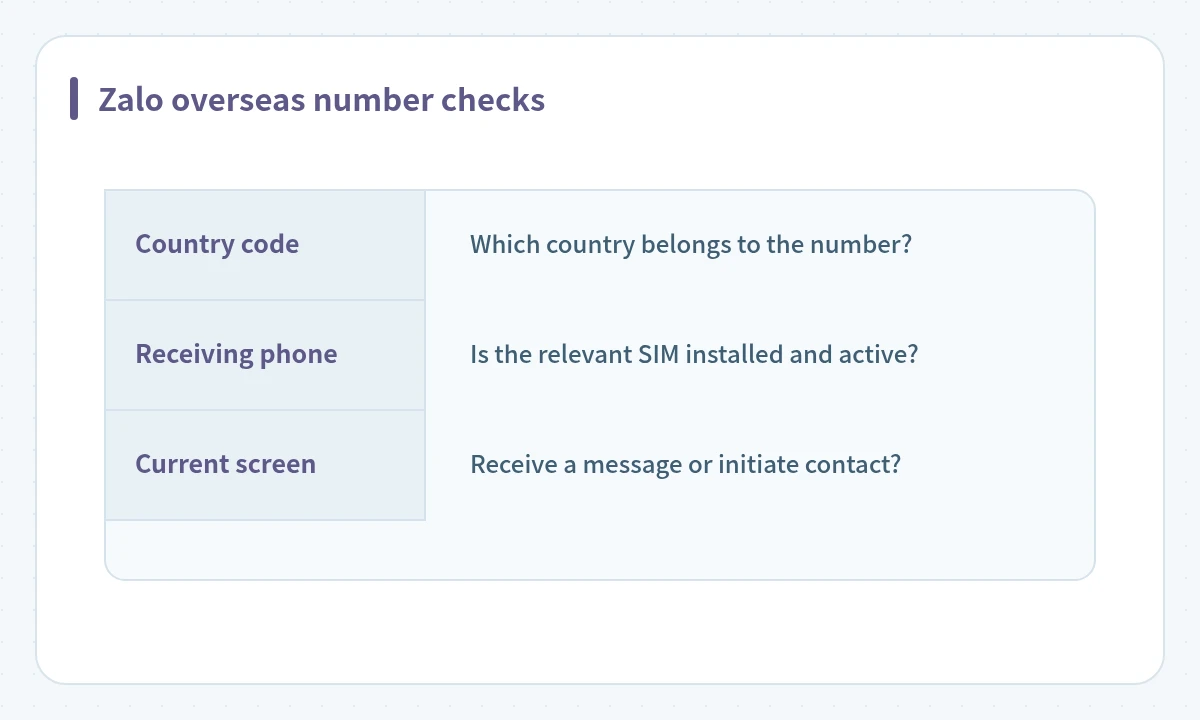
| Item to match | Question to answer |
|---|---|
| Country code | Which country belongs to the number? |
| Receiving phone | Is the relevant SIM installed and active? |
| Current screen | Receive a message or initiate contact? |
Check line eligibility separately
The official signup guide excludes landlines and VoIP. A line able to receive some calls, or a device able to load Zalo, does not establish that the registration requirement is met. An invalid-number notice should lead to an input and type check before waiting for a message.
For an eligible line with a correct destination, inspect its actual communication service. Wi-Fi supports the app's internet activity but does not, on its own, show that the target SIM is receiving SMS normally. Give the carrier a description of the specific line and observation rather than a general complaint about poor internet.
On a dual-SIM device, distinguish reception from notification display. A message can be in a list without a banner appearing, while a banner for another line can be unrelated to the request. Look at the intended resource instead of relying on the lock screen alone.
Read whether the page expects incoming or outgoing contact
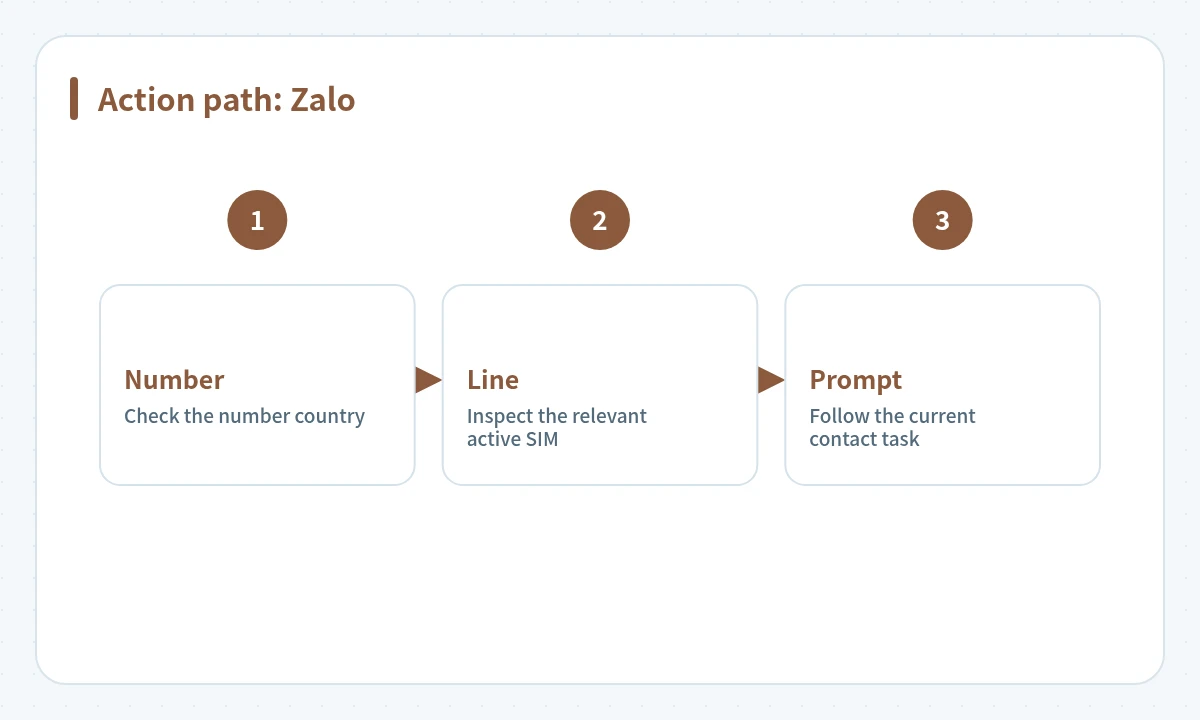
Zalo's help describes obtaining activation information through the SMS or telephone instructions shown by the app. Read your active task. If it asks you to initiate contact, waiting indefinitely is a different action; equally, do not call a number supplied in an unsolicited conversation.
If a received value is rejected, keep the error, request time, and chosen channel. Check that you remain in the original registration task instead of trying random digits. A contact does not need your private value as proof that the phone belongs to you.
For official help, identify the number country, receiving line, overseas context, and failure stage. Supply complete account details only through the private process. This diagnosis concerns matching resources during overseas registration; it does not promise that a roaming product or virtual line will be accepted or that one successful receipt establishes permanent compatibility.
If a line was disabled to avoid roaming charges, inspect that state before calling the request undelivered. Keep any service change under your own control and check the provider terms rather than assuming internet access reflects cellular availability.
References
Zalo: Registration problems and overseas number checks
