
Yemeksepeti verification codes do not remove a restriction on changing the account phone again soon after an update. If the number was recently changed, inspect that change and the current notice. Receiving another message is not evidence that a second replacement is now permitted.
A phone change has its own conditions
Yemeksepeti's official operations guide describes SMS confirmation at registration and a waiting condition between phone updates. It places changes in the personal-information area. The explanation does not specify one universal duration, so do not invent an hourly deadline at which every account must become editable.
Distinguish an incorrectly entered number, an old line that was discontinued, and a second change requested immediately after a successful update. These situations require different explanations. If the account already displays the replacement number, waiting on the old phone may target the wrong resource from the beginning.
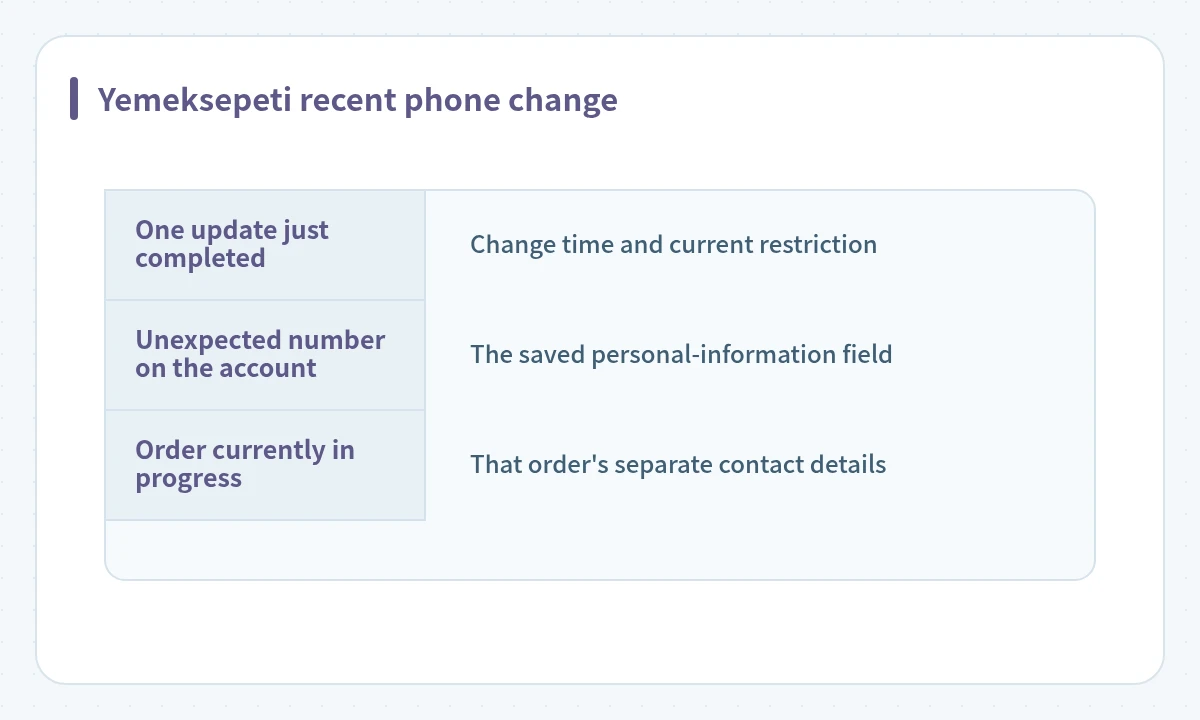
| Your situation | What to inspect |
|---|---|
| One update just completed | Change time and current restriction |
| Unexpected number on the account | The saved personal-information field |
| Order currently in progress | That order's separate contact details |
Do not test an account change by placing an order
The login number, contact information in a delivery address, and details on an existing order deserve separate checks. After changing a profile field, inspect its saved result. If an order is already underway, open that order and review what it actually displays instead of assuming every earlier record changed with the profile.
For example, correcting how the restaurant or courier can reach you for one order is an order-support question. Repeatedly replacing the login phone in an effort to repair that one record mixes operational communication with account access. Explain the specific order issue through its official help route.
You can keep a private note of the field changed and the approximate time. There is no need to store the live code. A clear account of the completed action helps distinguish an unsaved edit from a later change that the page is deliberately restricting.
Ask about the restriction without creating another identity
When the page explicitly refuses another update, stop repeated attempts and preserve the notice. Borrowing a number to establish a different account can make your original orders and account history harder to locate. It does not clarify why the current change is unavailable.
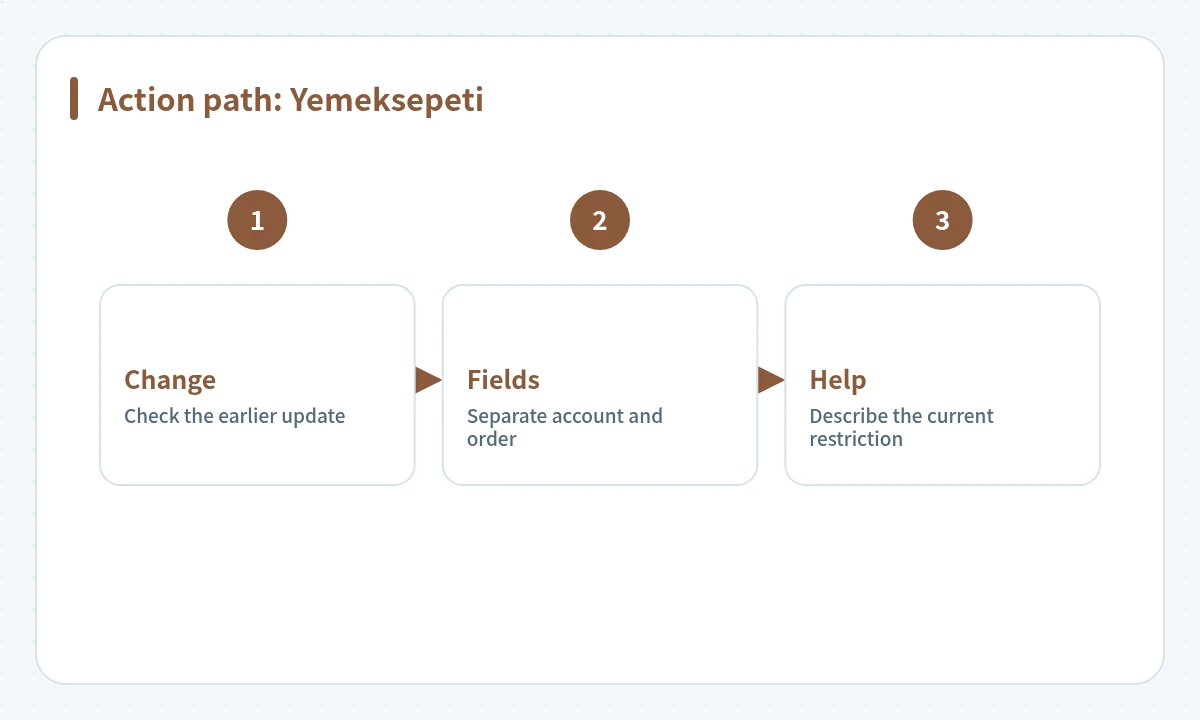
The official guide directs service problems to the help centre. State which field you want to change, whether the old line is accessible, whether an active order needs attention, and whether the screen specifies a wait. Keep full numbers, codes, and delivery addresses out of public posts.
If no reopening time is given, ask official support about the current account rather than guessing a fixed duration. When editing becomes available, complete one change and inspect the saved destination. That is a concrete outcome to verify, unlike repeatedly requesting messages while the account still reports that another update cannot yet be made.
If the field is editable but the save action fails, record that separately from a disabled change button. The distinction tells support whether you reached submission or were stopped before any new information could be sent.
References
Yemeksepeti: Operations guide and phone-number updates
