
Yandex verification codes during a move between Mail and Disk should be related to the Yandex ID actually selected. Both services can use one identity, while different devices or browser profiles can still have different accounts open. Repeated codes do not transfer another identity's files into the current one.
Compare the account before comparing the content
Yandex explains that Yandex ID provides access to several services, including Mail and Disk. Inspect the actual account identifier rather than relying on the avatar, application name or browser window. The identity retained in one browser and the identity selected on a second device need separate checks.
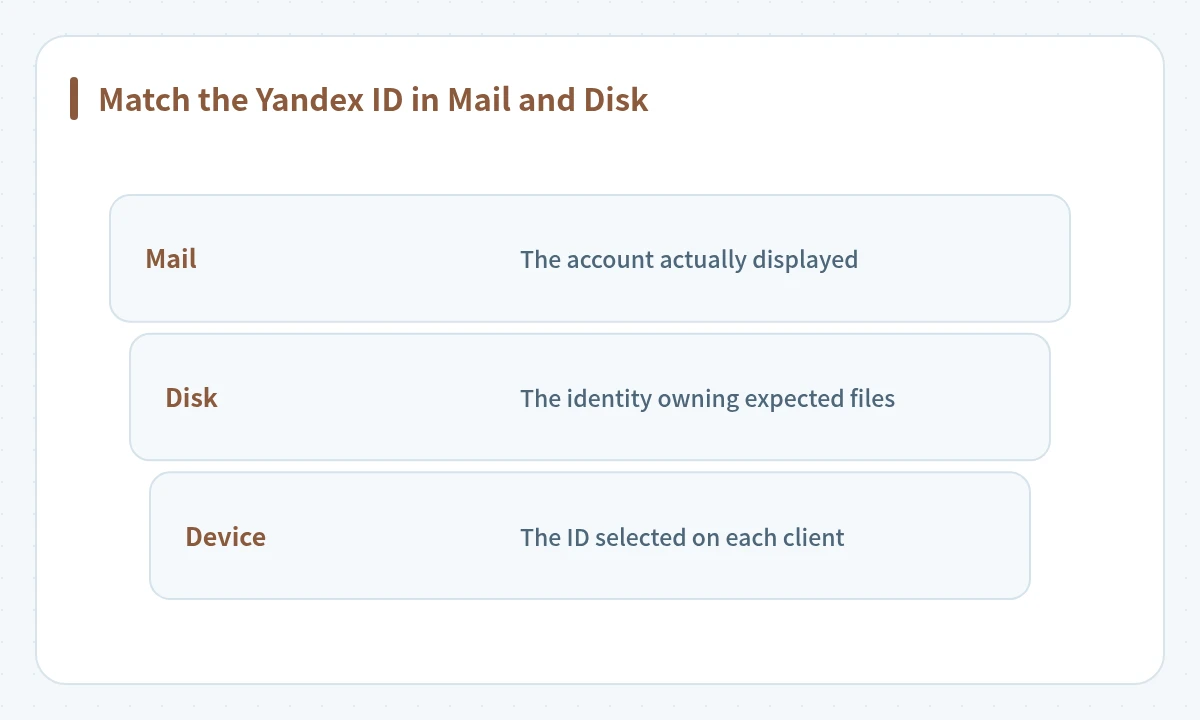
If mail opens but expected Disk files are missing, compare the identities shown in both services and retain the exact Disk message. Avoid immediately creating an account or clearing application data. Those actions can make the original relationship harder to inspect without explaining where the expected content belongs.
Identify the source requested by the current method
Official application help describes a Key one-time-password entry when two-factor authentication is enabled, and Yandex service guidance discusses Yandex Key. When the page requests that resource, inspect your configured method instead of assuming every sign-in sent SMS.
| Check | Relevant observation |
|---|---|
| Identity | The Yandex ID shown by Mail and Disk |
| Method | The configured resource requested on the page |
| Content | The mail or files associated with that identity |
| Device | Your remaining accessible session or app |
A code's format is not enough to identify the account or purpose. Keep the page and source together, and do not paste values from another identity merely because its app happens to be available on the same phone.
Preserve one usable route before switching devices
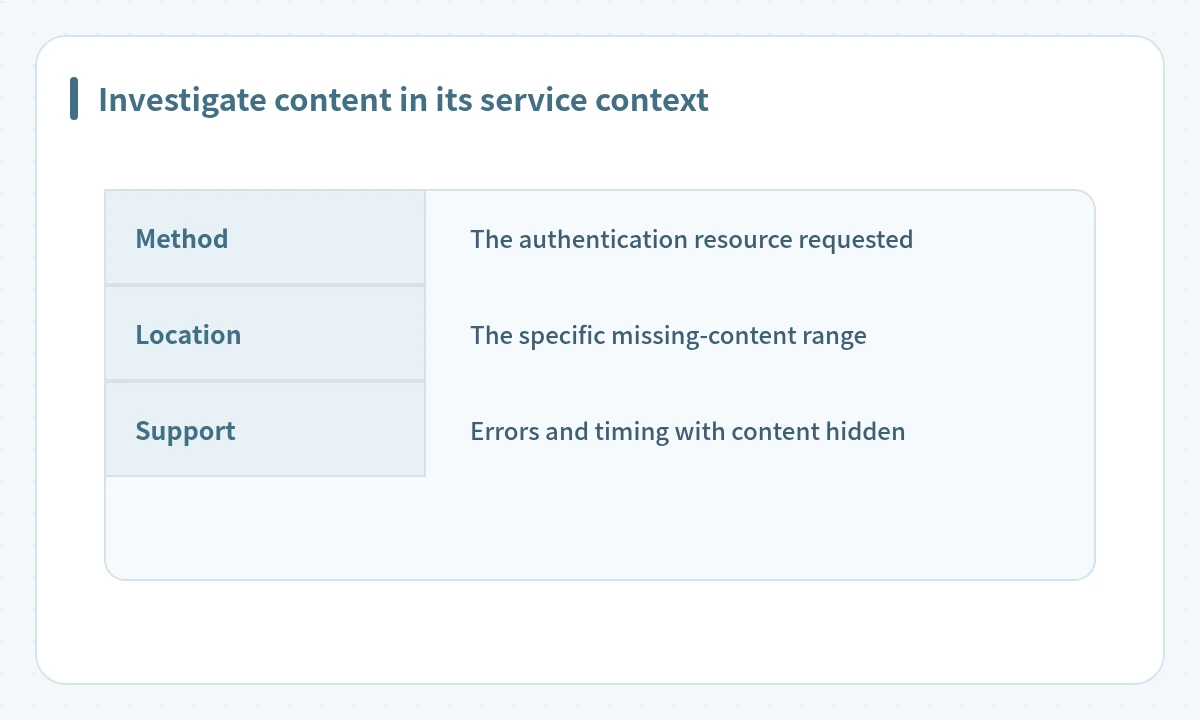
While a session still works, inspect account and security settings before arranging the replacement. Do not sign out of the only usable application simply to test whether that creates a text. Troubleshooting records need method names, timing and errors, not live codes or authenticator secrets.
On a shared computer, confirm which identity is selected and use official controls to manage access after finishing. Closing a browser window should not be treated as the complete account-access cleanup. Inspect the service's current session and device-management options for the actual arrangement.
When preparing support material, hide message bodies, file contents and complete contact information. An account mismatch can be described using appropriately limited identifiers without exporting personal mail or documents for someone else to inspect.
Investigate missing content within its service context
If the identity matches but content still differs, name the service, content location and exact message before consulting the corresponding help. Account login and the presence of a particular file are different questions. New authentication attempts do not by themselves explain a missing folder or mail item.
First establish identity continuity, then investigate the service result. This order reduces repeated movement between Mail, Disk and the phone while keeping the remaining access and private content protected throughout the investigation.
References
Yandex: Shared identity and device management; Yandex Start: Account menu and Key entry.
