
Yahoo verification codes can appear missing when the page is waiting for Account Key approval instead. Account Key uses a signed-in Yahoo mobile app. Looking only in the SMS inbox can therefore leave the actual requested device unchecked.
Identify the current Account Key arrangement
Yahoo explains that Account Key requires a signed-in Yahoo app on the phone, where you approve your own sign-in request. Its current guidance also notes that not every account can newly enable Account Key. An existing enabled account and a fresh setup should not be assumed to follow identical screenshots.
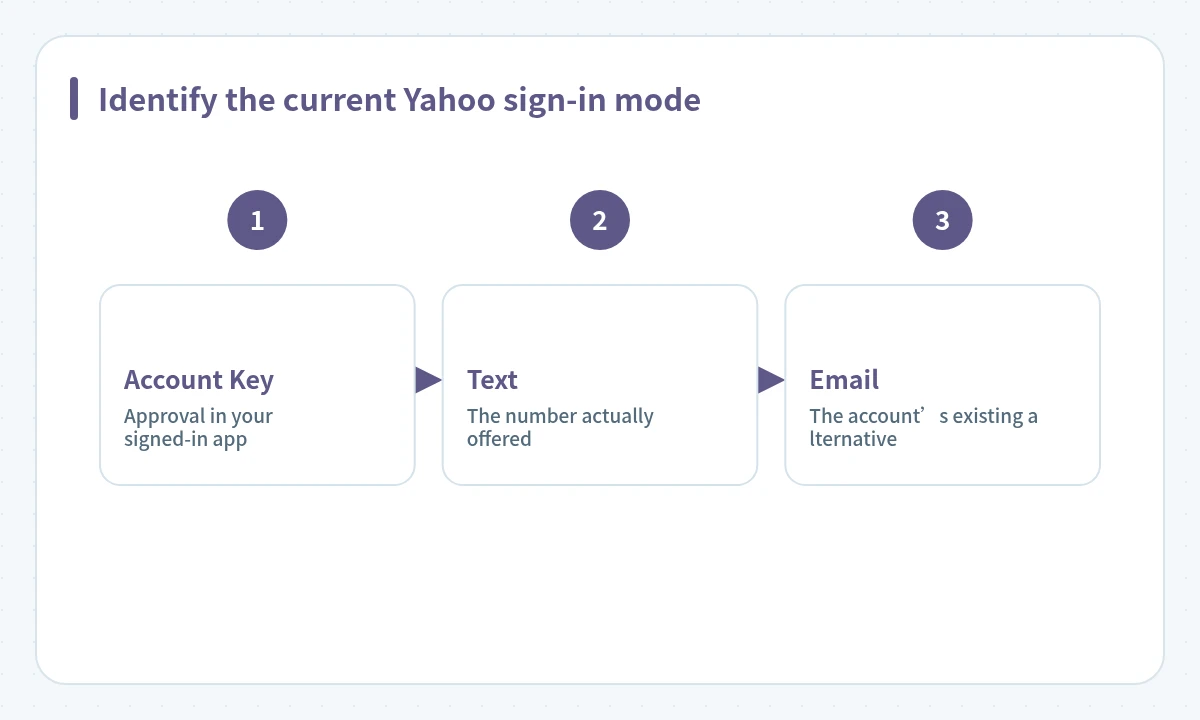
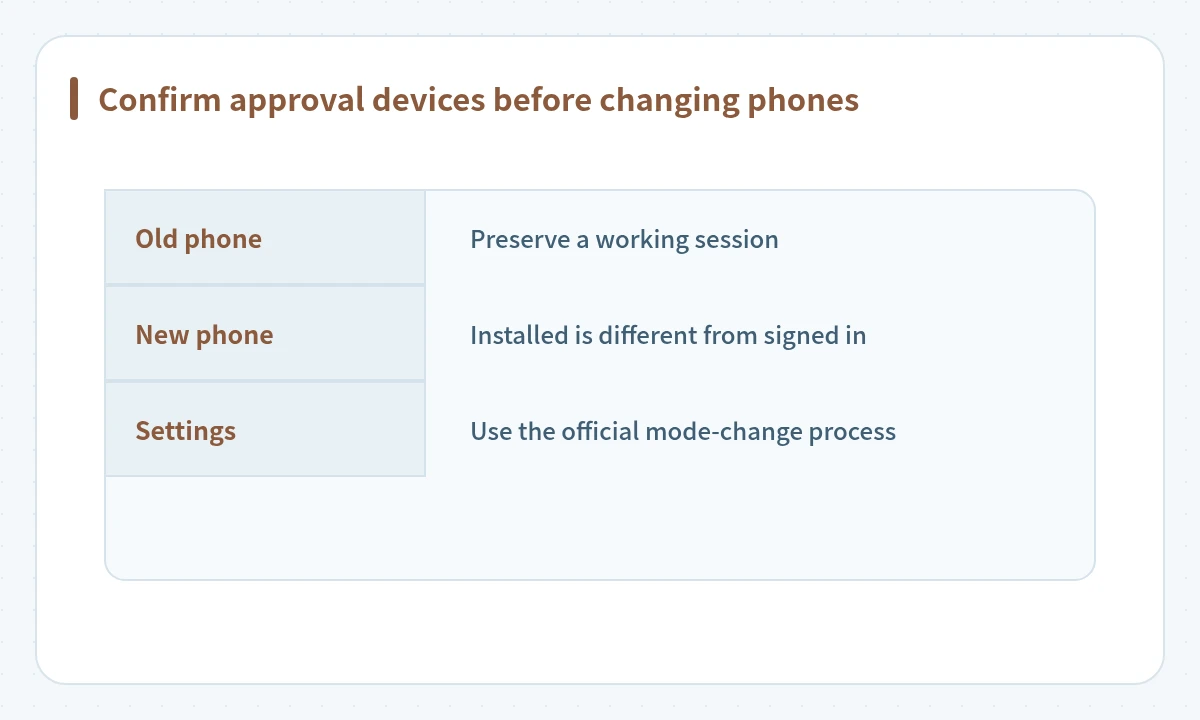
A replacement phone with the Yahoo app installed does not necessarily have the old usable session. Establish which device is still signed in and where the page says the request was sent. Avoid signing out of the only working device merely to see whether that forces a different result.
Check the app before calling it an SMS failure
Inspect whether Yahoo notifications are permitted, then open the app to look for the relevant Account Key request. Compare it with the login you just initiated. A familiar app name does not justify approving a different action. If the page permits another request, keep it identifiable rather than generating overlapping challenges on several devices.
When the official flow offers a text or email alternative, read the destination actually listed for the account. A newly available inbox is not a substitute for an enrolled recovery destination. If the recorded line is retired, the issue concerns account access rather than repeated delivery to a number you cannot use.
Account Key and two-step verification are different modes
| Current mode or action | Inspect |
|---|---|
| Account Key | Approval in the enrolled signed-in Yahoo app |
| A text or email alternative | The destination offered by the current account |
| Changing security modes | The official setup process and remaining access |
Yahoo states that Account Key cannot be used together with two-step verification. Plan a mode change through the official instructions instead of assuming two enabled switches will create independent backups. Know which method you will be able to use after the change before removing the old arrangement.
Prepare a phone change without collecting secrets
A practical preparation note can list signed-in devices, the current mode, an accessible recovery mailbox and masked phone information. It should not contain passwords or live codes. Confirm the replacement device's access before clearing the old one. If the old device is already unavailable, use the official sign-in helper and the choices it actually presents.
For older third-party mail applications, an additional application-specific requirement may be relevant. Do not confuse an external mail client's error with failure of the account's web sign-in; identify the client and exact stage separately when asking for help.
A focused report might say that no Account Key prompt appears in the enrolled app, or that the offered SMS alternative targets an old number. Those describe different failures. Matching the observation to the real login mode makes support more useful and avoids changing an unrelated setting simply because it contains the word verification.
References
Yahoo: Use and manage Account Key; Yahoo: Fix Account Key issues.
