
WhatsApp verification codes can complete registration while another security screen still remains. If the app next asks for a two-step verification PIN or password, requesting another registration text is not necessarily the relevant action. Identify the field before entering more numbers.
For the complete workflow around this question, continue with Receive SMS Online: Complete Steps, Codes and Troubleshooting. The link opens the relevant section.
Registration and the additional secret serve different purposes
WhatsApp distinguishes registration verification from two-step verification. Registration may use the channels currently offered by the app. An email option can depend on having previously added and verified an address; its appearance in another person's instructions does not establish that it is available for your account.
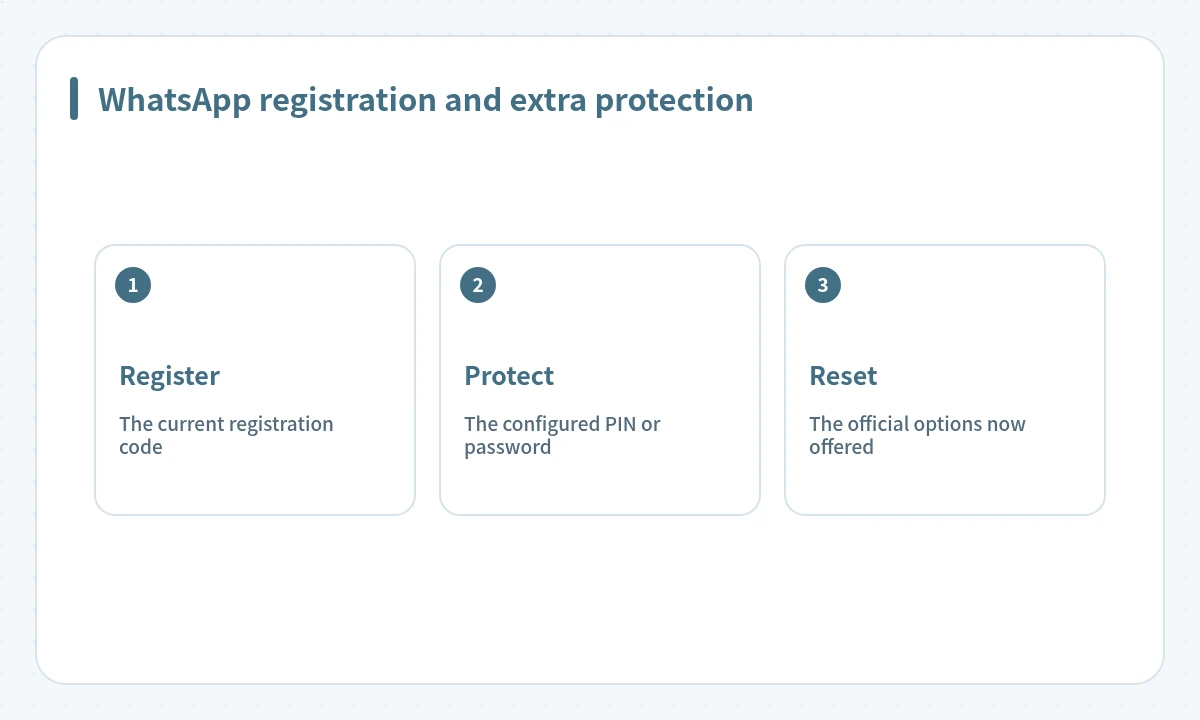
Use a registration code only in the official application for the request you initiated. An unexpected message should prompt you to inspect the account situation, not to forward the code to someone claiming to be helping. The fact that a person knows your number does not make them entitled to complete its registration.
Why the next field may look different
WhatsApp's current guidance notes a transition from two-step verification PINs to passwords. Different accounts or versions may therefore use different labels. Read the label on your own screen rather than assuming that every additional secret is always a fixed-length numeric PIN.
If registration has already passed and the next field requests the extra security information, think about the secret previously configured for the account. Copying the recent SMS into that field again confuses two separate checks. The phone's screen-lock passcode is another distinct credential and should not be treated as a universal answer.
| Stage | Relevant information | Do not substitute |
|---|---|---|
| Registration | The code from the offered channel | The device unlock passcode |
| Two-step verification | The previously configured PIN or password | A new registration SMS |
| Forgotten secret | The official reset process | An advertised universal unlock code |
Preserve the situation while checking reset options
If you do not remember the additional secret, use the reset or forgotten-information option presented by the app. The available route depends on the account's actual setup and current instructions. Do not assume that repeatedly reinstalling the app or starting registration on several devices will erase an existing security requirement.
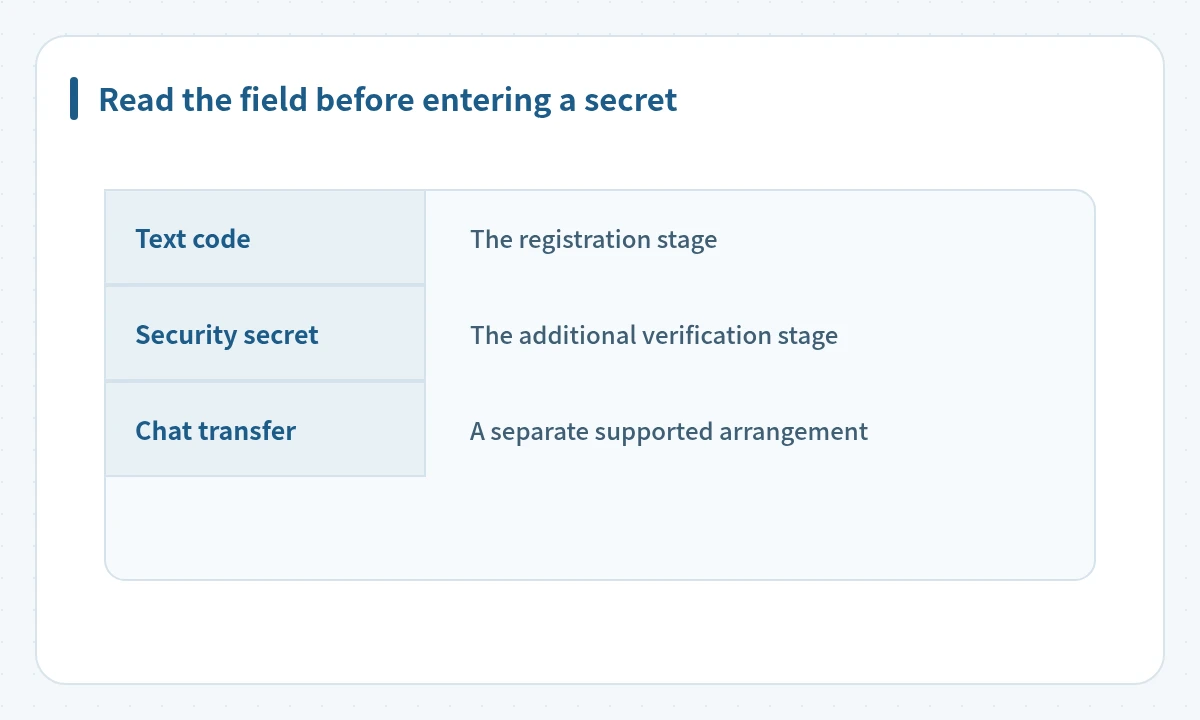
When the old phone is still usable, inspect its account settings and migration instructions before clearing it. Number verification, the additional security secret and chat-history transfer are different parts of a phone change. Completing the first does not establish that the other two are finished.
Make a short private note of which stage succeeded and where the process stopped. For example, state that registration accepted the code but the next screen asks for two-step verification. That description is much more useful to support than saying only that a code does not work. Do not include the code or secret in the note you share.
Keep number control central to recovery
If you no longer control the registered number, address that situation through the carrier and official account process. A public receiving inbox is not a replacement for ownership of an existing account's number. Avoid individuals who claim that a single forwarded SMS can resolve every account restriction.
A careful recovery preserves the usable old device, identifies the exact request and follows the route actually offered. It does not require collecting extra registration codes without knowing which field will accept them.
References
WhatsApp: About registration and two-step verification.
Main guide for this question
Receive SMS Online: Complete Steps, Codes and Troubleshooting
