
Walmart verification codes should be investigated in the context of the account already associated with the number. Creating another account merely to test text reception can change an existing association. A received code does not establish that the experiment had no effect on the original identity.
Read the account-association rule first
Walmart's current account help describes one phone number being associated with one account at a time. Using it for a new account can remove the association elsewhere, with additional verification conditions applying. Follow the current official page rather than repeatedly registering to discover how the rule behaves.
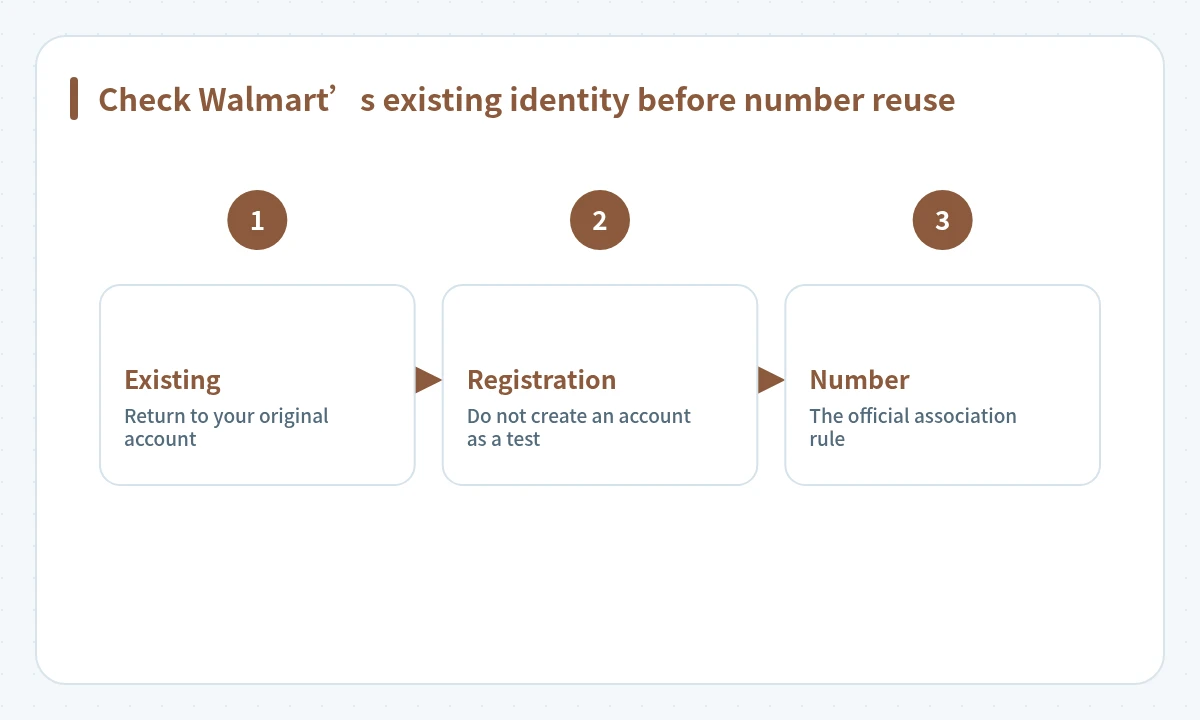
If you already have an account, begin from its official login and inspect its email, number and expected order information. When the page recognises an existing contact detail, follow the sign-in route it offers. A code field does not by itself establish that you are creating a separate, unaffected identity.
A phone association is not an order transfer
| Object | Separate check |
|---|---|
| Account identity | Which of your accounts is currently open? |
| Phone number | What association appears in official settings? |
| Orders | Which identity actually contains the purchase? |
| Delivery address | What applies to the corresponding order? |
A number being verified on another identity should not be interpreted as migration of old orders, addresses or shopping history. If expected content differs, pause creation and deletion experiments and inspect the account relationship. Repeated changes can make the original situation harder to describe.
For a recycled number, work only with your own account. Possession of a line does not give you authority to inspect the previous user's purchase information. Let official support handle an uncertain association without testing someone else's access.
A contact update may involve the recorded email
Walmart's account-editing guidance describes verification arrangements that can involve the account email when updating contact details. If the current page asks you to check email, inspect that destination rather than waiting only on the new phone. Maintain usable email access before a number replacement becomes urgent.
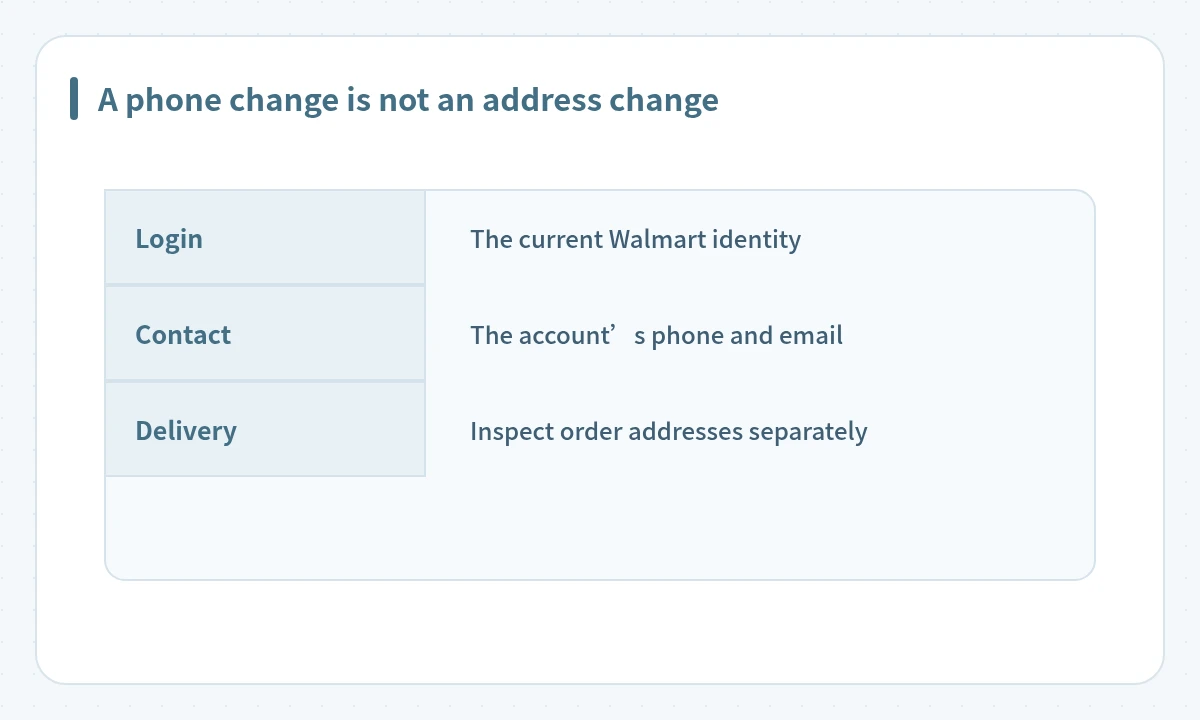
Delivery-address changes and security-number changes are distinct settings. Moving a parcel to a new address does not require assuming that the account's verification destination changed. Similarly, updating a shipping address does not complete a phone-security transition. Read the field and intended action before saving.
Troubleshoot reception at the actual requested stage
When the official page explicitly sends a text to your number, check the country code, masked digits, filtering and line status. Use formal help for an existing-account issue. Do not give a password, code or complete order record to someone advertising account-verification assistance.
Tell support whether you are updating the original account or entered an unintended creation flow, then provide the error and approximate time with private values hidden. That lets support distinguish association, account access and reception. The goal is to maintain continuity of the account you own, without using registration as a potentially disruptive SMS test.
If you already entered an unintended creation flow, stop further association changes while establishing which identity holds your orders. Keep the relevant account identifiers private and describe the sequence to official support rather than repeatedly moving the number between accounts.
References
Walmart: Account creation, number association and contact updates.
