
Upwork verification codes can complete phone confirmation while the account still shows an unfinished identity task. A text or call checks the number-related stage. It does not replace other material the official account process may request.
Begin with the task actually shown in your account
Upwork's freelancer identity guidance describes possible phone confirmation, identity documents and visual checks, depending on the situation. Enter your own official account and inspect the current request. Another freelancer's experience does not establish which items your account needs or which earlier email remains applicable.
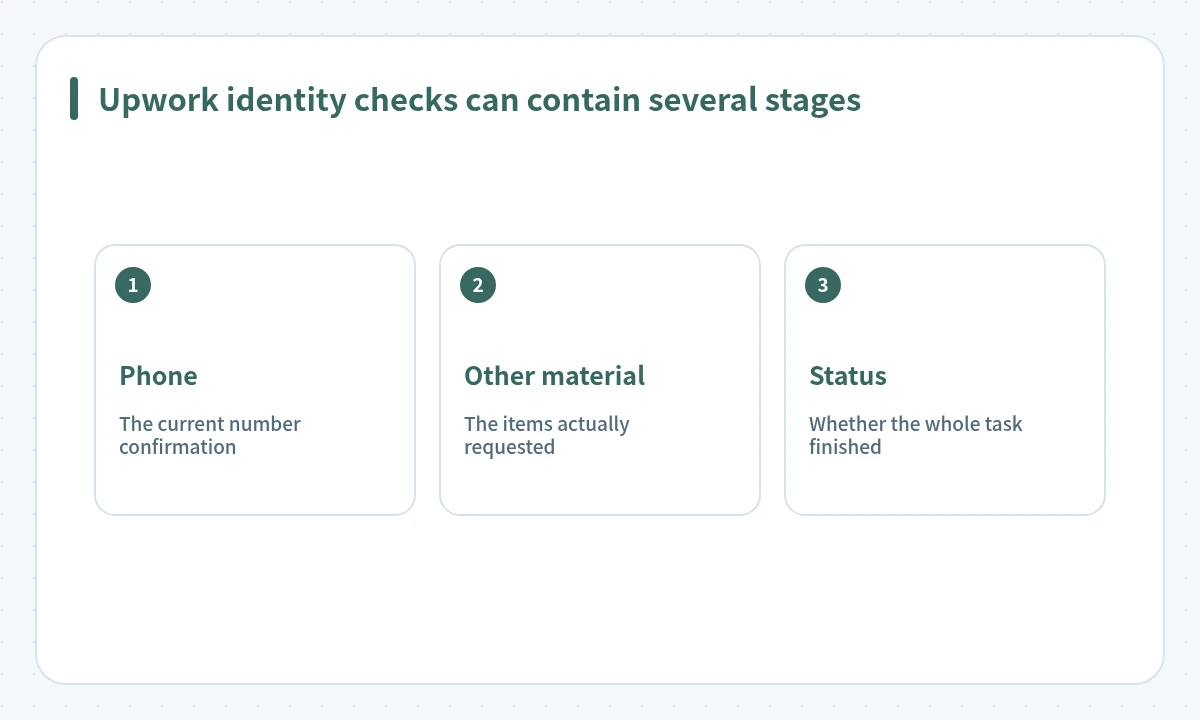
If the phone stage passed, record that result and inspect the remaining items. Do not repeatedly request another text in the hope that it completes a separate document check. When a request changes, retain the current task label rather than relying only on an older screenshot.
Separate a completed stage from the overall status
| Observation | What to establish |
|---|---|
| Phone step | Whether the current code was accepted |
| Other material | The items actually requested now |
| Overall status | Whether the official account still shows pending work |
Submit accurate, consistent information through the formal process. Do not borrow another person's identity or change age or location details to defeat a check. An outside helper's assurance is not evidence that the platform accepts substitute documents.
Keep the requesting page identifiable during preparation. A checklist can name the remaining task and responsible action without copying sensitive document contents into an ordinary working note. This makes it easier to see what is unfinished while keeping personal material within its intended submission context.
A client conversation is not the verification channel
Clients and collaborators are different from the platform's identity process. If someone asks for a code, password or identity image to continue a project, independently inspect your official account for the claimed task. Do not follow an outside link merely because the person describes it as required for cooperation.
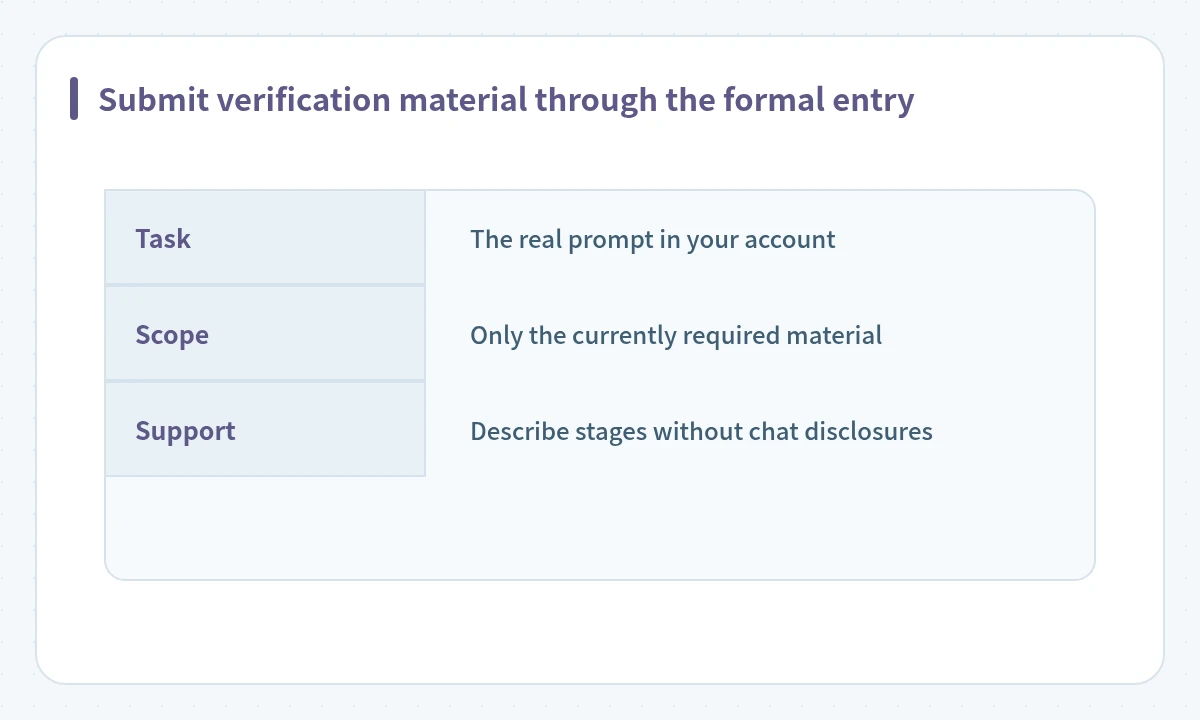
For support screenshots, retain the task name and error while hiding document numbers, private information and dynamic codes. Support needs to identify the stage, not receive your entire verification package in an ordinary chat. When an official page requires an upload, provide the necessary material there without adding unrelated information.
Keep verification status separate from project decisions
Phone confirmation, the broader identity status and the suitability of a particular project answer different questions. Even after your profile checks are complete, evaluate work and communication through the platform's appropriate process. A status mark is not a reason to accept every later request for information.
If another identity check appears, inspect the formal instructions rather than immediately assuming the account is broken. Upwork documents that further checks can occur. An outsider cannot reliably promise to cancel the requirement for you.
A useful support report states that phone confirmation completed, names the remaining prompt and gives the approximate time. That separates account entry, material review and the actual work arrangement, helping you address the unfinished task without collecting more codes for a stage already completed.
References
Upwork: Identity-check methods and current verification tasks.
