
Ubisoft verification codes and security-alert emails can arrive around the same login without serving the same purpose. Identify what the message reports and what the sign-in page requests. A warning should not automatically be treated as the credential that completes the current challenge.
The enabled method determines where to inspect
Ubisoft's official two-step guidance describes authenticator, email and SMS options, subject to the account's actual setup. If an authenticator is requested, inspect the matching entry. If email or text is requested, inspect the destination shown. Do not test values from another account's messages.
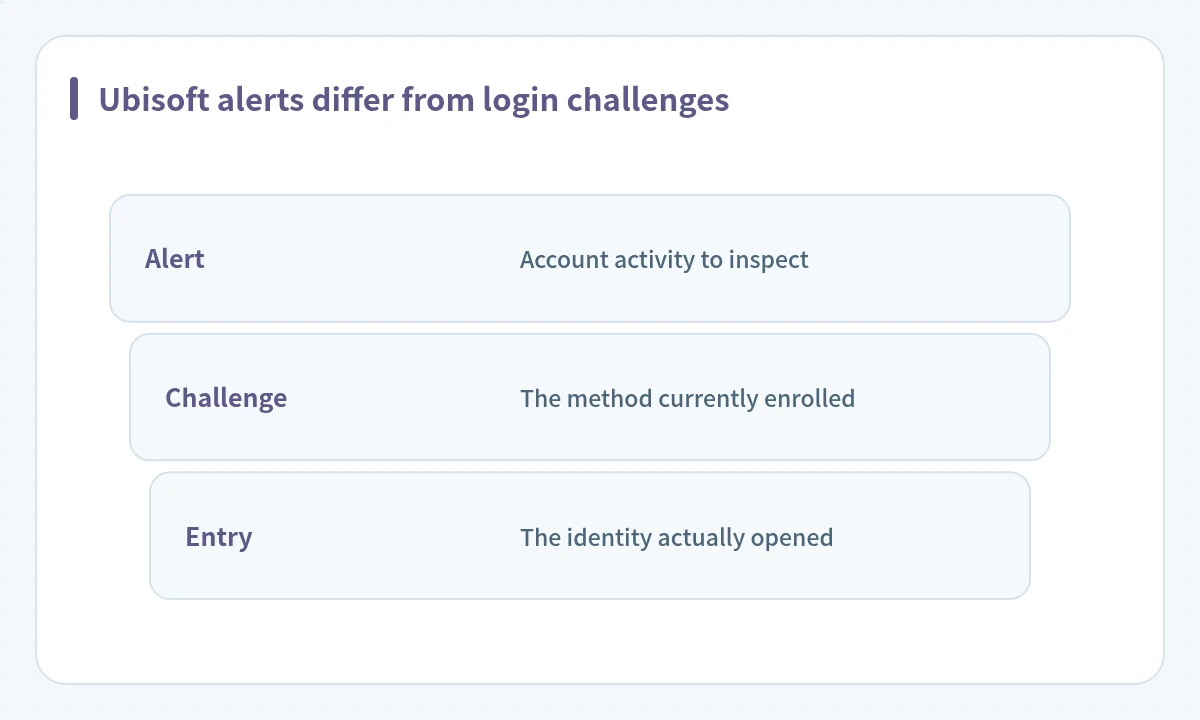
Ubisoft also documents alerts about unusual account activity. Those tell you to review the situation; they do not necessarily provide the information requested by the open sign-in field. Read the purpose and timing, and establish whether you initiated the activity.
Record three different observations
| Observation | What to establish |
|---|---|
| An alert arrived | Whether the reported activity is familiar |
| A challenge appears | The current account's enabled method |
| Sign-in completed | Whether the intended identity opened |
For an unfamiliar request, open the official account independently rather than disclose a code based on a caller's explanation. If settings genuinely need attention, use the entry you confirmed yourself. A similar-looking page reached through an unsolicited message is not sufficient evidence of a legitimate account task.
Keep an active request identifiable while investigating reception. Several browser windows can generate messages with different purposes and leave an older challenge visible. Record the selected method and approximate time without placing a live value in an ordinary support note.
Preserve existing resources during device replacement
A new computer asking for verification is not a reason to sign out or clear every previous device. Inspect which methods remain accessible and follow the official process for the new entry. Replacing a phone while keeping its number is also separate from transferring its authenticator enrolment.
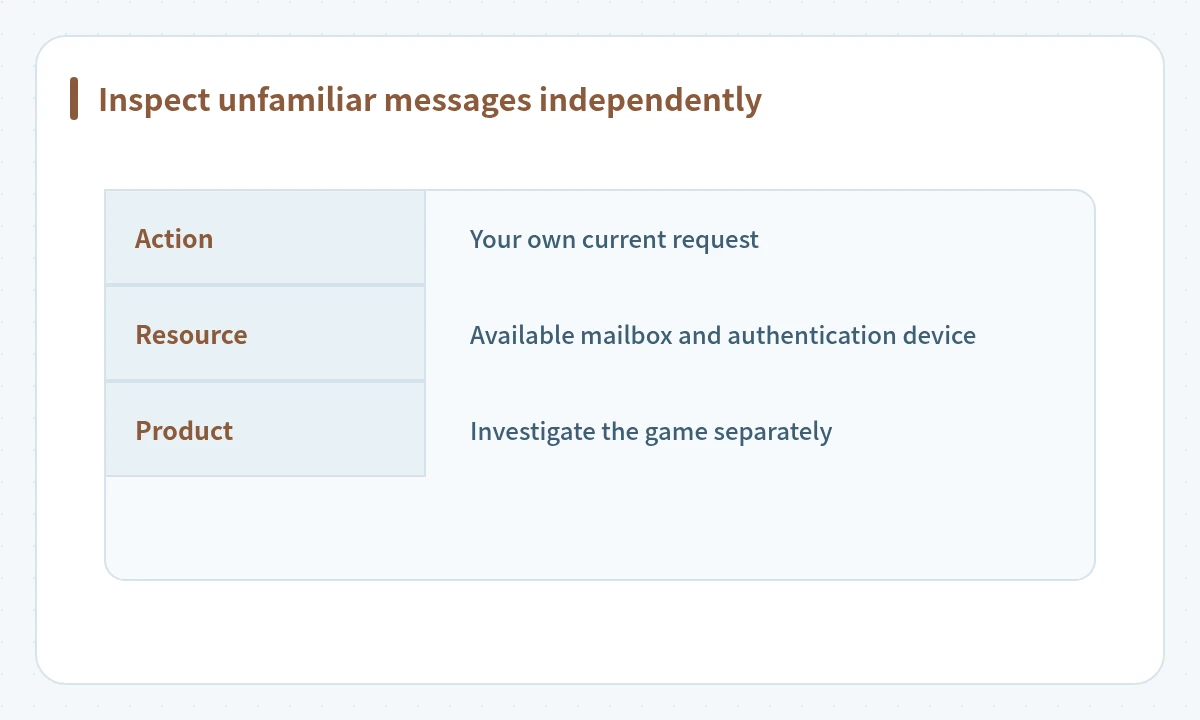
If a method is unavailable, consult current recovery help rather than give a password, recovery secret or full email link to someone selling account-unlock assistance. Describe whether the message never arrived, the value was rejected or the original method cannot be accessed. Those reports identify different stages.
While an old session works, use it to inspect the account's recorded settings before retiring the device. Do not make several unrelated security changes at once merely because one message was delayed; otherwise the effect of each change becomes harder to identify.
Inspect game issues after account entry
Once the account opens, examine game access, progress or feature errors through the corresponding product guidance. A security alert is not a receipt confirming a game action. Repeating account challenges may not answer the remaining product question.
A screenshot should retain the task and exact message while hiding private content and credentials. Separating alert, authentication and later game results helps support understand the interruption and keeps an unfamiliar account event from being dismissed as ordinary text-message delay.
For a support reproduction, keep the sign-in page's method label visible while excluding the security-email link. The label identifies the requested channel; the private link is unnecessary to explain why that channel could not be used.
References
Ubisoft: Two-step methods; Ubisoft: Unusual-activity alerts.
