
Uber verification codes need their own receiving-path check even when ride notifications are arriving. A journey update, an app push and a login text can use different channels. Start with the method requested by the current sign-in page instead of inferring that every message route is working.
Confirm that this is the Riders account process
Use the official passenger entry and inspect the account number displayed. Do not apply instructions for a different Uber-branded product, such as a separate card service, without checking their scope. Similar names can hide different account information and support responsibilities.
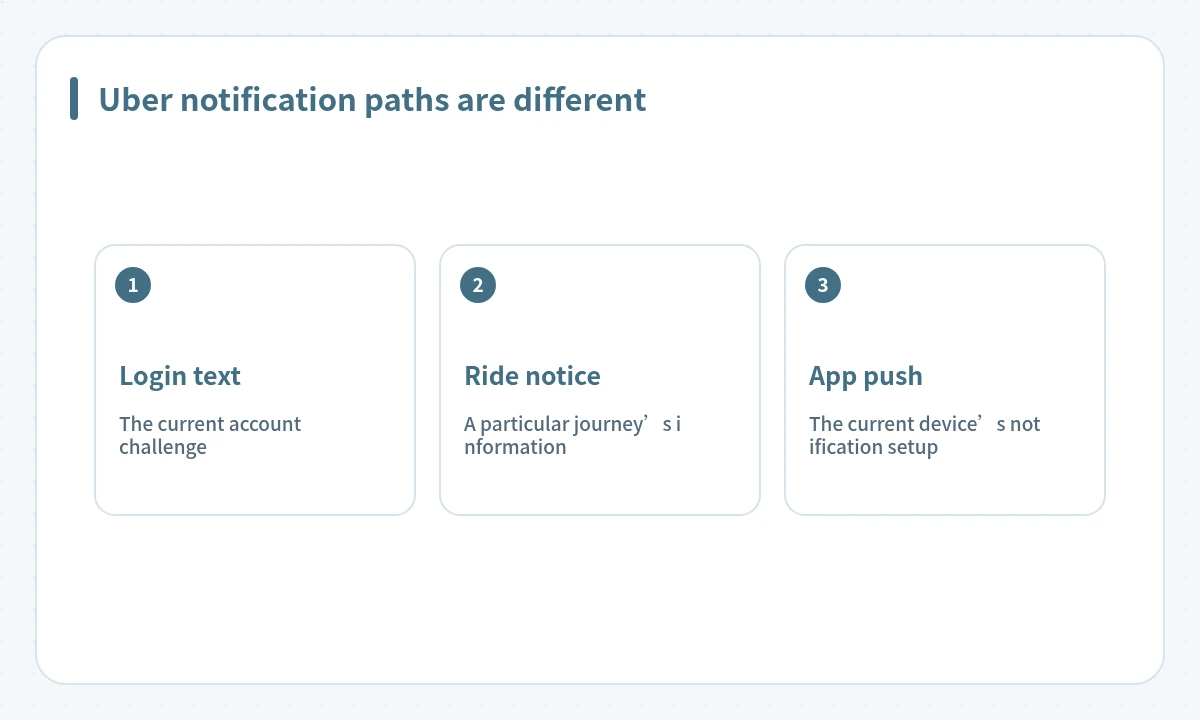
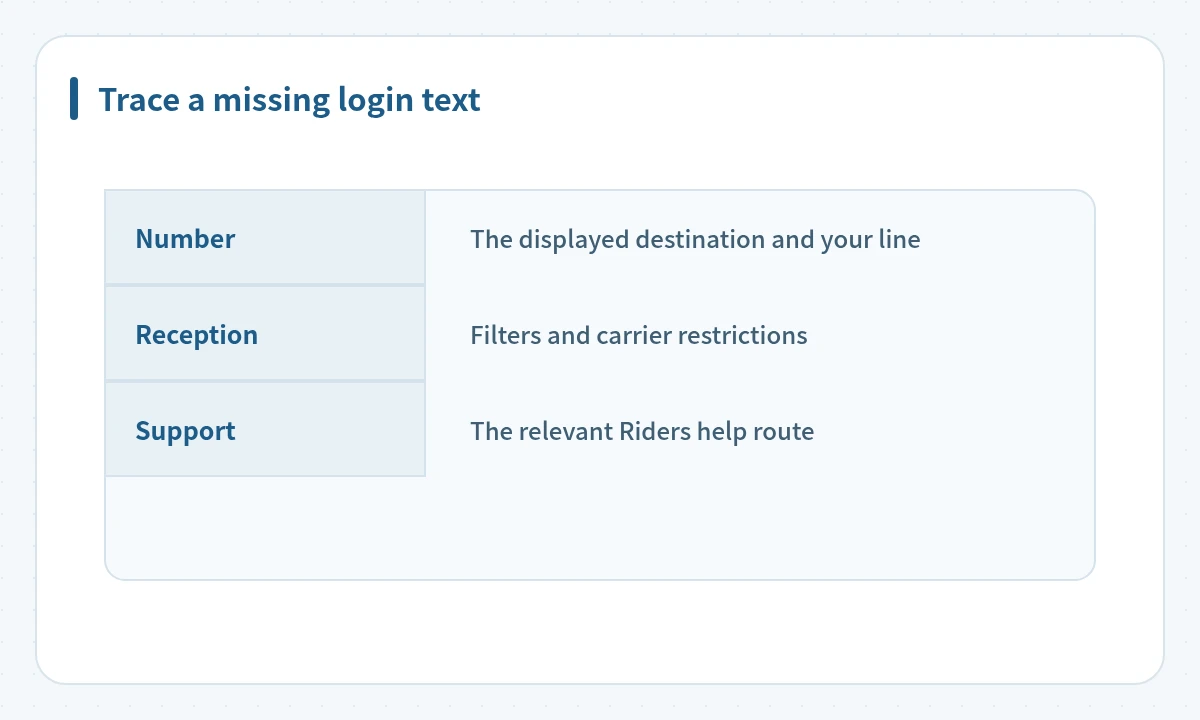
Uber's Riders help for missing mobile verification texts points to the number on the account and possible carrier restrictions affecting service texts or short codes. The first question is therefore whether the request targets your correct, controlled line, not simply whether the phone has internet access.
Each notification proves something about its own route
| Observed message | What it shows | What still needs checking |
|---|---|---|
| An app push | That device notification appeared | The requested verification text |
| A ride email | That email reached its destination | The phone number and SMS restrictions |
| A login text | The relevant message arrived | Acceptance by the current account challenge |
On a dual-SIM phone, inspect which line owns the masked destination. A travel SIM providing data may not be the line recorded on the account. Texts arriving on the other SIM do not establish that the intended number remains active or able to receive the service message.
Narrow the investigation in a useful order
Record the destination's masked digits and request time, then check filtering, line status and carrier restrictions. When contacting the carrier, describe an incoming service-message problem through its approved support channel. It does not need your Uber password or a live verification code to inspect reception.
Observe any waiting or retry instruction on the page. Repeated refreshes and tests across many numbers can make the situation less clear and introduce additional restrictions. If the official flow offers another method already associated with the account, use that option. If the old number is inaccessible, inspect account-access help rather than continuing to send messages to a line you cannot use.
An urgent journey does not justify sharing account access
When you are trying to leave quickly, an unsolicited offer of help can feel convenient. Enter support through the official app or help centre and describe whether the problem is account sign-in or a ride notification. Do not move to private chat and disclose a code because someone claims to accelerate the process.
If a working session remains, preserve it while investigating. Avoid changing several unrelated notification settings at once; otherwise you may lose the ability to tell which change affected the observed result.
After recovery, review the account's contact information and prepare a supported transition before retiring an old number or device. Maintain separate expectations for ride communications and login verification. That separation makes future troubleshooting more precise and prevents an ordinary notification setting from being changed as an attempted fix for an account-access problem.
References
Uber Riders: Missing mobile verification texts; Uber Riders: Email, SMS and push notification issues.
