
Twitch verification codes can be requested after you have already signed in because a channel may require a verified phone number before chat participation. Account entry and the channel's current requirements are separate layers. Check where the prompt appears before diagnosing a login failure.
Locate the requirement in its channel context
Twitch's official phone-number help explains that some channels require a verified phone or email before messages can be sent. If the prompt appears in chat, inspect that channel's wording and your account's contact-verification state. Do not assume the account's login two-factor method has stopped working.
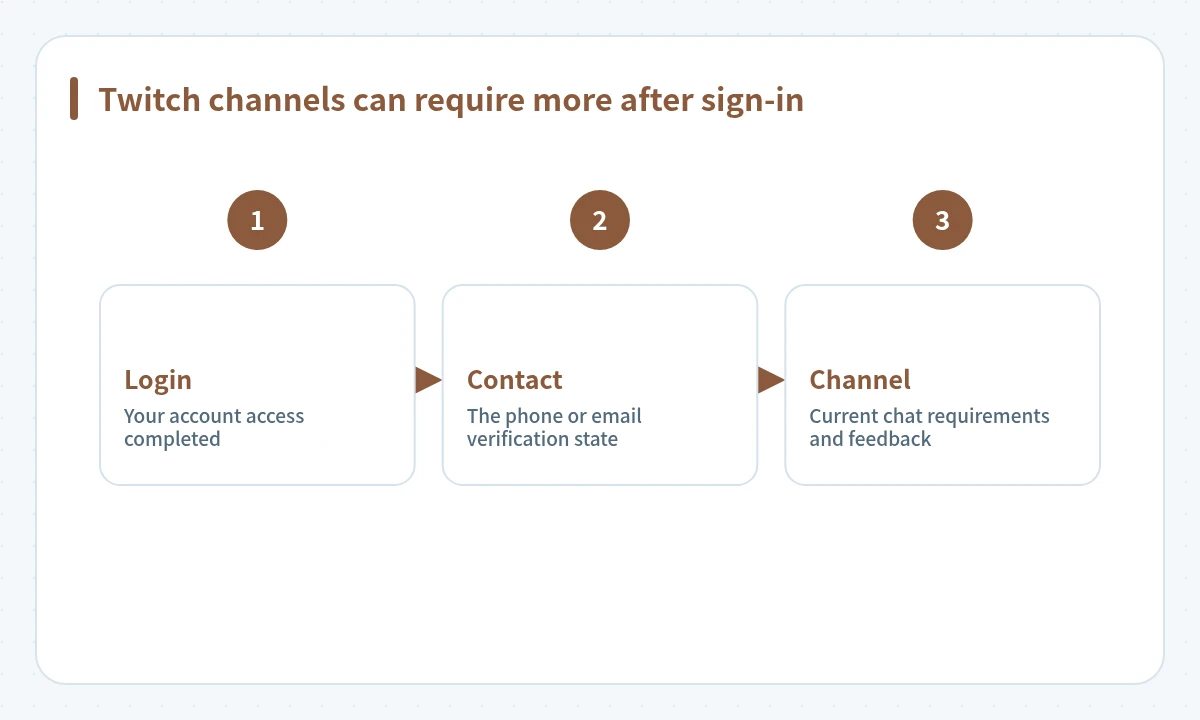
Different channels can apply different participation conditions. Establish the current identity and exact message before changing settings. Do not use another person's account or a verification service to get around a channel rule. A legitimate account setup should satisfy the requirements that actually apply to your own participation.
Each layer answers a different question
| Layer | Question |
|---|---|
| Account sign-in | Did your own current login complete? |
| Contact information | Is the required phone or email verified? |
| Channel chat | What remaining conditions does this channel show? |
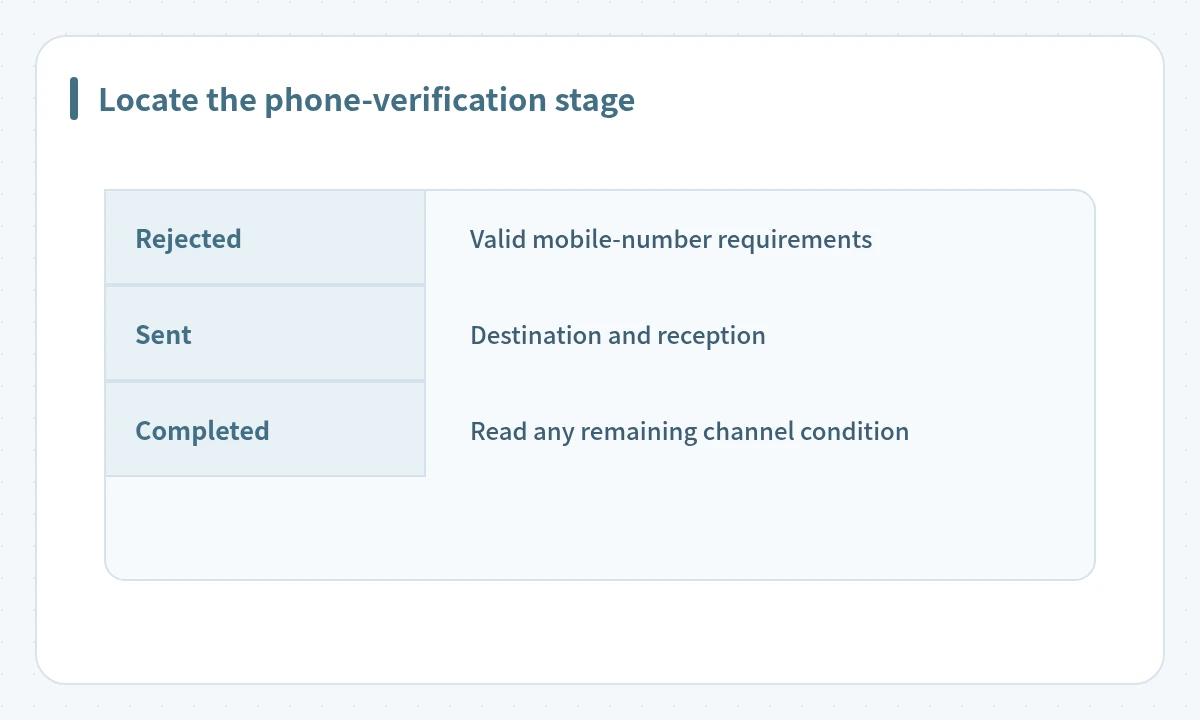
If chat remains unavailable after phone verification, read the updated feedback rather than requesting codes indefinitely. A remaining channel condition or account notice needs its own investigation. The earlier SMS result cannot answer every possible restriction on posting a message.
Number rejection and delayed delivery need different checks
Twitch states that phone verification uses valid mobile numbers and does not accept VoIP numbers for that purpose. Rejection during submission calls for checking the number type and official requirements. An accepted request without a text calls for checking the destination, filtering and carrier reception.
The official help also explains settings around a number associated with more than one account. Follow those rules rather than treating a single received text as permission to apply the number to unlimited identities. Investigate only accounts you own; a recycled number is not authority to enter an earlier owner's account.
Keep the current request identifiable and observe the page's retry instruction. Tests spread across several tabs and identities can make a valid result difficult to relate to the intended account. A short record of the stage and approximate time is enough; the live code need not be stored in a troubleshooting document.
A channel helper does not need your credentials
Moderators can explain participation rules without receiving a password or login code. Complete contact verification through Twitch settings you opened independently, rather than a private message's unfamiliar verification link. Hide complete numbers and codes in screenshots while keeping the exact prompt visible.
Before retiring a line, review contact and security settings while sign-in remains usable. Establish the supported new arrangement before disconnecting the old number. For help, state that login works but a particular channel asks for phone verification. That description preserves the channel context and prevents an account-access investigation from replacing the actual chat-eligibility question.
If you contact channel staff, identify the participation message and whether verification completed. Let account support handle a number-association error. Keeping those responsibilities distinct prevents a moderator from being asked to repair a contact setting they do not control.
References
Twitch: Phone management, verification prompts and number requirements.
