
Turo verification codes may be affected by roaming even when an ordinary text previously reached the phone. Turo's help specifically says delivery cannot be guaranteed while roaming. Check outstanding phone tasks early enough before travel to investigate them, rather than waiting until you are about to collect the vehicle.
Compare the account destination with the active line
Turo describes phone verification for new guests and after a phone-number change. Inspect the number on the account, then identify whether your device is using the original carrier line, a travel SIM, or another card. Internet access and ordinary calls do not show which line the request targets.
If the target is still your original number but you are abroad, note the carrier and current reception state. Avoid substituting a short-lived number merely to test delivery. A contact resource that remains under your control is easier to maintain for later account access and communication.
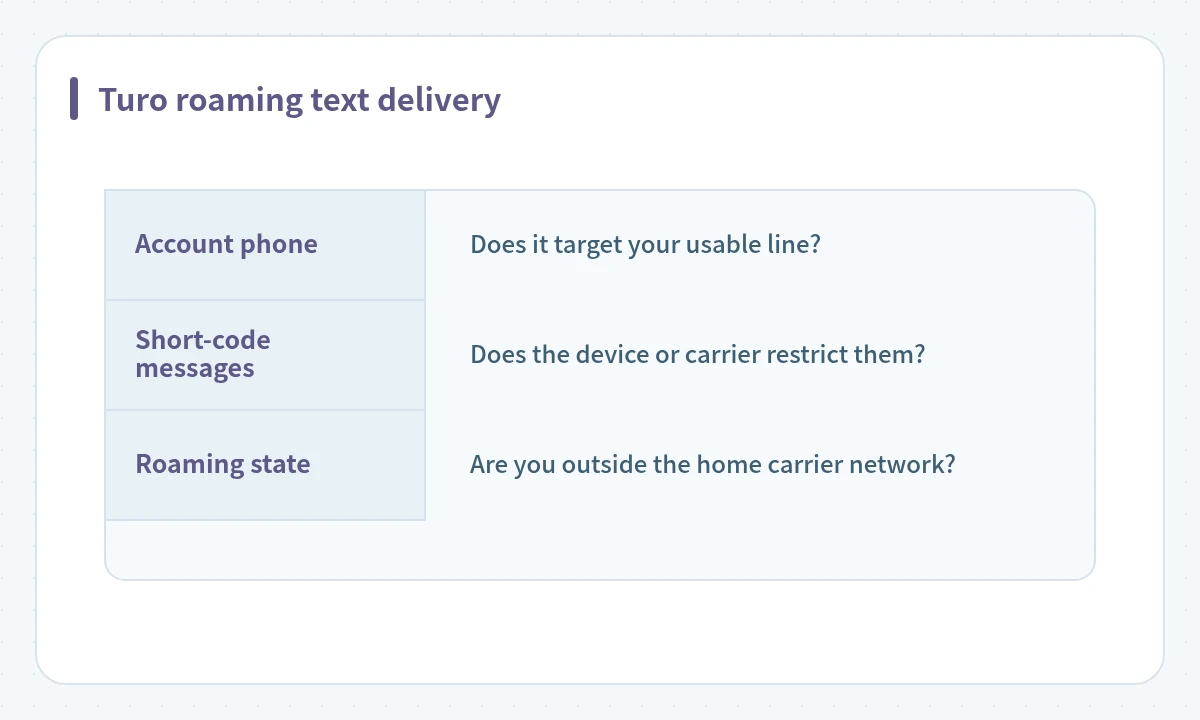
| Item to inspect | Question to answer |
|---|---|
| Account phone | Does it target your usable line? |
| Short-code messages | Does the device or carrier restrict them? |
| Roaming state | Are you outside the home carrier network? |
Ask about short codes specifically
Turo's troubleshooting directs users to check short-code reception and says texting-app numbers are unsupported. When speaking to the carrier, describe the verification-message issue rather than asking only whether the phone can receive texts in general. Line type, filtering, and roaming deserve separate answers.
On the device, inspect app version, signal, and message filtering. One ordinary message arriving successfully establishes what happened to that message at that time. It does not prove that every sender path behaves identically, and should not be presented as evidence that a particular travel-number product is compatible.
Make changes in a sequence you can explain. For instance, inspect the account target before changing device settings, then record whether a message appears. Changing several conditions and requesting repeatedly can leave you unable to identify which observation belongs to which attempt.
Leave time for the remaining trip tasks
First-time guests should read the current pre-trip phone-verification requirements. Do not leave an outstanding task until collection. Phone confirmation also does not establish that identity documents, driving information, or the particular trip have all been accepted; inspect those separately.
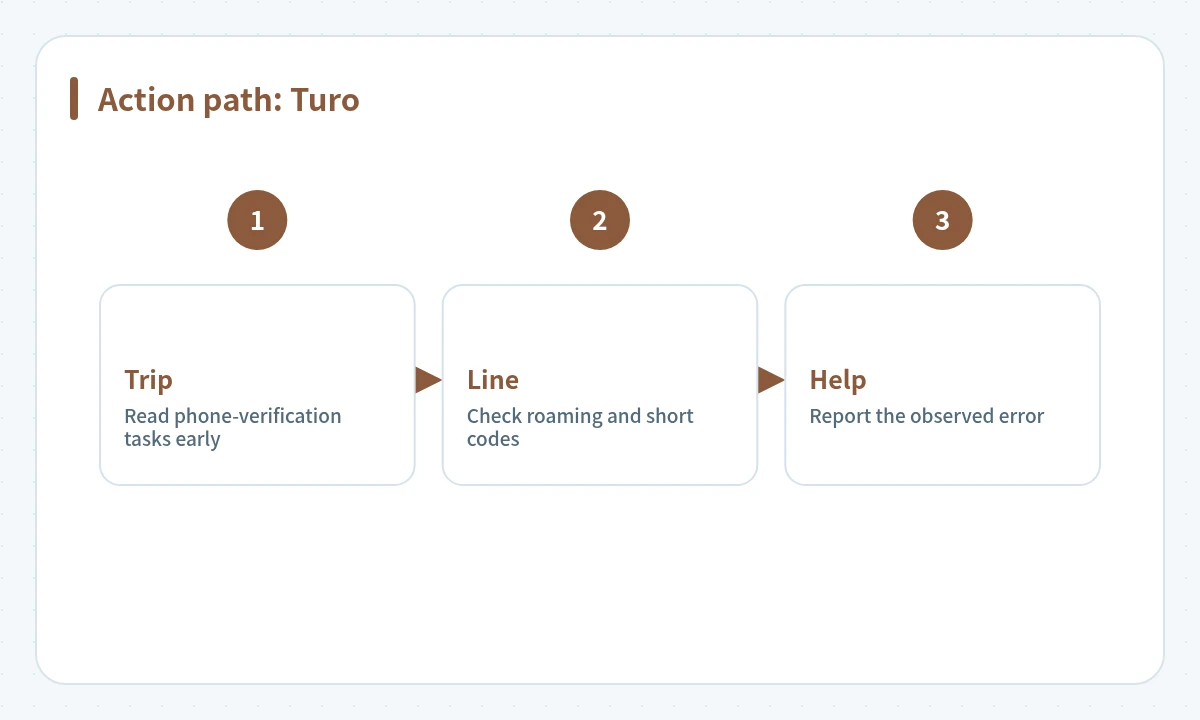
If departure is approaching and the issue remains unresolved, contact official support with the necessary trip reference, error, roaming status, and the short-code conditions already checked. Use private official channels for documents or account details, rather than posting them in a public discussion.
After the phone step is accepted, return to the trip record and read what remains. If another document is requested, address that item instead of redoing phone confirmation. Checking access early provides actual time for investigation. It is not a promise that every carrier or account issue can be resolved within a fixed period, nor a substitute for following the trip's current instructions.
References
Turo: Phone verification, short codes, and roaming; Turo: Account verification guide
