
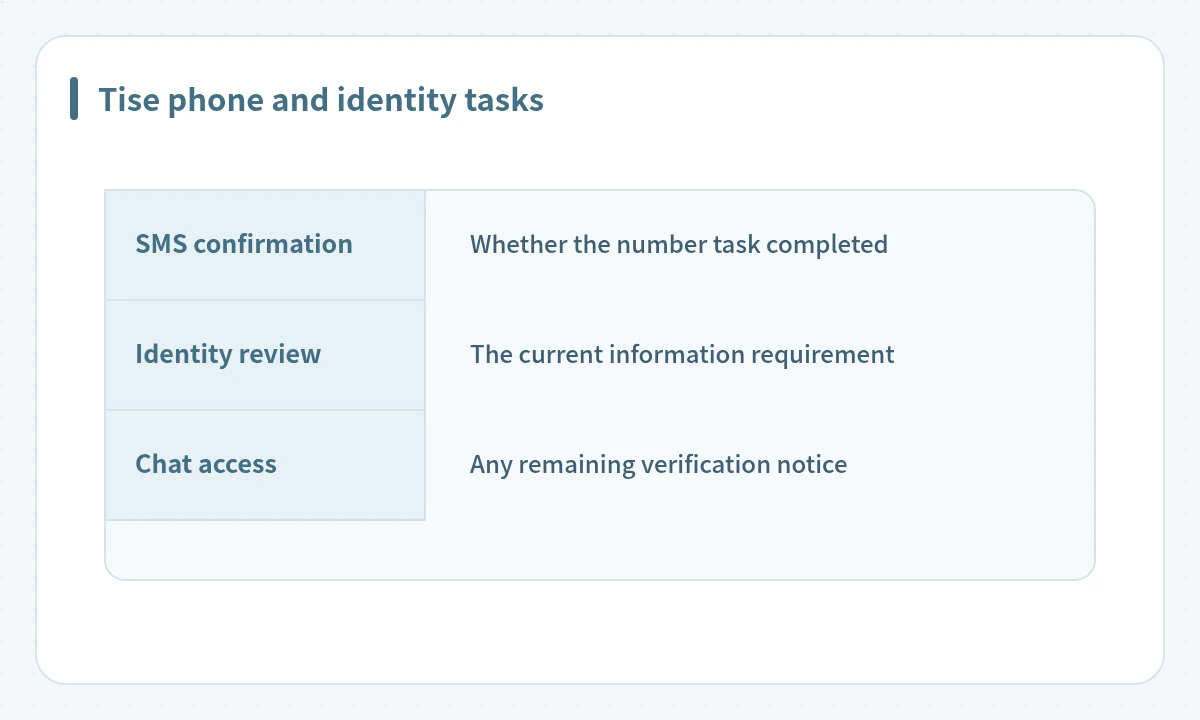
Tise verification codes can be accepted while chat still requests identity verification. The official identity guide lists SMS confirmation as one condition within manual review, rather than the entire process. Inspect the remaining identity task before assuming that another phone message is missing.
Read the notice in the chat area
When the page explicitly asks for identity verification, continue through that official route. Repeatedly changing the phone does not supply other information the process requests. Chat access needing additional review and a text failing to arrive are different problems.
Record where the notice appears and check the account identity. An unexpected new profile should not be used to search for the original conversations without checking how you entered. Also keep the registered name consistent with your real information rather than substituting somebody else's details to advance a page.
| Item | Result to inspect |
|---|---|
| SMS confirmation | Whether the number task completed |
| Identity review | The current information requirement |
| Chat access | Any remaining verification notice |
Digital and manual routes have their own conditions
Tise's guide describes country-specific digital identity options and a manual route where appropriate. A phone number is not a universal digital-identity credential. Read what your page offers instead of copying a button shown to a user in another country.
The manual instructions specify accepted documents and regional conditions. Do not assume any passport image is automatically eligible. Check the current scope, name, and country requirements before submitting. If something is unclear, ask official support rather than uploading unrelated documents repeatedly.
A device being able to take a photograph also does not establish that the resulting image is useful. Follow the actual capture and upload instructions, review what you selected, and keep unrelated material out of the submission. The goal is the requested information, not the largest possible collection of files.
Keep documents inside the verification process
Begin from the official Tise page when photographs or files are required. A buyer or seller in chat is not the person who approves your identity. Their offer to activate access does not replace the service's designated review route.
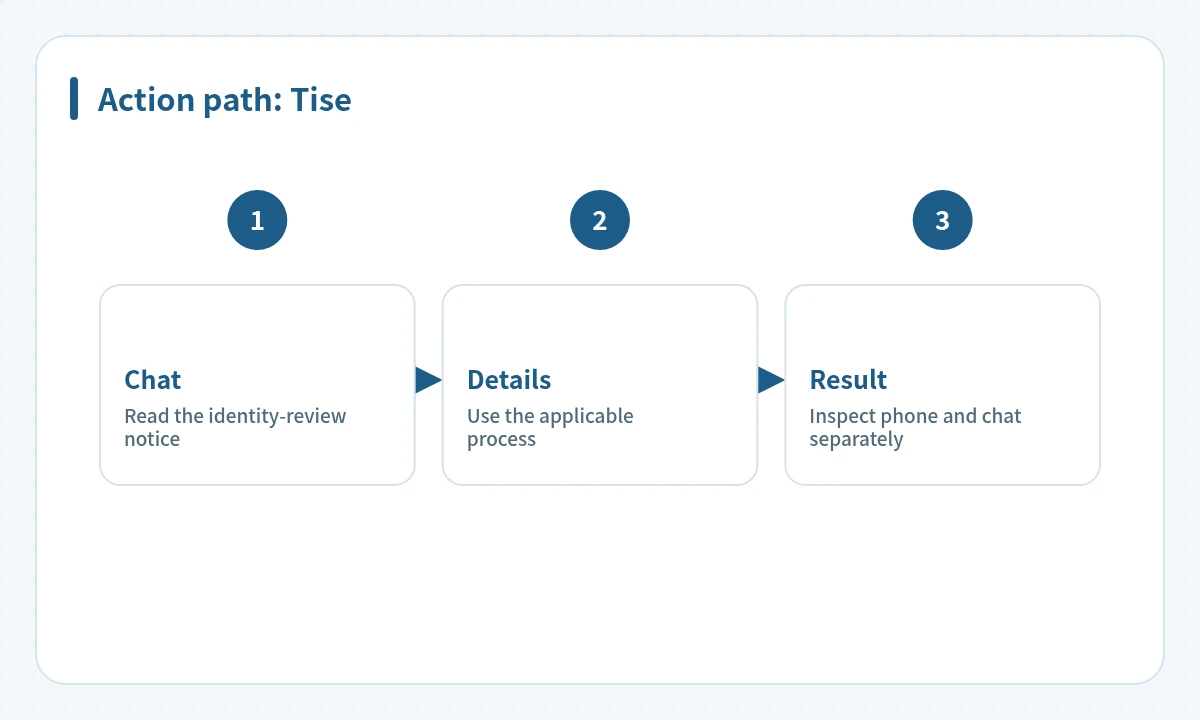
After submitting, inspect an explicit pending or accepted state. A file selected in a picker is not evidence that the server received it. Manual processing can take time; another user's speed is not a fixed deadline, and another registration does not clarify the original review.
For support, provide the route, non-sensitive error, and submission time. Do not publish documents or codes. Reviewing phone, identity, and chat outcomes separately shows whether an earlier step is unfinished or a later access issue needs investigation.
If the page returns to a requirement you already completed, note whether its saved result remains visible. That is more precise than concluding the entire account reset, and helps support distinguish a display issue from information that was never accepted in the first place.
If the phone field already shows accepted but the identity task remains pending, include both states in your support description. That distinction prevents a completed number check being repeated while the actual outstanding review is overlooked.
References
Tise: Identity review, manual verification, and chat access
