
Tinder verification codes can complete a phone step while an email or photo task still remains. Read the new request before assuming the earlier text failed. Phone ownership, mailbox access and profile-image checks concern different objects and need separate results.
Identify the task now on the screen
Tinder's official signup guidance describes phone confirmation and possible email confirmation. Photo and identity checks have separate instructions, with availability depending on the account and market. Follow the current official page instead of treating one country's screenshots as a universal sequence.
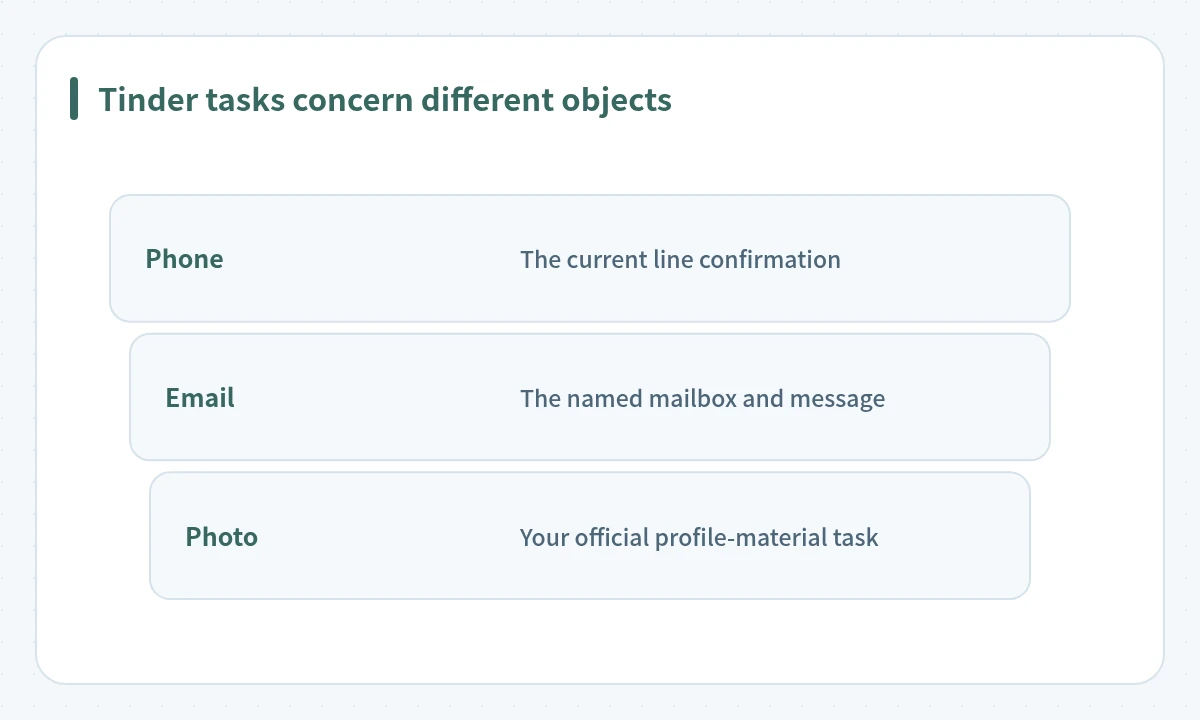
If the phone code was accepted and the next page asks for email, inspect the destination recorded for that account. A photo task should be reviewed inside your official app. Repeated text requests do not provide the image or complete its review.
Keep the result within the task's scope
| Task | What is being checked |
|---|---|
| Phone | The number requested in the current flow |
| The named mailbox and corresponding message | |
| Photo or identification | The material and result required by the official task |
Submit only the necessary genuine material through the formal entry. Do not send photos or identity documents to a chat contact offering to complete verification. If a feature is absent, borrowing information or altering personal details is not a legitimate way to obtain it.
A short private note can identify which stage completed and the next label shown. It should not contain the live code or a copy of an identity document merely to demonstrate that you performed a step.
A badge does not replace judgment about another person
Tinder's identification and photo guidance warns that the feature does not guarantee a particular user's safety. Keep requests for passwords, codes and private documents separate from ordinary conversation, even when a profile displays a badge. Another person does not need your login capability to communicate with you.
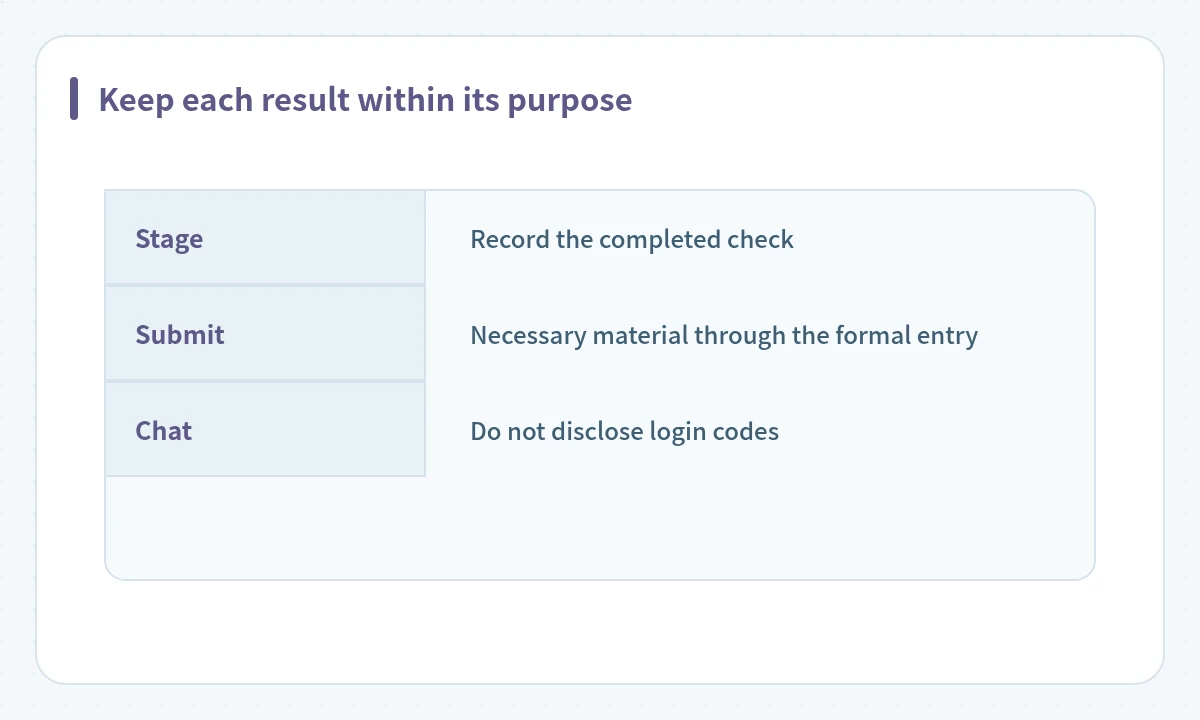
If someone says a code is needed for verification assistance or an event, independently inspect your account for the claimed task. Do not let the caller define what an arriving text authorises. A legitimate request should be identifiable from the official page you opened yourself.
Tell support which step actually passed
Describe whether the phone value was accepted and whether the interruption now concerns email or a photo task. Retain the exact error and approximate time. Hide codes, complete numbers and private images in screenshots while leaving the relevant task label visible.
Before replacing a phone or number, inspect the usable account routes and preserve a working device until the supported change is arranged. A new SIM receiving messages does not establish that every profile or recovery setting moved with it.
If access returns but the identity looks unfamiliar or empty, compare the actual account and login method before changing or deleting information. Registration, profile checks and account recovery should each have an identifiable purpose. That makes the interruption easier to investigate without repeating a completed SMS step or disclosing unnecessary personal material.
References
Tinder: Signup phone and email confirmation; Tinder: Identification and photo-check scope.
