
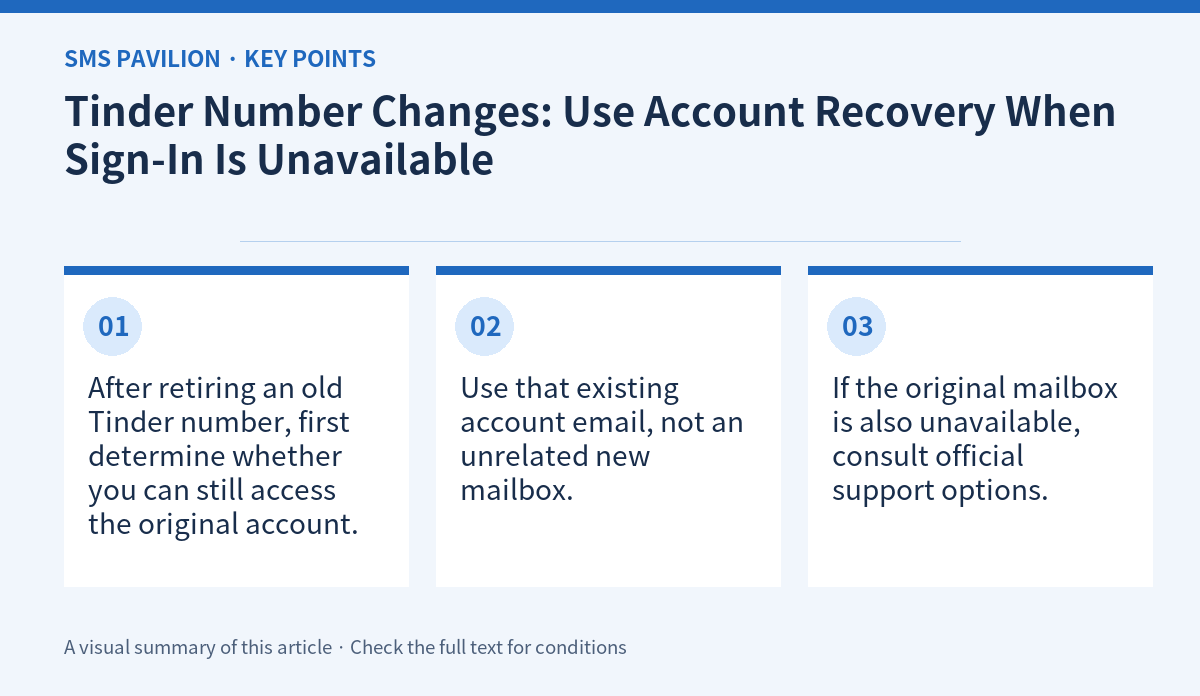
After retiring an old Tinder number, first determine whether you can still access the original account. Updating a number while signed in differs from recovering access when the old number prevents login.
For the complete workflow around this question, continue with Number Rental Guide: Selection, Renewal, Handover and Exit. The link opens the relevant section.
| Situation | Official route |
|---|---|
| Still signed in | Settings, Account settings, Phone number, then update and verify the new number |
| Unable to sign in after changing numbers | Choose Trouble logging in and enter the originally associated email |
Use that existing account email, not an unrelated new mailbox. Follow the recovery notice and subsequent number-verification steps; receiving an email alone does not verify the new phone.
If the original mailbox is also unavailable, consult official support options. This is not a guaranteed recovery method using only a new number.
References: Official reference 1: Tinder Number Changes: Use Account Recovery When Sign-In Is Unavailable.
