
TikTok verification codes should be checked against the methods already configured for your account. If a text does not arrive, an alternative route depends on the account setup and the choices currently offered. An outside tool cannot legitimately invent an additional method for the account.
Multiple configured methods do not imply simultaneous delivery
TikTok's current account-safety guidance describes choosing at least two methods when enabling two-step verification, listing phone, email, authenticator and password options. Follow the actual account screen for the available choices. Configuring several methods does not mean every sign-in sends the same message to every destination at once.
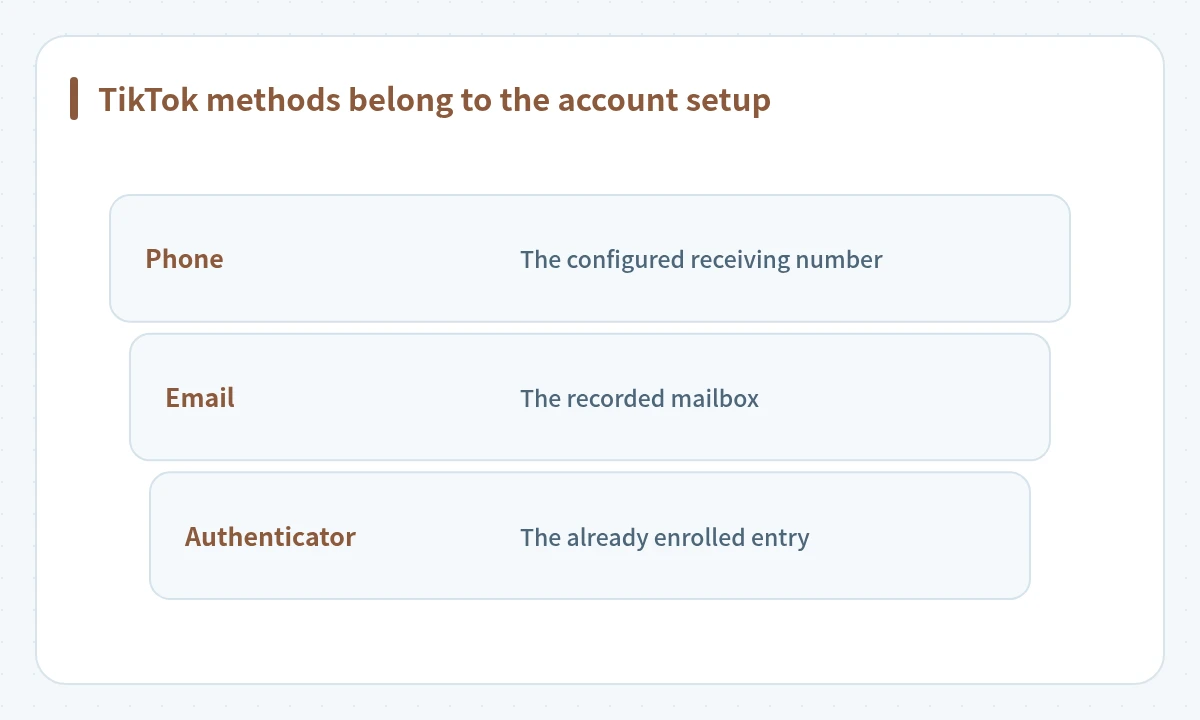
Read the explanation around the input field and check whether the page offers another method. If email is selected, inspect the corresponding mailbox. If an authenticator is requested, use the enrolled account entry. Being able to open a newly installed authenticator does not establish that it has been configured for TikTok.
Check both configuration and present-day access
| Method | What to maintain |
|---|---|
| Phone | Control of the number recorded for the account |
| A correct address and usable mailbox | |
| Authenticator | The enrolled entry on an accessible device |
Perform these checks while account access still works. Waiting until the old number is disconnected and the old phone erased can expose an untested backup arrangement at the least convenient moment. Update security information through the official settings and follow the verification requirements shown there.
A private preparation list should name the methods and relevant devices, not collect passwords and setup secrets. Store recovery information appropriately, and consider whether losing a phone would also remove the only place you recorded how to recover.
Investigate a missing text with SMS-specific observations
Check the country code, masked destination, message filtering and active SIM. If appropriate, ask the carrier about restrictions on the relevant service messages. A normal app notification does not establish that SMS arrived, and a promotional email does not establish delivery of the current verification email.
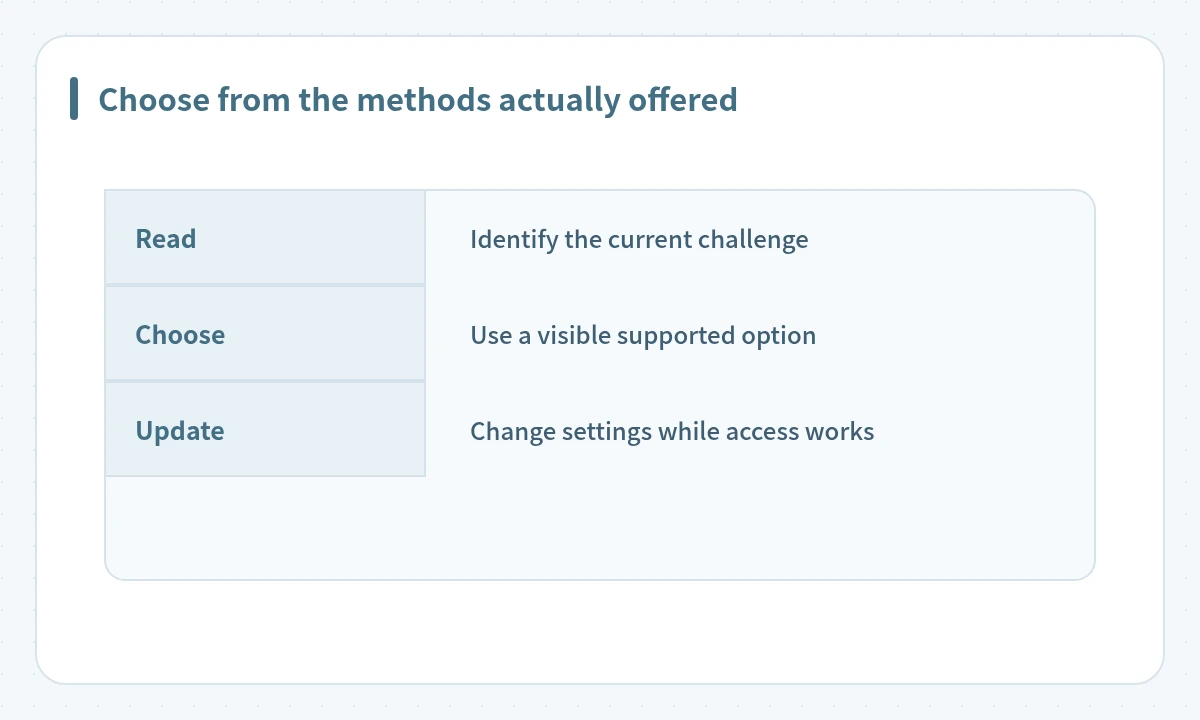
Record the request time and exact page response. Observe any waiting or retry instruction instead of cycling through numbers, devices or someone else's account to get around the challenge. If another enrolled method is genuinely offered, use it for your own verification. Otherwise inspect the formal account-access guidance rather than giving a live code to an outside helper.
Review security after access is restored
TikTok's security checkup also includes device and account-security activity. Once you regain legitimate access, inspect unfamiliar devices and outdated contact information through the official controls. Do not make disabling two-step protection the default response to a temporary delivery issue.
When asking for support, name the method, whether its destination remains accessible, the error and the time. Leave out the password, authenticator secret and actual verification value. Those observations locate the problem without turning maintenance of a backup method into a new credential-disclosure problem.
The useful outcome is a set of configured routes you can still use, plus a clear understanding of the route requested now. It is more dependable than assuming every account check should produce an SMS regardless of the selected method.
References
TikTok: Account safety, two-step verification and security checkup.
