
Threema verification codes can remain pending while your existing ID still works. The official help makes phone and email linking optional; neither contact detail replaces the Threema identity. First establish whether you are linking information or have actually lost access to the identity and data you intended to keep.
Linking a number is not creating another identity
Changing a SIM or mobile number does not automatically change your Threema ID. Inspect the ID and linked number in your profile before doing anything else. There is no reason to create another identity solely because a contact-linking message has not arrived.
Number linking can help contacts discover each other, but it is not a universal route back to old conversations. Moving to another device raises separate identity and backup questions. Receiving a message at the previous phone number does not, by itself, demonstrate that all material from the former device has been restored.
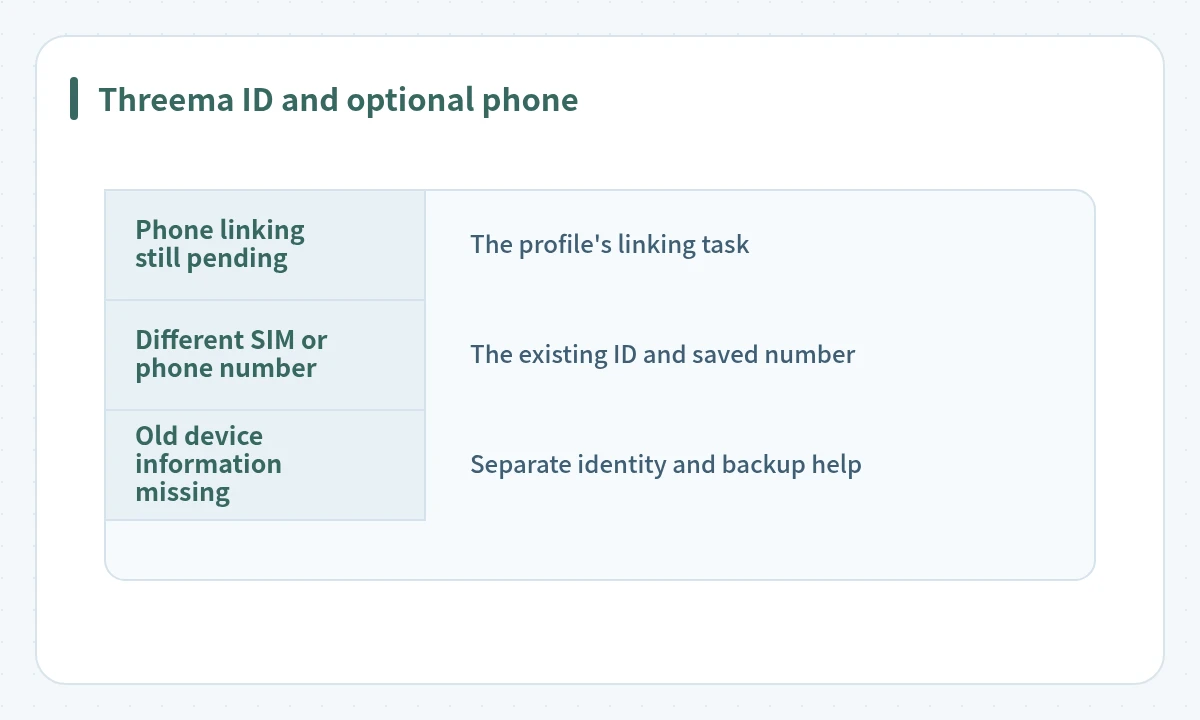
| Current issue | Relevant check |
|---|---|
| Phone linking still pending | The profile's linking task |
| Different SIM or phone number | The existing ID and saved number |
| Old device information missing | Separate identity and backup help |
Follow the options offered for that linking task
Threema's help describes a telephone option after waiting for SMS, while noting that not every country or number can be called. Read the choices on the current linked-number screen rather than treating this as a promise of delivery to every line.
If the destination is wrong, correct it first. If it is right, inspect mobile service and filtering. Do not switch randomly between a phone inbox, mailbox, and a contact's QR code; these resources serve different tasks. A number already confirmed manually does not need the same message link processed again.
Keep the active operation in focus while inspecting receipt. Several old messages or windows can make a completed task appear unfinished when you are actually looking at an earlier state. Check the profile result before requesting more messages.
Contacts can still use the correct ID
Without a linked number, intended contacts need to know the appropriate ID. Check the recipient and identity before sharing it. The private value for a linking request is not the contact address another person needs to reach you.
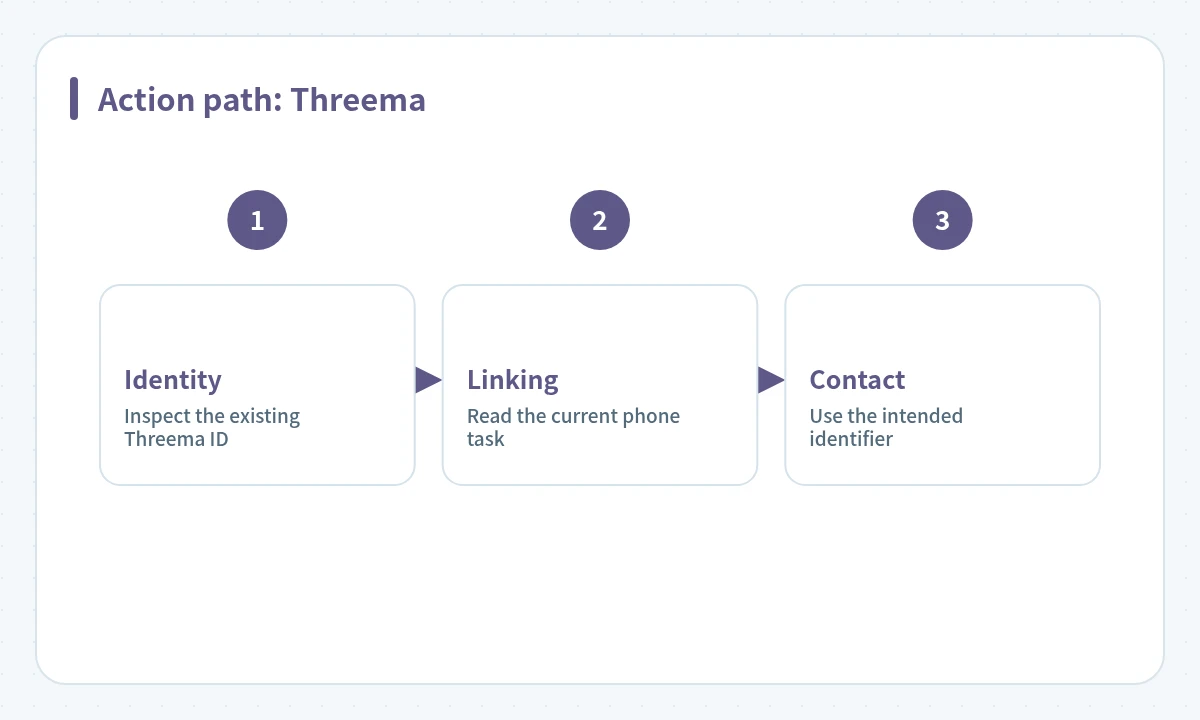
When replacing an old association, read the official number-change help and inspect the saved result. Do not clear the app's data merely to remove a pending label. Device-stored identity and content are a different concern from editing a contact field.
For support, say whether the issue is number linking, a number change, or migration. Redact sensitive details from screenshots. Separating ID, contact association, and device data prevents an optional unfinished step from being mistaken for an unusable account.
If you are comparing two devices, record which ID each one displays before assuming their histories should match. A similar profile name does not establish that the underlying identity is the same, and creating more identities makes that comparison harder rather than repairing the original link.
References
Threema: Missing linking messages; Threema: Number changes and the existing ID
