
Telegram verification codes may appear in an existing app session before an SMS arrives. Telegram's FAQ explains that recent use on another device can cause the login code to be delivered through Telegram. A quiet text inbox therefore does not by itself identify a delivery failure.
For the complete workflow around this question, continue with Receive SMS Online: Complete Steps, Codes and Troubleshooting. The link opens the relevant section.
Open the right conversation for the current login
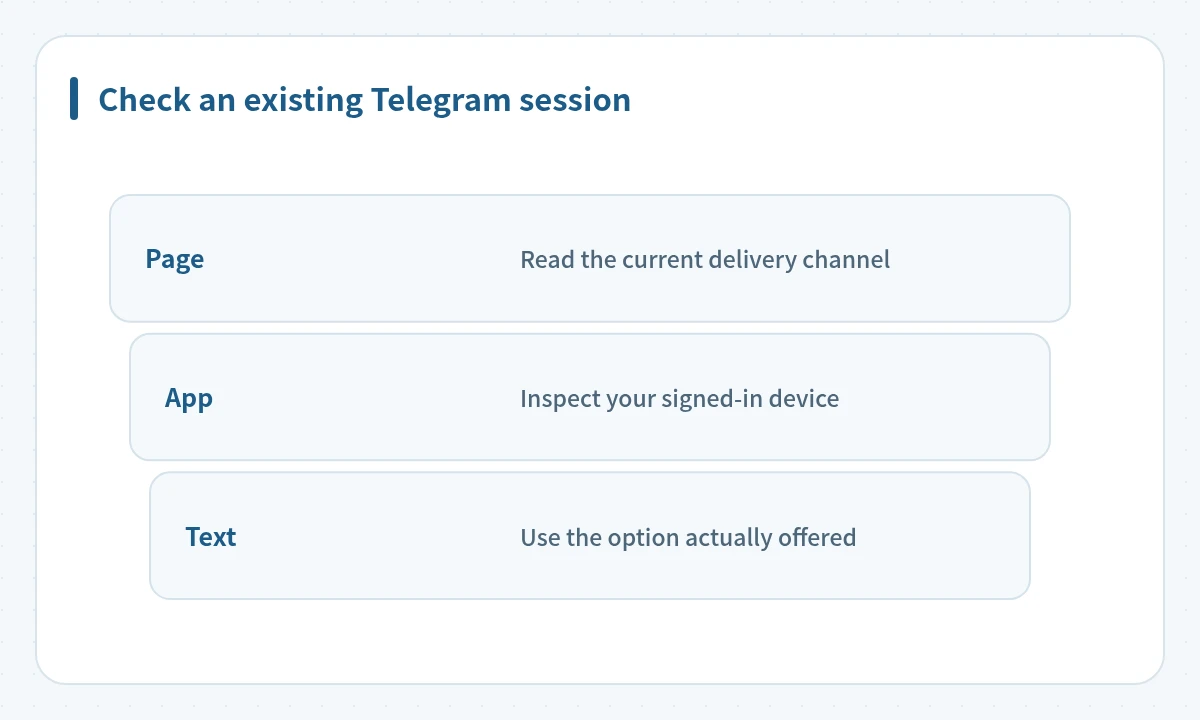
Check a device on which your own account remains signed in, and match the official login notification with the request on the new device. Do not use digits forwarded in a group or sent by an unrelated bot. The message needs to refer to the account and action you are actually completing.
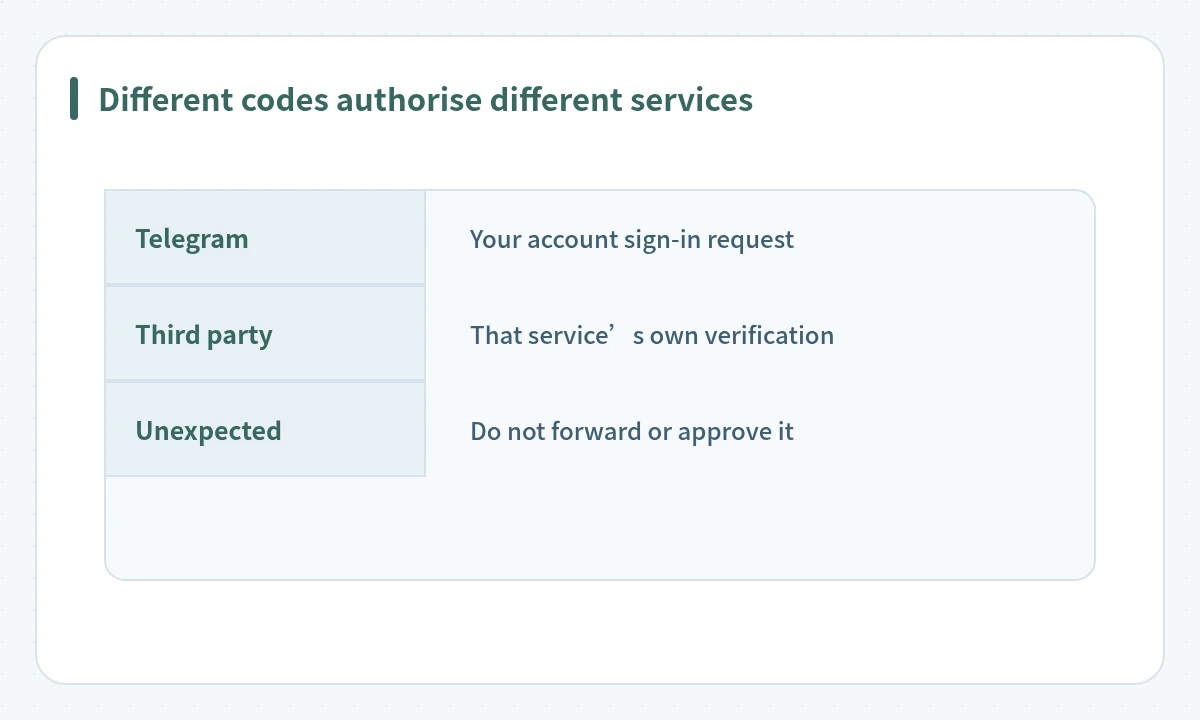
Telegram's FAQ distinguishes its own login messages from the conversation named Verification Codes, which can carry codes for third-party services. Similar-looking messages can therefore authorise different operations. Read the service and purpose before assuming that a code belongs in the Telegram sign-in field.
An existing session is a specific resource
The relevant device is already signed in to your account and remains under your control. Another person's Telegram app does not become a receiving destination simply because they are available to help. Avoid signing out of your last usable session merely to test whether that forces an SMS. It can remove a route that is still available.
If the current page subsequently offers a text or another official option, follow its sequence and waiting instructions. The options shown can depend on the current account and request. A screenshot from a different login does not guarantee an identical sequence, and an external website cannot legitimately add a missing option to the official app.
Treat unsolicited codes as a different situation
If you did not request the action, do not approve it or disclose the code to someone who contacts you. Claims about cancelling an accidental login or correcting a mistyped number do not change what the code authorises. A verification message is not ordinary contact information to pass along during a conversation.
Use the official app's security settings to review sessions when appropriate. Before changing access, make sure you understand which account and device are currently usable. If sharing an error screenshot, remove the phone number, live codes and private conversation contents. An entire chat history is unnecessary for identifying a login stage.
Plan a number change before losing the old line
Maintain control of the phone number associated with the account. When preparing to retire it, inspect Telegram's official number-change instructions while account access still works. Complete the supported change and check the resulting account details before assuming that an old line can safely be disconnected.
The practical record for troubleshooting is small: the channel requested on the page, the masked number, whether an existing session is accessible and the exact error. It need not contain any live code. These observations let you decide whether to inspect an app conversation, a text inbox or an account-access procedure.
On a phone replacement, also separate device cleanup from verification. Keeping the old device intact until the new route works gives you a clearer way to respond if the requested method differs from what you expected. The goal is to complete the intended sign-in through its correct channel, rather than to collect as many codes as possible.
References
Telegram FAQ: Login codes, verification conversations and account access.
Main guide for this question
Receive SMS Online: Complete Steps, Codes and Troubleshooting
