
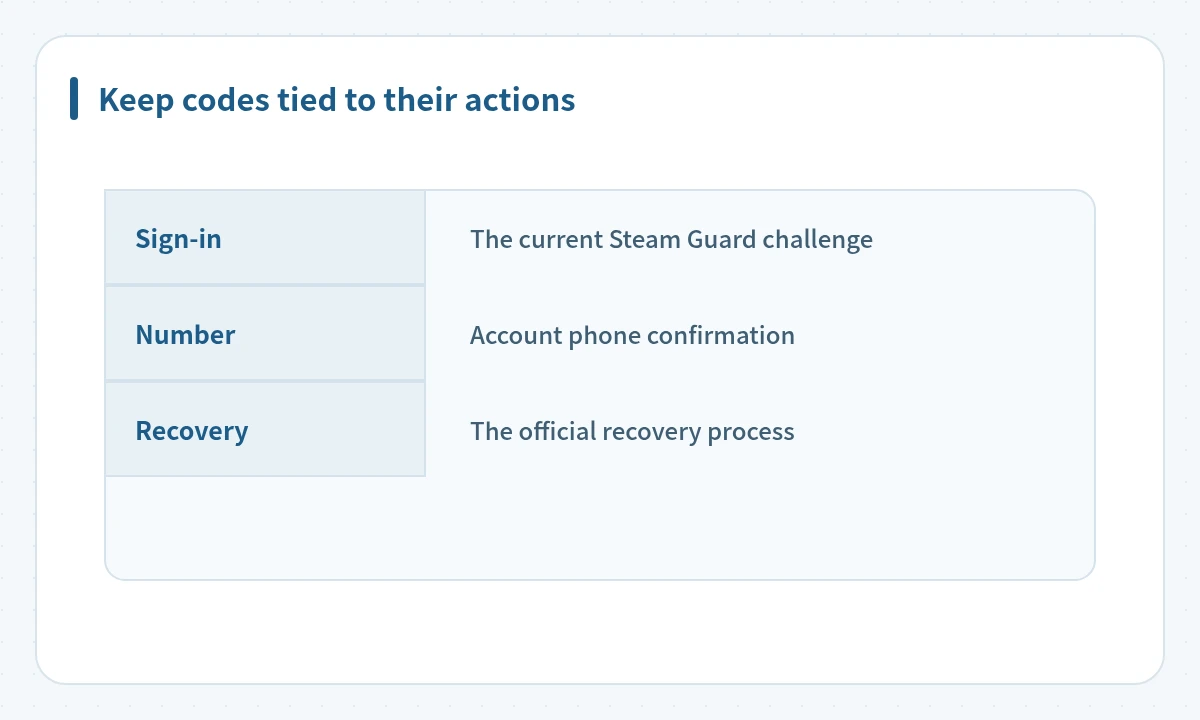
Steam verification codes can belong to Steam Guard sign-in or to a separate phone-number confirmation step. Read the current action before entering a message. Similar-looking code fields do not make a phone-confirmation text interchangeable with the account's selected Steam Guard method.
Identify how Steam Guard is configured
Steam's official guidance describes email and Steam Mobile routes for Steam Guard, depending on the account setup. Inspect the current page and settings before deciding that a login code should arrive by SMS. Having a phone nearby does not identify the channel used by the challenge.
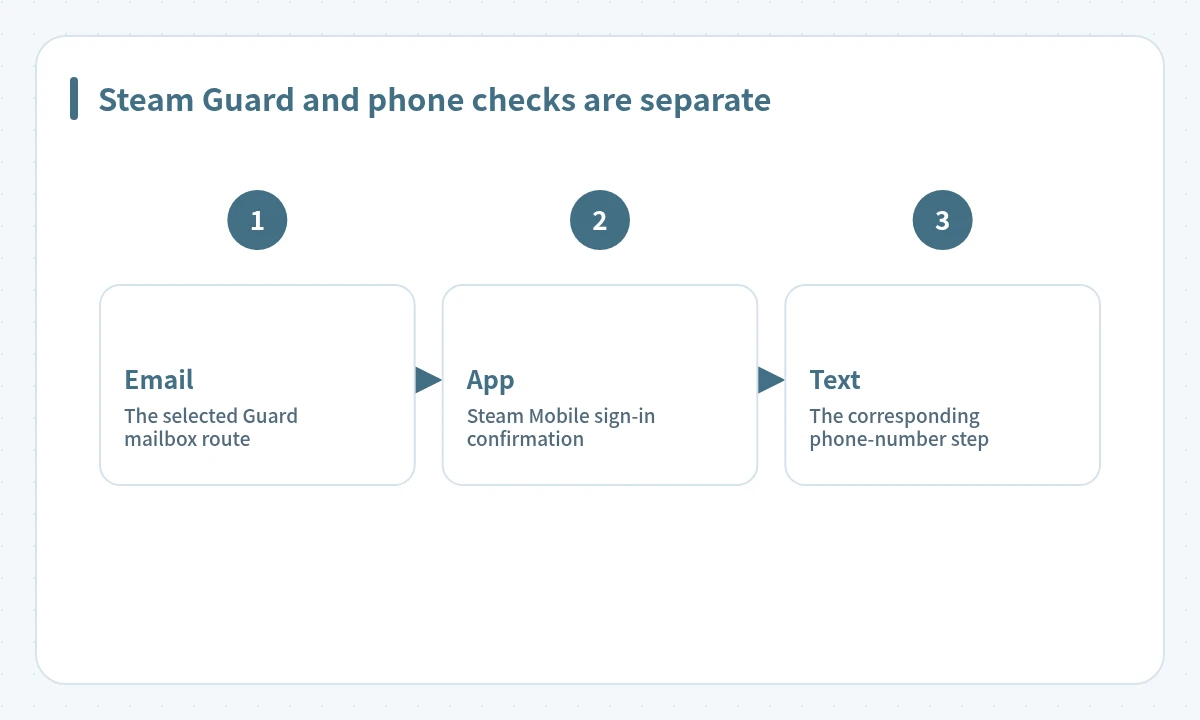
The mobile-authenticator help separately discusses phone confirmation and recovery-related text messages. A code received while adding a number belongs to that operation. It is not a permanent credential for later sign-ins, nor a replacement for the current app authentication request.
Use information at its corresponding entry point
| Action | Relevant object |
|---|---|
| Email-based Steam Guard | The account mailbox and current message |
| Steam Mobile authentication | Your account's request or code in the app |
| Adding or confirming a phone | The current number-check page and text |
| Account recovery | The official recovery page's requested information |
If you maintain more than one account of your own, check the Steam account name and the identity selected in the mobile app. A rejected code from a different account does not diagnose the intended account's authenticator. Do not post recovery values in a group so that other people can try to identify the right one.
Examine reception when a phone text is actually requested
Confirm the international country code, intended line and message filtering. Steam also documents unsupported number types. A rejected number should be handled through the published requirements or support route, rather than by repeatedly cycling temporary numbers to work around the check.
Observe any request restriction and its current instructions. Another user's reported delay is not a universal recovery time. For an authenticator-code problem, inspect the correct account and normal device time; a text-message resend is not a general repair for every authentication method.
Keep one identifiable operation open while investigating. Switching between number setup, recovery and ordinary sign-in can produce several messages whose purposes are easy to confuse. Note the action and approximate time without storing the live credential in a shared troubleshooting record.
Plan device changes before altering protection
Read the current official transfer and recovery instructions before replacing a phone. Establish which routes remain usable and prepare the supported transition. Removing or moving an authenticator can affect other account functions; follow the official notices rather than deleting security settings merely as a login test.
Do not disclose SMS recovery codes, mobile login codes or passwords to someone claiming to be Steam staff in a private conversation. Describe the stage, selected method and error instead. Provide ownership material only through the appropriate trusted recovery process when requested there.
A careful phone change keeps login verification, number confirmation and recovery as distinct tasks. That makes unexpected prompts easier to interpret and reduces the chance of giving a powerful recovery value to someone who only claims to be helping with an ordinary text delay.
References
Steam: Steam Guard; Steam: Mobile authenticator and phone-number questions.
