
Spotify verification codes can complete phone-number sign-in on the web without establishing how the desktop application accepts that account. Check the client you are using before treating a desktop interruption as failed SMS delivery.
Read the documented desktop condition first
Spotify's current phone-login help describes text-code access but says a phone number cannot be used directly to sign in to the desktop app. Its documented arrangement is to add an email to the existing account and create the corresponding password, then use that email for desktop access. Follow the current account page rather than entering a phone code into an unrelated field.
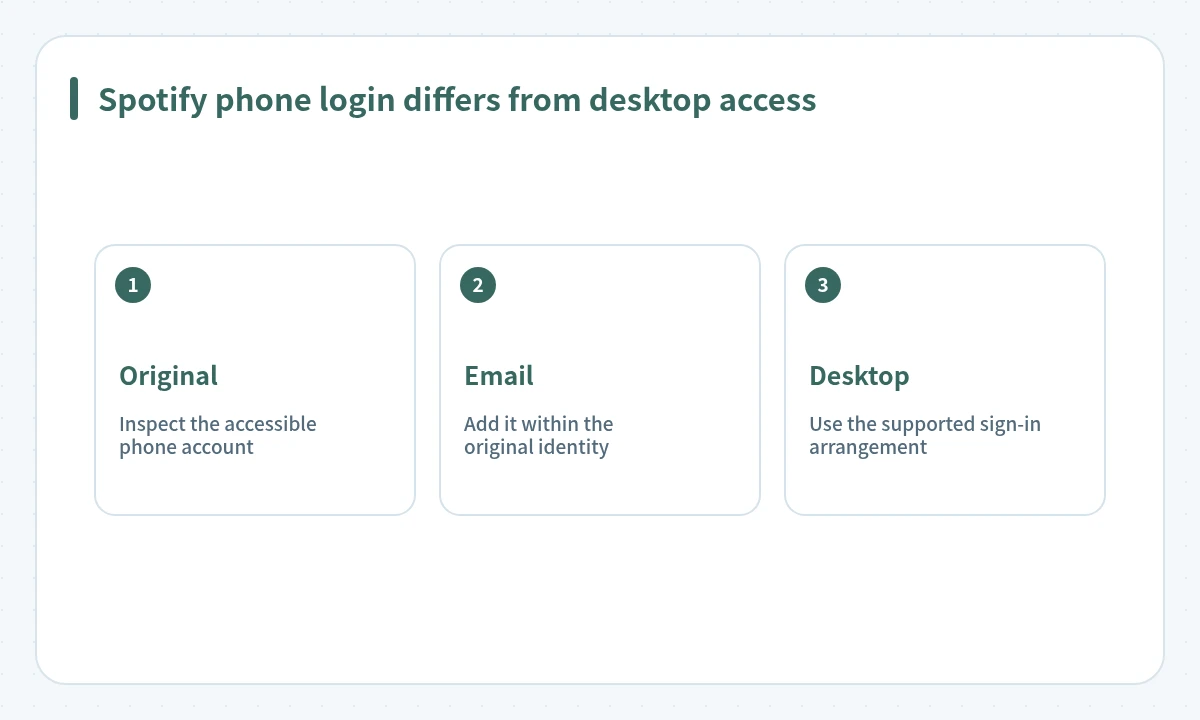
That is not an instruction to immediately create another account. Begin from the original identity you can still access through its phone route. Check the account information before updating contact details; otherwise a fresh email registration may leave you looking at an empty identity rather than the account containing your saved material.
Connect each stage to the same account
| Stage | What to confirm |
|---|---|
| Access through the original phone route | The number belongs to the intended identity |
| Add an email on that account | The address is correct and accessible |
| Create the supported password arrangement | It belongs to that account's email |
| Open the desktop application | The resulting identity is the one expected |
If you previously used Apple, Google or Facebook, inspect that existing login route instead of assuming the account was created with a phone number. Remembering the same email in two places does not establish that the identities were merged. The useful check is the account actually opened by each route.
Distinguish a missing text from a missing entry option
When a supported phone-login page explicitly requests SMS and nothing arrives, examine the destination, country code, filtering and line reception. When the desktop app has no applicable phone route, the first question concerns the client condition. Repeated text requests do not add a new sign-in field to the application.
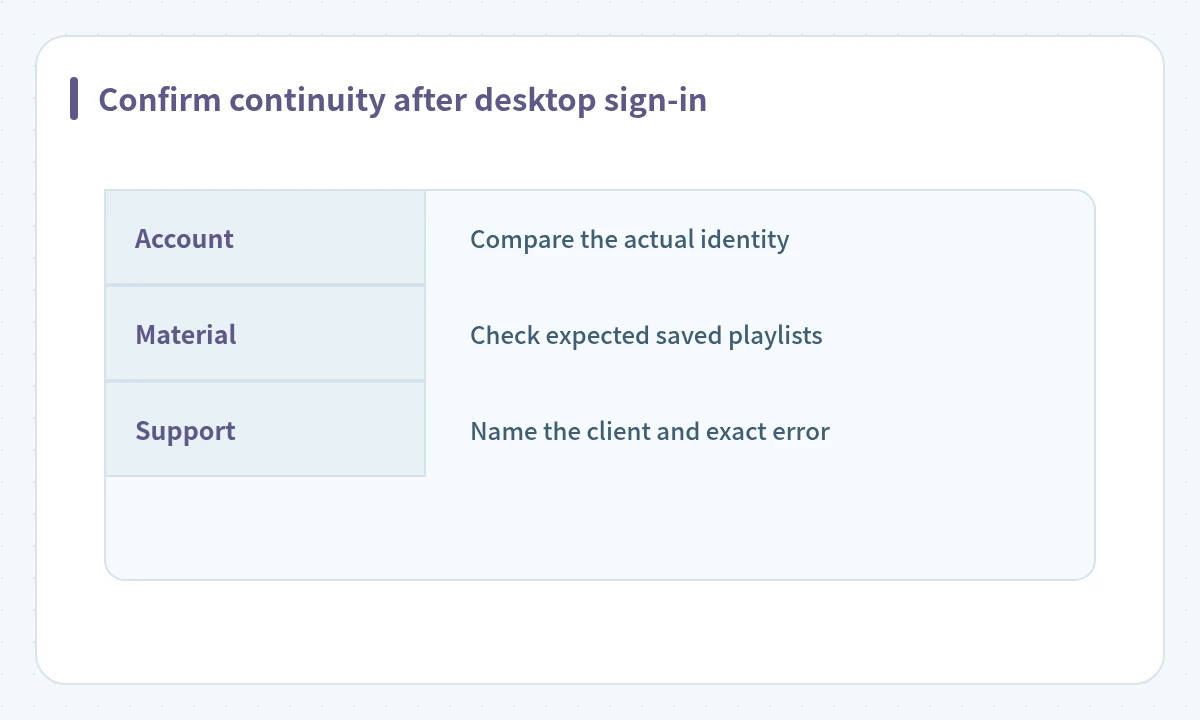
Record which page displayed which error, and whether web access to the original account still works. Those observations are more useful than saying that every code has expired. Keep the working session available while arranging the supported desktop credentials.
Use only official settings for contact changes. Do not send a text code to an outside helper or obtain purported desktop credentials from an unfamiliar website. An email-confirmation message should also be checked against the account and change you initiated.
Confirm continuity after the new sign-in
Open the expected profile and saved playlists after desktop access succeeds. If the material differs, inspect identity and login method before purchasing again or deleting another account as an experiment. Successful authentication does not establish that you selected the intended identity.
For support, a precise description is that phone access works for the original account on the web, but the desktop app lacks the same phone option. Add the client, account-check result and error wording without a password or live SMS value. That keeps the investigation on the supported entry route and protects the original account while the desktop arrangement is established.
References
Spotify: Phone-number login and desktop access.
