
Sony verification codes in a PlayStation sign-in should be interpreted according to the account's current method. If you switched to a passkey, an SMS-focused diagnosis may be looking at the wrong resource. This article concerns PlayStation accounts, not every Sony product's authentication process.
Identify the method actually in use
PlayStation's official support separates passkey sign-in from password-based two-step verification. The latter can use text or an authenticator according to setup. For a passkey request, inspect your credential-holding device and the current instructions instead of treating device approval or biometric interaction as a delayed text.
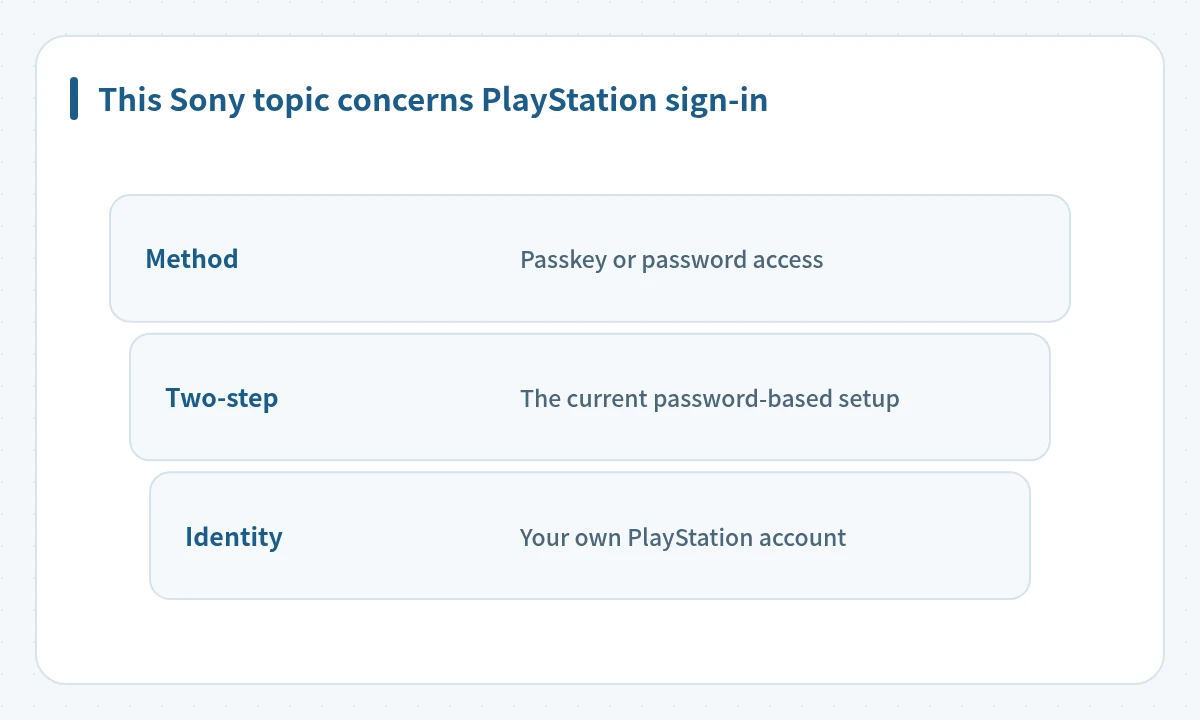
Check the sign-in email and official entry before changing settings. A household console can contain several users; an avatar alone does not establish that the local user, personal account and family identity are the same. Confirm the object of a security change before proceeding.
Inspect the official alternatives for the current method
| Current arrangement | First resource to inspect |
|---|---|
| Passkey | Your available credential device and official options |
| Password plus SMS two-step verification | The enrolled destination and current message |
| Password plus authenticator | The matching account entry |
| No usable current route | The formal account-recovery guidance |
After a phone replacement, establish whether another controlled device or the applicable credential-management arrangement still provides the passkey. A SIM replacement does not establish transfer of every login credential. Another account's text is not evidence that your passkey recovery is complete.
Do not make security changes as harmless-looking tests
PlayStation documents transitions between sign-in arrangements. Follow those instructions with an explicit purpose and an understanding of the access that remains. Do not simultaneously disable protection, reset the password and sign out every device merely to see whether a text appears.
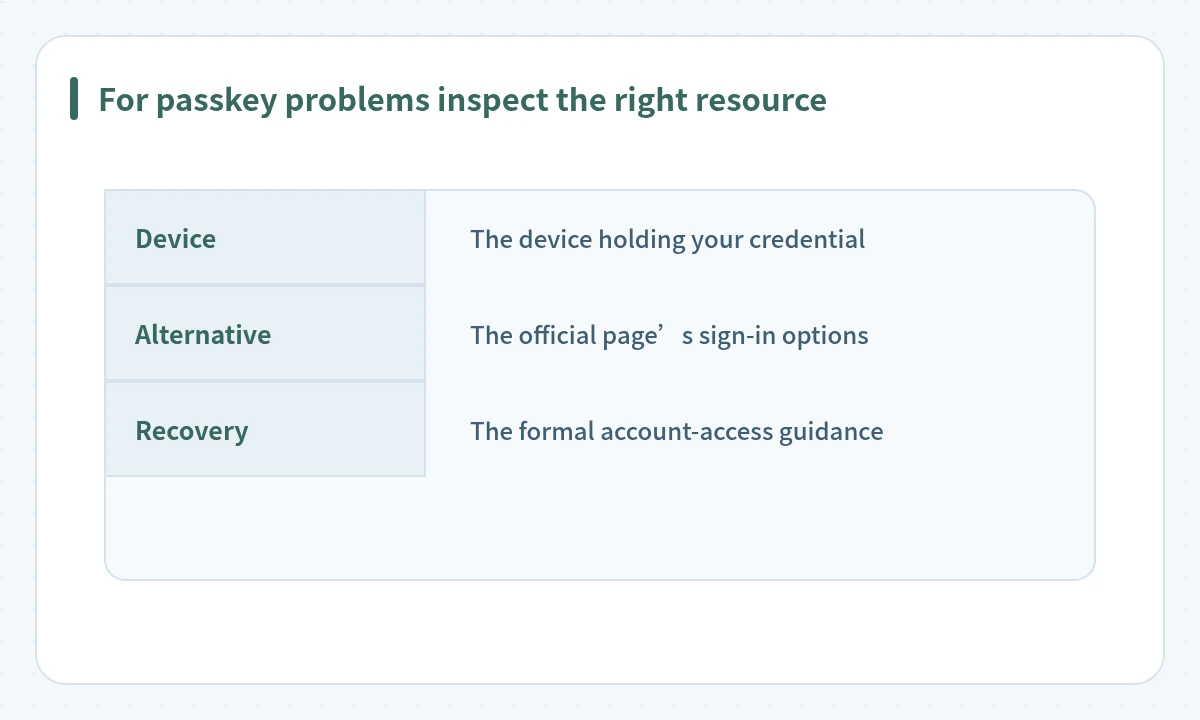
If access is already unavailable, inspect the relevant recovery path instead of repeatedly editing unrelated settings. An error on the passkey route should retain its own description, including the device and action involved, so that support is not led into investigating a text that was never requested.
Use trusted PlayStation support for required ownership information. Do not send passwords, backup codes or email links to a forum participant claiming to work on accounts. A support report can identify the current method, device change, exact error and timing without containing a credential.
Confirm the account before investigating content
After sign-in returns, inspect the identity actually open on the console and the content you intended to use. Personal login, family management and a game's access conditions are separate questions. A game failing to open does not by itself establish that another verification message is needed.
Before permanently replacing a device, review methods and recovery arrangements while access still works. Establish the new route before clearing the old phone. Keeping the current sign-in method explicit prevents passkey problems from being misdirected into SMS troubleshooting and prevents one PlayStation example from becoming an unsupported claim about every Sony service.
For a child account, inspect the official family-management instructions and the responsible family manager’s role. Do not assume an adult account’s password or passkey procedure applies unchanged. Identify the intended family member before requesting any change to their access.
References
PlayStation: Sign-in methods and passkeys; PlayStation: Two-step verification and backup codes.
