
Snapchat verification codes should not be your only phone-change preparation. A recovery code is separate from an ordinary login text: it is generated in advance through account settings and stored securely, rather than collected from old SMS after the device is gone.
Inventory what the old phone currently provides
A replacement can affect SMS reception, an authenticator entry and an existing signed-in session at once. Establish whether you are keeping the number, how the configured authenticator can be transferred and which account-access route remains available. A vague instruction to back up the phone does not establish where the recovery material actually exists.
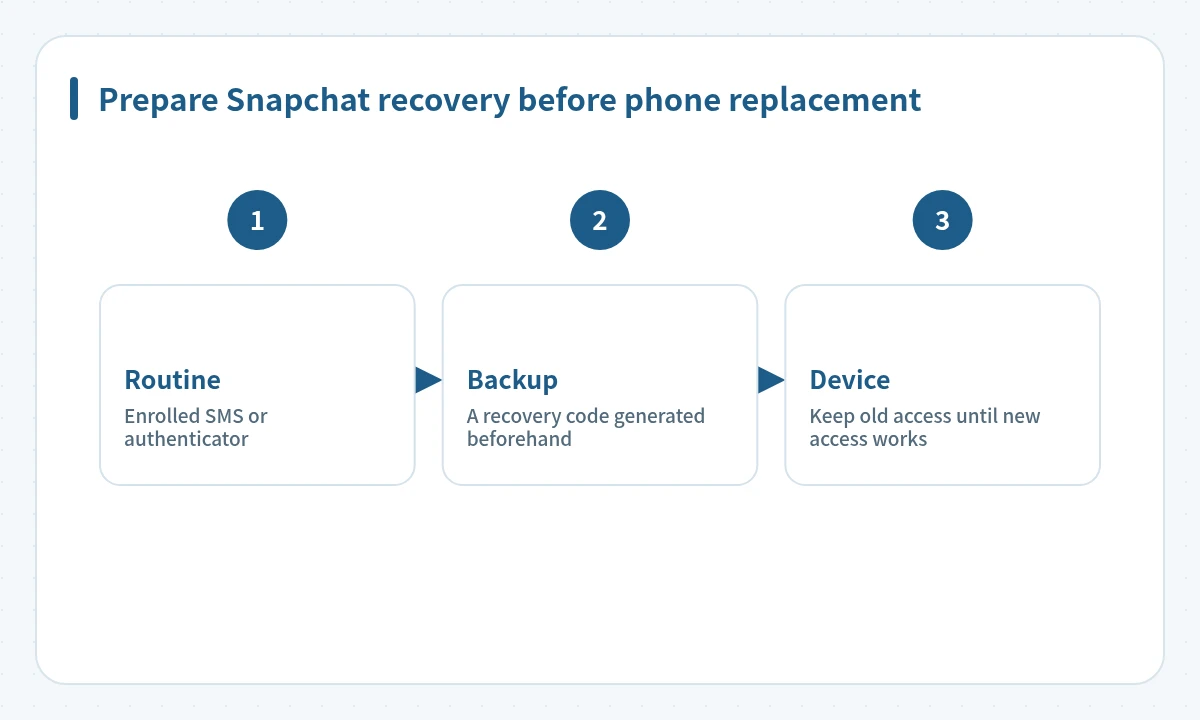
Snapchat's official recovery-code help explains how to generate a code in advance for use when the ordinary two-factor login code is unavailable. Store it somewhere protected and accessible to you. Keeping the only copy on a phone about to be erased defeats that purpose, while sending it to a public conversation exposes account access.
Confirm that saving actually succeeded
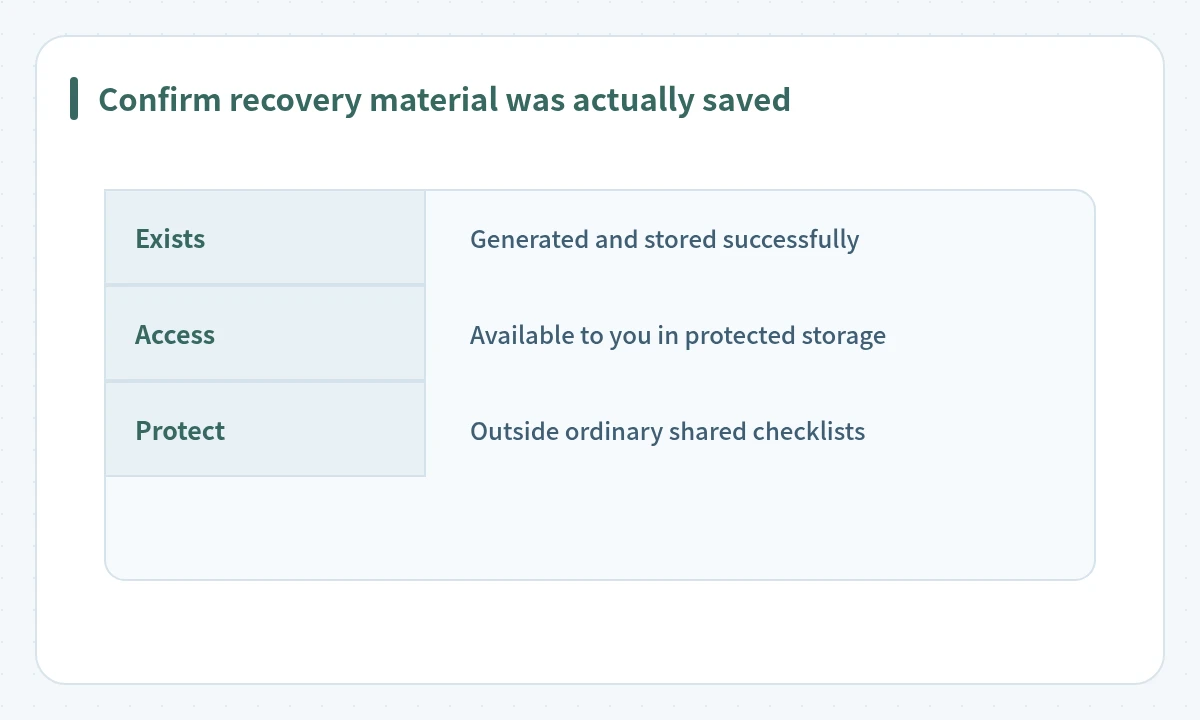
While the account still works, follow the official generation process. Check that the saved material exists, can be read and has an appropriate access boundary. You do not need to sign out everywhere merely to inspect the storage result, and a normal phone-replacement ticket should not contain the actual secret.
| Preparation | What to confirm |
|---|---|
| Number | Whether you will still control it |
| Authenticator | The applicable transfer arrangement |
| Recovery code | Generated beforehand and safely accessible |
| Old device | Usable until new access is established |
A checklist can state that protected recovery material has been saved at a known location. It should not duplicate the value into several unprotected places simply to prove that someone completed the task.
If the phone is already lost, inspect current support options
Without a prepared recovery code, and especially without access to the recorded email or number, follow Snapchat's current official support process. Different challenges can require different ownership information. Assistance depends on the situation and is not a guarantee of recovery; an outsider advertising code generation from a username is not a dependable alternative.
Distinguish configured two-factor authentication from an extra security check triggered by a new device. The current page determines the verification method and whether an alternative is offered. Do not assume every challenge can be forced to use SMS simply because that is the method you would prefer.
Review protection after recovery-code sign-in
Snapchat's recovery-code guidance notes an effect on two-factor status after using the code. Once your own access is restored, inspect the settings and re-establish the intended protection and backup arrangement. Being able to enter the account is not the entire device-change task.
When asking for help, describe the methods still accessible, the error and the approximate time. Exclude the actual recovery value, password and live code. Preparing recovery in advance should leave you with an official route you control, rather than making the account dependent on another person who offers to complete the process for you.
References
Snapchat: Generate and use a recovery code; Snapchat: Login codes and current support options.
