
A waitlist text may announce a position change or require acceptance by a deadline. Check the current reservation state, remaining steps and conditions before treating a place as confirmed.
Separate waiting, invitation and confirmation
The product may use different labels, so inspect what each one means there. An invitation can require a choice, while confirmation should have a defined saved result. Do not infer that a place is reserved simply because the wording sounds positive.
Match the event, session, number of places and account reference. Several applications can share one contact number. A familiar title and a recent message are insufficient to decide which session has become available.
If the message belongs to someone else, do not use it to inspect their application. Follow the official mistaken-contact route. Visibility of the text is different from authority to accept or modify the booking.
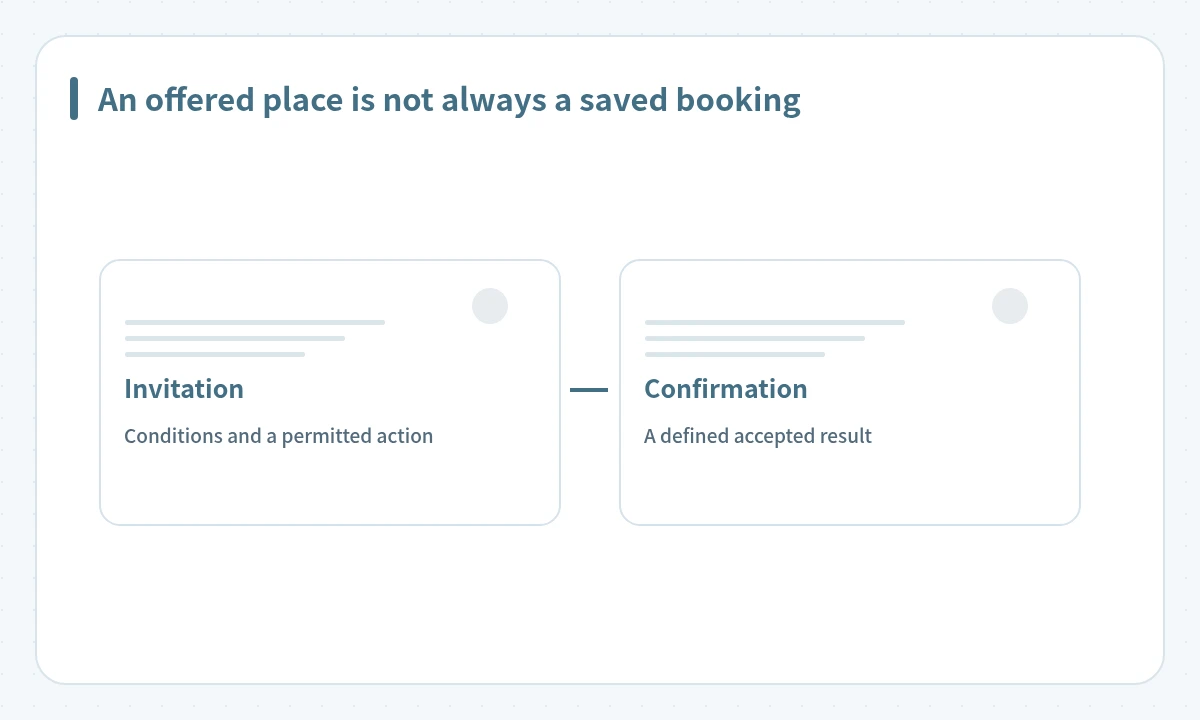
Check the offer’s conditions before accepting
Use the known official page to inspect the actual date, location, payment conditions and permitted acceptance method. Do not assume a universal response window or that every offered place can be transferred. The service’s current rules govern that task.
If replying is required, establish that your receiving arrangement actually supports replies. A read-only inbox cannot complete a two-way acceptance merely by displaying the invitation. Use only a supported alternative supplied by the business.
After completing the stated step, return to the saved booking result. A click, a delivered text and a confirmed reservation are different observations. If a request times out, inspect that same object before creating a duplicate application.
Keep the deadline with the task
Record the full date and time context. Reading a text late does not automatically extend its offer. If the page says the window ended, follow the supported next step rather than repeatedly trying an old control.
Also assess later contact needs. Entry details, changes or cancellations may still use the nominated number. A short allocation that receives the first invitation may be unsuitable for an event whose remaining lifecycle lasts much longer.
If an offer changes its event or number of places, check that the acceptance page still refers to what you intended to request. A valid invitation for another session is not a solution to the original application. Keep that difference clear when asking support.
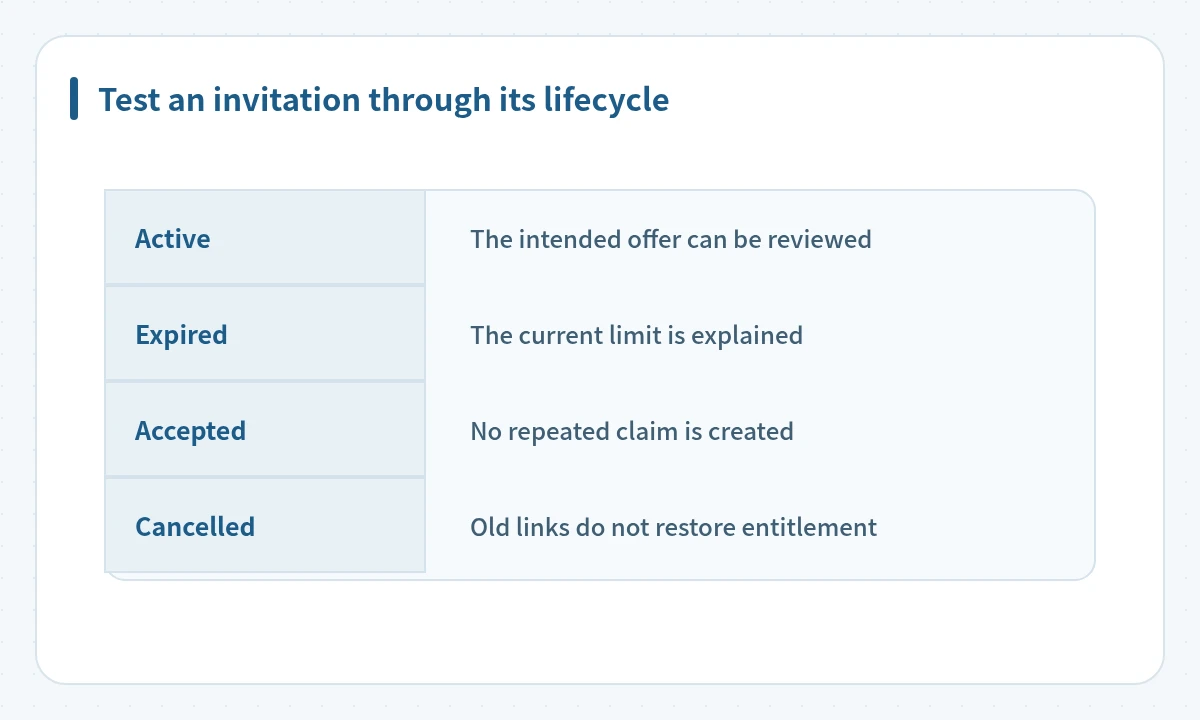
Test the boundaries with fictional bookings
An operator can create controlled cases for an active invitation, an expired one, an accepted place and a cancelled offer. Opening the old message should lead to the current state, not restore an entitlement the business no longer provides.
Keep separate applications associated with stable references instead of collapsing them into one state per phone number. Review queued reminders after acceptance so an already confirmed person is not repeatedly asked to claim the same place.
For the recipient, save the formal confirmation reference and necessary arrangements once established. If a condition remains unclear, ask verified support and keep it pending. The text’s useful role is to bring attention to an available action; the booking system still needs to establish whether that action completed and what attendance arrangement now applies.
